Extract Data from Academic Transcripts Automatically
Upload an academic transcript and get student details, all courses with grades, GPA, and degree program information extracted as structured data in seconds.
Used by admissions offices, HR departments, and credential verification services worldwide.
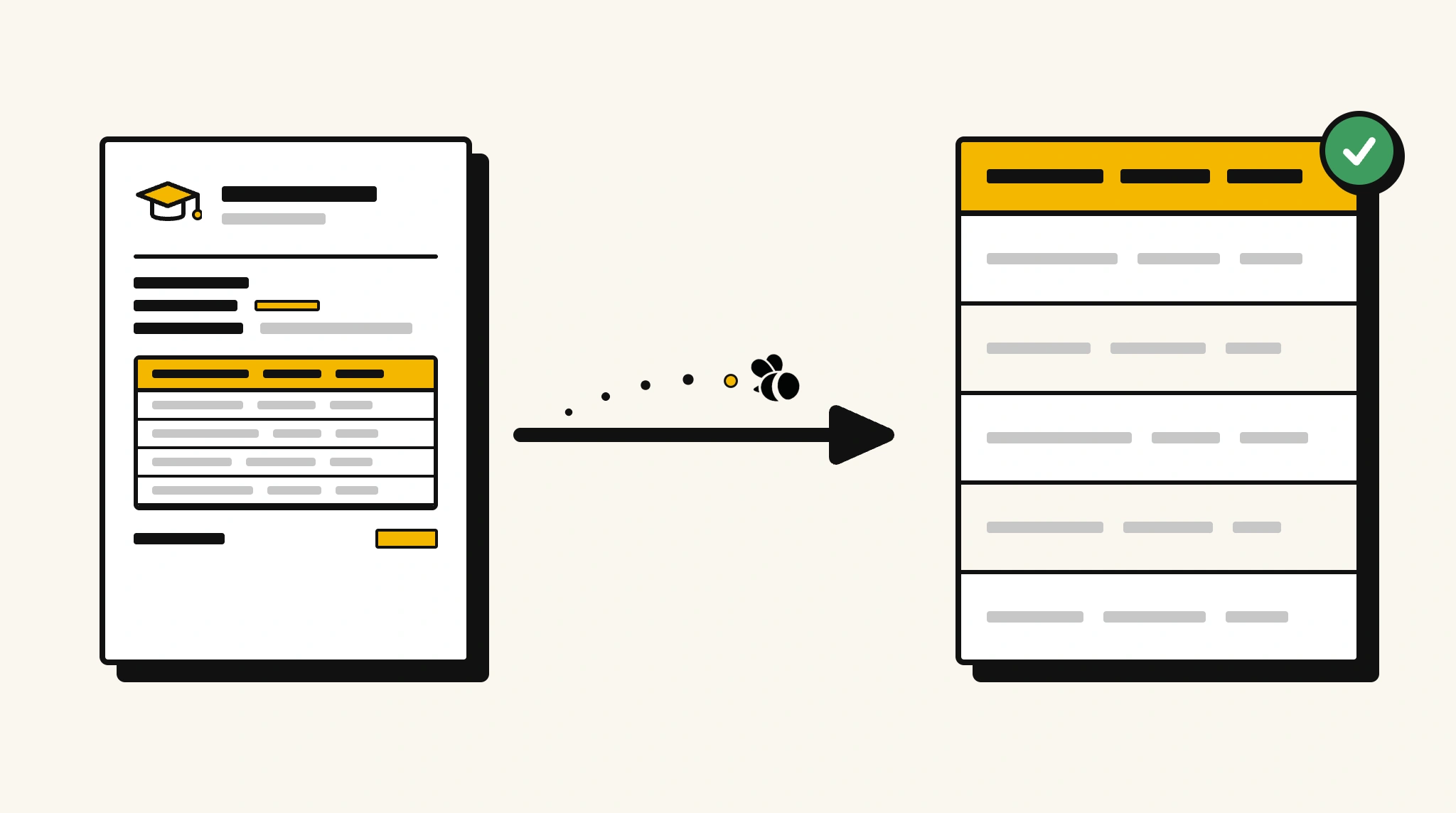
Stop manually reviewing transcripts for grades and GPA
Reading through multi-page academic transcripts to record courses, grades, and GPA for admissions or employment verification takes longer than it should at any volume.
❌ Before ParserBee
- Open each transcript PDF and manually locate courses and GPA
- Re-type course names, grades, and credit hours into your system
- Risk missing a course or misreading a grade during manual transcription
- Process transcripts from different institutions with different formats inconsistently
- Delay admissions or hiring decisions waiting for manual data entry
✅ After ParserBee
- Upload transcripts via browser or API
- Extract all courses, grades, GPA, and program details automatically
- Get consistent structured data regardless of institution format
- Make admissions or verification decisions from structured data faster
- Process transcripts from any institution or country consistently
How ParserBee Parses Academic Transcripts
Three steps from document to structured data, no setup or training required.
Upload the Document
Upload a PDF, PNG, JPG, or WebP file. Multi-page documents are processed as a single job.
AI Extracts All Fields
ParserBee identifies and extracts every field automatically, no training or configuration required.
Get Structured Data
Download as JSON or CSV, or use the API to push data directly into your systems on upload.
Fields Extracted from Academic Transcripts
This extraction template comes pre-built with these fields. Add, remove, or rename any field before saving.
Sample Extracted Output
Upload a academic transcript and ParserBee returns a structured table like this, automatically.
| Field | Extracted Value |
|---|---|
| Student Name | Daniel Park |
| Student ID | STU-2019-0882 |
| Institution | University of Technology |
| Program | Bachelor of Computer Science |
| Major | Software Engineering |
| Enrollment Date | Sep 2019 |
| Graduation Date | Jun 2023 |
| Cumulative GPA | 3.78 / 4.00 |
| Total Credits Earned | 128 |
| Honors | Summa Cum Laude |
Courses, extracted as a list
| Course Name | Code | Semester | Credits | Grade |
|---|---|---|---|---|
| Data Structures and Algorithms | CS301 | Fall 2020 | 4 | A |
| Database Systems | CS401 | Spring 2021 | 3 | A- |
| Machine Learning | CS501 | Fall 2021 | 4 | A |
| Software Engineering | CS451 | Spring 2022 | 4 | A+ |
Every field is pulled directly from the document. You define what to extract, ParserBee does the reading.
Export Academic Transcript Data to Excel, CSV or Google Sheets
No developer needed to convert academic transcripts to Excel. Upload a whole batch in ParserBee's Data Lab, review every extracted row in a live spreadsheet, then download everything as CSV, print to PDF, or send it straight to a new Google Sheet in one click.
Prefer automation? The REST API returns clean JSON for every academic transcript, ready for Zapier, Make, n8n, or your own system. See all integrations.
Who Uses This Parser
Frequently Asked Questions
What data is extracted from an academic transcript?
Student name, ID, institution, program, major, enrollment date, graduation date, cumulative GPA, total credits earned, every course with name, code, semester, credit hours, and grade, and any honors or distinctions.
Can it handle transcripts from different universities and grading systems?
Yes. ParserBee adapts to any transcript format and grading scale, whether letter grades, numeric, percentage, or GPA-based.
Does it extract all courses across multiple semesters?
Yes. Courses are extracted as a repeating list. Every course from every semester is captured.
Can it distinguish between official and unofficial transcripts?
ParserBee extracts the data from the document content. Whether the transcript is official or unofficial does not affect extraction.
Can I use this for employment credential verification?
Yes. Extract GPA, degree program, and graduation date for a candidate and verify them against what was declared in their application.
Related Document Parsers
Start extracting academic transcript data today
Free to try. No credit card required. Works on your first upload.
Create free account