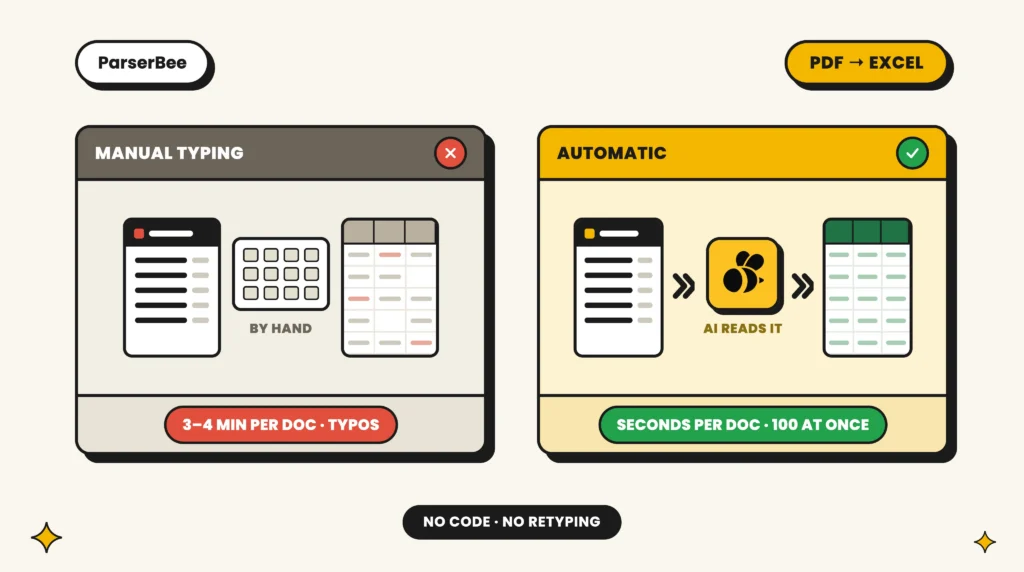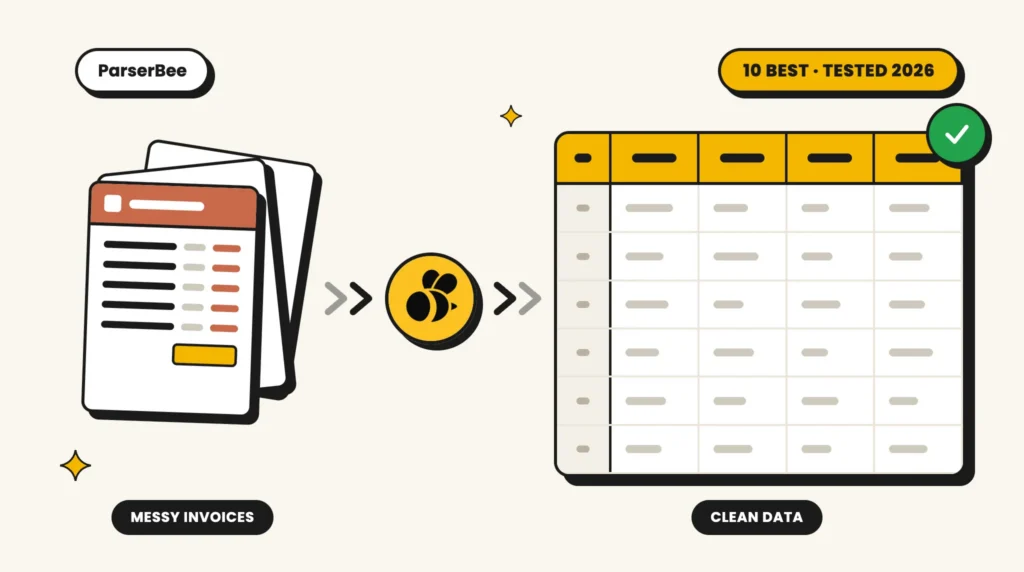
If your accounts payable team still keys invoice numbers, line items and totals into a spreadsheet by hand, you already know the tax it charges: hours lost every week, duplicate payments that slip through, and a close that drags on because the data is never quite ready. Invoice OCR software is meant to end that. The good ones read a PDF, a scan or a phone photo of an invoice and hand you clean, structured data (vendor, invoice number, dates, tax, and every line item) ready to drop into QuickBooks, Xero, NetSuite or a spreadsheet.
The catch is that “invoice OCR” now covers everything from a $0.11 pay-per-document API to a six-figure enterprise platform, and most of them read a crisp digital invoice just fine. The differences that actually matter show up on the messy real-world stuff: a scanned invoice with a coffee-ring on it, a vendor who redesigned their template last month, a 40-line itemised bill, or a supplier in another country and currency.
So we tested them on exactly that. Below are the 10 best invoice OCR tools in 2026, ranked, with honest pros and cons, real pricing, and who each one is actually for. ParserBee takes the top spot for most teams, and we explain precisely why, but this is a comparison, not a coronation: several tools here beat it for specific use cases, and we say so.
Just want to see your own invoices extracted?
No sign-up needed: drop one invoice into the free parser and see every field it pulls out. Prefer a walkthrough? Follow the Google Sheets guide, or open the ready-made invoice extraction template.
Try the free invoice parser → Or read the step-by-step guide
Key takeaways
- Best overall for most small and mid-sized teams: ParserBee, with no-template AI, line items and plans from $29 a month.
- Best for high-volume accounts payable: Nanonets. Best for large enterprises: Rossum.
- What separates these tools is line-item extraction on messy scans, not the 99% accuracy claim every vendor makes.
- Template-based tools like Docparser break when a supplier changes their layout. AI tools read new layouts with no setup.
- Test with your own worst invoice before you buy. Most tools here have a free tier or trial.
The 10 tools:
- ParserBee – best overall for most teams
- Nanonets – best for high-volume, no-code AP at scale
- Rossum – best for large-enterprise AP automation
- Docsumo – best for complex financial documents
- Veryfi – best invoice OCR API for developers at volume
- Doxis (formerly Klippa) – best for European AP with built-in fraud detection
- Docparser – best for fixed, recurring layouts
- Mindee – best pure developer API for embedding OCR
- Parseur – best no-code parser for email-in invoices
- Koncile – best newcomer for procurement and spend analytics
What is OCR invoice processing?
OCR invoice processing is software that reads an invoice (a PDF, a scan or a phone photo) and turns it into structured data: supplier name, invoice number, dates, VAT or sales tax, totals and every line item. It works in three steps:
- Capture: the invoice arrives by upload, by email or through an automation tool like Zapier.
- Extract: OCR reads the text, and AI works out which text is the invoice number, which is the total and which rows are line items.
- Export: the fields go to a spreadsheet, your accounting software or your own system, ready to review.
Older OCR only read the characters. The best OCR software for invoice processing today also labels them, so you get clean fields instead of a wall of text.
How we tested (and what to look for)
We ran a consistent set of real invoices through each tool where a hands-on trial was available, and for enterprise platforms that gate access behind sales, we evaluated documented capabilities and cross-checked them against verified user reviews on G2, Capterra and TrustRadius. The invoices deliberately included the hard cases: a clean digital PDF, a skewed phone photo, a multi-page invoice, one with 30+ line items, and a non-USD invoice.
Five criteria did most of the sorting:
Line-item extraction. Grabbing the header fields (vendor, invoice number, date, total) is easy. Correctly extracting every line, quantity, unit price and tax on a dense itemised invoice, and keeping the rows aligned, is where tools separate. This is the single biggest differentiator for AP.
No-template setup. Older OCR tools make you build a parsing template for each vendor layout, then quietly break the moment that vendor redesigns their invoice. Modern AI-based tools read invoices they have never seen before with no template. For a business that receives invoices from dozens or hundreds of suppliers, this is close to non-negotiable.
Scanned and photographed documents. Plenty of tools ace a born-digital PDF and fall apart on a faxed or photographed invoice. If any share of your invoices arrive as scans or images, test that specifically.
Integrations and export. Structured data is only useful once it lands somewhere: your accounting software, ERP, a Google Sheet, or a workflow tool like Zapier, Make or n8n. We looked at both native connectors and API access.
Pricing transparency and total cost. Some vendors publish clear per-page or per-month pricing; others hide everything behind “contact sales.” We flag which is which, because opaque pricing usually means enterprise-scale minimums.
A note on honesty: we’ve marked accuracy figures that come from vendors as vendor-reported, because almost every tool claims “99% accuracy” and none of those numbers are independently audited. Treat them as directional, and always run your own invoices through a free trial before committing.
Quick comparison: invoice OCR software at a glance
| # | Tool | No-template AI | Line items | Scans/photos | Starting price | Free tier | Best for |
|---|---|---|---|---|---|---|---|
| 1 | ParserBee | Yes | Yes | Yes | $29/mo | 25 free pages | SMB & finance teams wanting no-code + API without enterprise pricing |
| 2 | Nanonets | Yes | Yes | Yes | ~$100/mo | Free credits | Mid-market to enterprise, high-volume AP |
| 3 | Rossum | Yes | Yes | Yes | ~$18,000/yr | 14-day trial | Large enterprise AP with deep ERP needs |
| 4 | Docsumo | Yes | Yes | Yes | Custom | 1,000-page trial | Mid-market/enterprise financial documents |
| 5 | Veryfi | Yes | Yes | Yes | $500/mo min | 100 free docs | Developers building high-volume pipelines |
| 6 | Doxis (formerly Klippa) | Yes | Yes | Yes | €95/mo | Demo only | European SMB/mid-market AP with fraud checks |
| 7 | Docparser | No (templates) | Yes | Limited | $39/mo | 14-day trial | Developers/SMBs with fixed, recurring layouts |
| 8 | Mindee | Yes | Yes | Yes | $44/mo | 14-day trial | Developers embedding OCR via API |
| 9 | Parseur | Yes | Yes | Yes | ~$39/mo | 20 pages/mo | No-code ops teams, email-in invoices |
| 10 | Koncile | Yes | Yes | Yes | €129/mo | 20 credits | Procurement/spend analytics teams |
Prices are entry-level list prices as of July 2026 and change often; verify on each vendor’s site. “Line items” and “scans/photos” indicate documented support, not a guarantee of accuracy on your specific documents.
1. ParserBee: Best overall for most teams
Best for: Small and mid-sized businesses, and finance/AP teams, that want no-template AI extraction with both a no-code interface and a developer API, without enterprise pricing or a sales call.
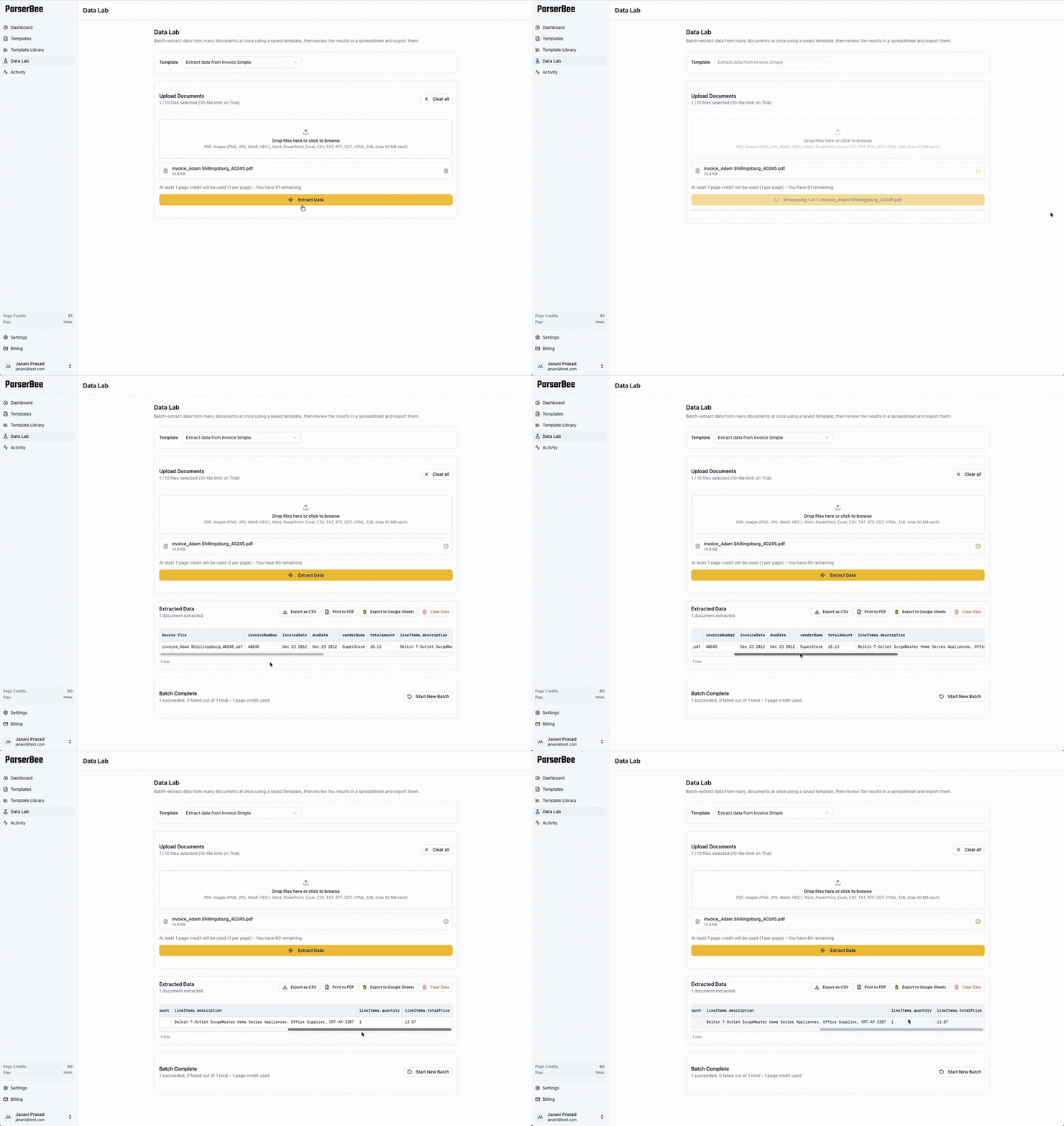
ParserBee is an AI-powered document parsing platform built around a simple promise: turn any document into clean, structured data. You describe the fields you want in plain language (or start from one of 80+ ready-made templates, including invoices), upload your documents, and get back structured output ready for a spreadsheet, your accounting software or your own app. Crucially, it does this without asking non-technical users to think about schemas, templates-per-vendor, or code.
What sets it apart for invoices specifically is that it doesn’t force you to choose between “easy no-code tool” and “flexible developer API,” which is the trade-off almost every competitor makes. ParserBee gives you both. Non-technical AP staff can use Data Lab to bulk-upload a batch of invoices, watch them parse one by one, review the results in a spreadsheet grid, and export straight to Excel, CSV, PDF or Google Sheets, no integration required. Developers on the same account can hit the REST API and wire extraction into Zapier, Make or n8n to reach QuickBooks, Xero and 5,000+ other apps.
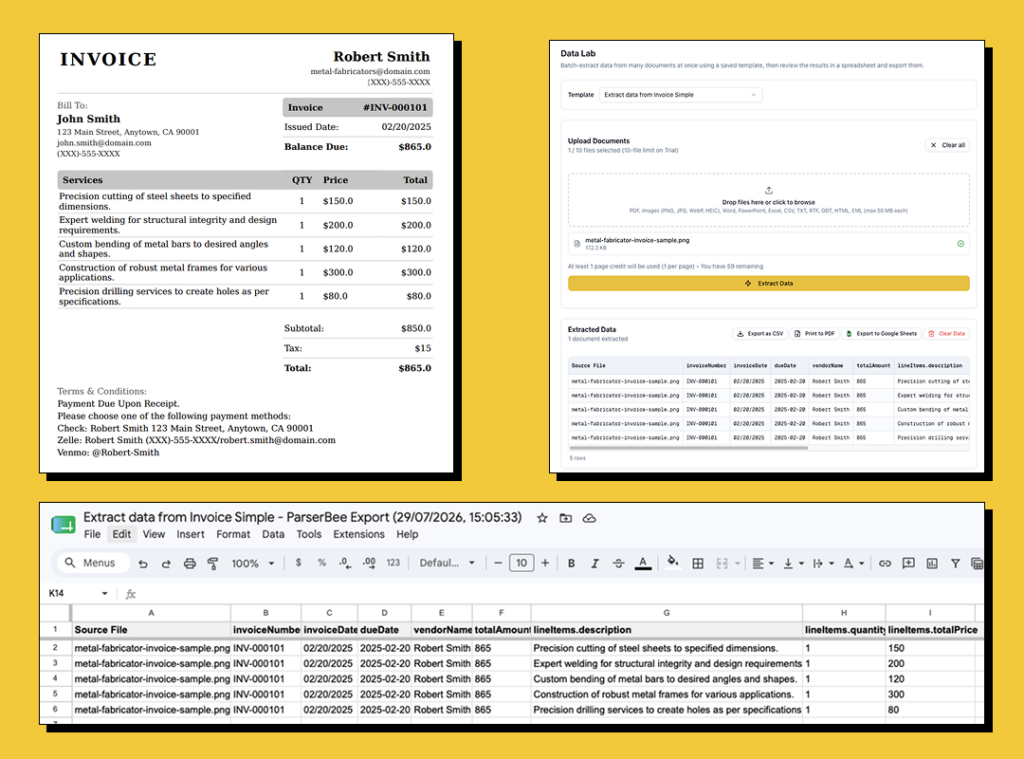
Under the hood, ParserBee’s AI engine is built for the messy cases, which is a meaningful reason its extraction holds up on scans, phone photos and handwritten documents rather than only clean PDFs. It handles a genuinely wide format list too: PDF, PNG, JPG, WebP, HEIC, DOCX, PPTX, XLSX, CSV, HTML, EML and more, so an invoice that arrives as an email or an Excel file isn’t a special case. Line items are handled natively through what ParserBee calls List (repeating rows) fields, so a 30-line invoice comes back as 30 clean rows, not one mashed cell.
ParserBee reports 99%+ extraction accuracy with auto-verification and roughly 1.8-second processing per document (both vendor-reported), and frames the payoff for AP teams as cutting invoice handling from around four hours a week to about ten minutes.
Pros
- No-template AI extraction that reads unfamiliar invoice layouts with no per-vendor setup.
- Genuinely serves both audiences: a no-code bulk workflow (Data Lab) and a clean REST API, on the same plan.
- Transparent, low pricing with a real free tier, no “contact sales” wall.
- Broad file-format support: PDF, images, HEIC phone photos, Office files and email.
- Native line-item extraction and direct export to Excel, CSV, PDF and Google Sheets.
Cons
- Newer and smaller than incumbents like Rossum or Nanonets, so it has a thinner public review base on G2/Capterra so far.
- No dedicated, pre-built accounts-payable workflow (approvals, three-way matching, duplicate detection) baked in; you connect those steps via automation tools rather than getting them out of the box. If you need approvals and payments too, see our guide to invoice automation software.
- Best fit is SMB and mid-market; very large enterprises needing SSO, on-prem and dedicated SLAs will want a heavier platform.
Pricing: Free tier includes 25 pages to test. Paid plans start at $29/mo (Starter, 250 pages), $99/mo (Scale, 1,500 pages), and $2,499/yr or $249/mo month-to-month (Business, 5,000 pages). Per-page billing (1 page = 1 credit), no contracts, cancel anytime. Full details on the pricing page.
Try it on your own invoices free
25 pages, no credit card, no sales call.
2. Nanonets: Best for high-volume, no-code AP at scale
Best for: Mid-market and enterprise finance teams processing high invoice volumes that want a no-code platform with end-to-end AP automation.
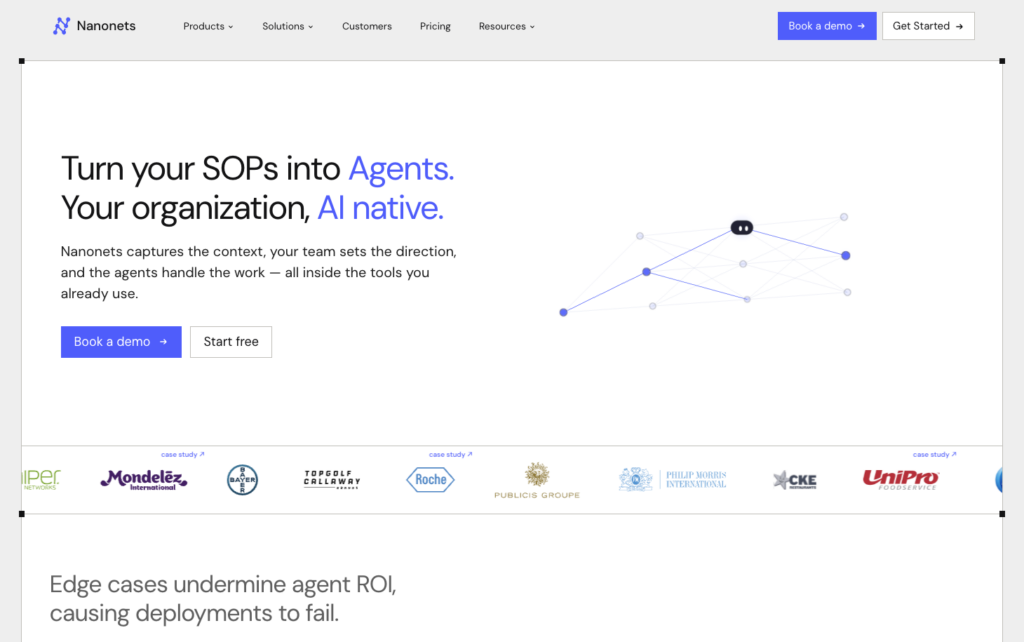
Nanonets is a no-code intelligent document processing (IDP) platform with self-learning AI models that improve as they see more of your invoices. It goes beyond extraction into full accounts-payable automation: approval workflows, reconciliation, and deep integrations with SAP, Oracle, NetSuite, Microsoft Dynamics, QuickBooks, Sage and Xero. It’s one of the most polished no-code tools in the category and consistently rates among the easiest to use.
Pros
- Self-learning, template-free models with strong line-item and table extraction that improves over time.
- Extensive native ERP and accounting integrations for true end-to-end AP automation.
- Highly rated for usability and 24/7 support; used at serious scale (10,000+ customers).
Cons
- Initial model training can take time, and complex table customisation has a learning curve.
- Pricing turns quote-based above the entry tier, and several reviewers flag overall cost.
- Occasional bugs and inconsistent processing times reported.
What a real user says: “It does take quite a long time initially for the AI model to be trained, but once trained, it’s amazing.” (Eudoria S., Marketing Coordinator, Capterra). ParserBee skips that ramp-up: you describe the fields in plain language and it reads unfamiliar invoices immediately, with no per-model training.
Pricing: Free to start with credits; entry pricing around $100/mo for the Starter tier, then Growth and Enterprise are custom/contact-sales. Credit-based usage model. G2 4.7 (~96 reviews), Capterra 4.9 (80 reviews).
3. Rossum: Best for large-enterprise AP automation
Best for: Large enterprises with high document volume and complex AP or shared-services workflows that need deep ERP integration and can justify a five-figure annual spend.
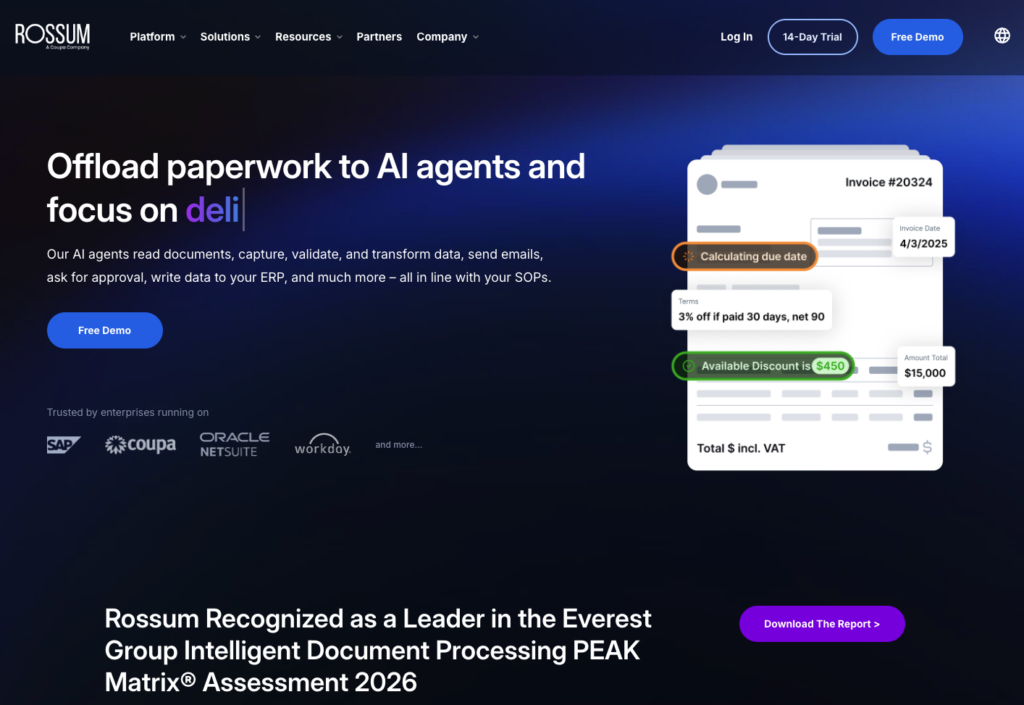
Rossum is an enterprise-grade “Document AI” platform built around its Aurora engine, focused heavily on transactional documents like invoices and purchase orders. It automates the full document lifecycle: ingestion, template-free extraction, a slick validation screen, master-data matching, duplicate/fraud detection, and posting straight into ERPs like SAP, Coupa, Oracle and Workday. Teams report 80%+ straight-through processing.
Pros
- Template-free extraction plus a genuinely strong validation and exception-handling interface.
- Built for AP: master-data matching, duplicate detection, business-rule validation.
- Deep enterprise ERP integrations and strong account management.
Cons
- Cost is the dominant complaint: entry is roughly $18,000/year, prohibitive for SMBs, and reviewers report steep renewal increases.
- Configuration of extensions and datasets is not very intuitive; implementation can be lengthy.
- Performance can slow on large invoices and at month-end peaks.
What a real user says: “Rossum has important drawbacks, starting with its high cost, which can be prohibitive for small and medium businesses.” (Verified Reviewer, Founder, Capterra). That’s exactly the gap ParserBee fills, at $29/mo with a free tier and no annual contract.
Pricing: Starter from approximately $18,000/year; Business, Enterprise and Ultimate tiers are contact-sales. 14-day free trial; 1-year minimum contract. G2 4.5 (~127 reviews), Capterra 4.3 (13 reviews).
4. Docsumo: Best for complex financial documents
Best for: Mid-market and enterprise teams in financial services, lending, insurance and logistics that process dense, variable financial documents alongside invoices.
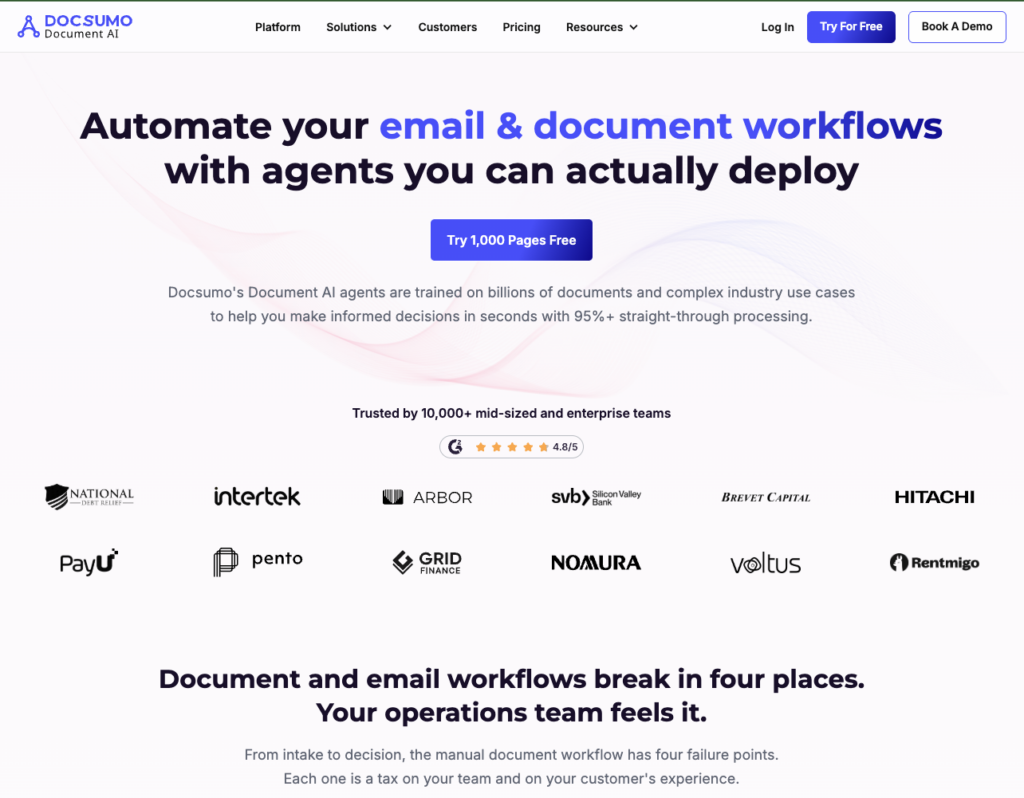
Docsumo is an AI-based IDP platform positioned as an “agentic document processing” system, with pre-trained, no-template models plus continuous learning. It’s especially strong on complex, dense line items and cross-document validation, and reports high straight-through processing. The generous 1,000-page free trial makes it easy to evaluate before talking to sales.
Pros
- Excellent on dense, complex line items and tables; strong automation (80–90% manual-entry reduction reported).
- No-template pre-trained models plus master-data lookup and cross-document validation.
- Unusually generous free trial (1,000 pages) and consistently praised support.
Cons
- Implementation and advanced customisation can require significant technical effort.
- Accuracy can dip on low-quality scanned (non-digital) PDFs.
- Costs become more noticeable at higher volumes; paid pricing is contact-sales.
What a real user says: “The integration could have been easier it took several months to get it up and running.” (Ollie D., Head of Finance, G2). A no-code path like ParserBee’s Data Lab gets a non-technical user extracting the same afternoon, no implementation project required.
Pricing: 14-day free trial (up to 1,000 pages, 10 users); Business and Enterprise plans are custom/contact-sales, priced by document volume with possible setup fees. G2 4.7 (~67 reviews), Capterra 4.3 (~9 reviews).
5. Veryfi: Best invoice OCR API for developers at volume
Best for: Engineering teams building automated invoice/receipt pipelines at meaningful volume who want a fast, template-free API with predictable per-transaction pricing.
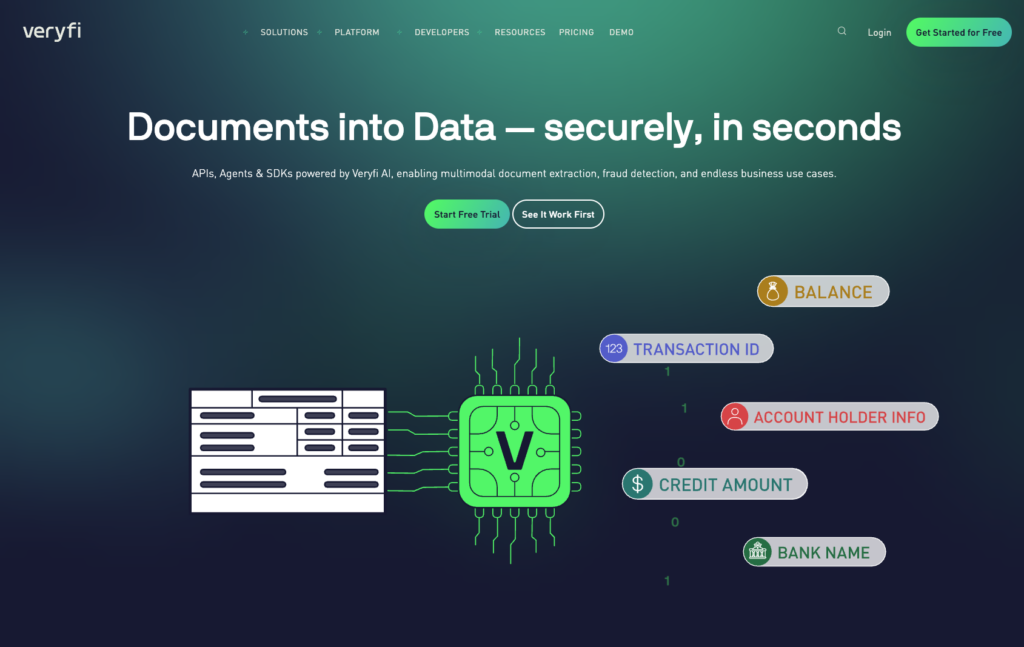
Veryfi is a developer-first OCR API and SDK that converts invoices and receipts into structured JSON, with models trained on hundreds of millions of documents and “Day 1 Ready” accuracy claims. It’s fast (3–5 seconds), extracts 150+ fields including tax detail and handwriting, and ships SDKs in Python, Node.js, PHP, C#, Java and Go. Built-in fraud detection is a bonus for AP.
Pros
- Template-free, high-accuracy extraction across many languages and currencies, with built-in fraud detection.
- Excellent developer experience: mature SDKs, fast processing, transparent metered pricing.
- SOC 2 Type II compliant; strong at enterprise scale.
Cons
- The $500/month minimum makes it expensive for smaller teams or low volume.
- Accuracy can struggle with faint or low-light images; occasional vendor-name errors.
- Some reports of slow in-app search and mixed sales/support responsiveness.
What a real user says: “Annoying to have the $500/mo floor pricing. Would rather pay as we go at higher rate.” (Verified user, Market Research, G2). ParserBee has no minimum: plans start at $29/mo and you can test on 25 pages free.
Pricing: Free tier (100 documents). Starter is usage-based at $0.08/receipt and $0.16/invoice with line items, subject to a $500/month minimum; Custom volume pricing above 25,000 docs/month. G2 4.6 (~59 reviews), Capterra 4.8 (~191 reviews).
6. Doxis (formerly Klippa): Best for European AP with built-in fraud detection
Best for: European SMB and mid-market teams that want out-of-the-box AP automation with fraud detection and accounting/ERP integrations, plus a developer API option.
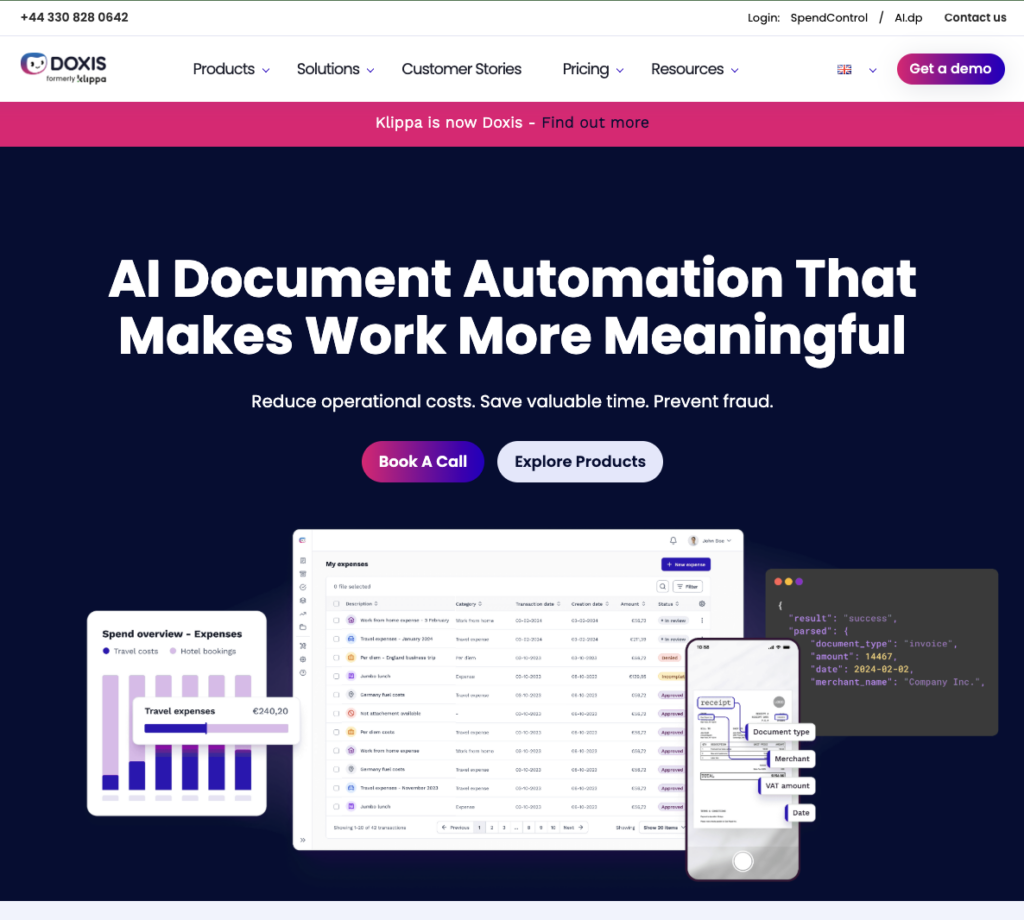
Klippa rebranded as Doxis in 2026; the product and pricing below are the same platform. Netherlands-based Klippa offers two relevant products: DocHorizon (the developer/no-code IDP and API) and SpendControl (dedicated invoice processing and AP automation). It’s strong on GDPR/EU data residency, extracts line items and even handwritten invoices, and bakes in error and fraud detection, one of the few SMB-friendly tools that does.
Pros
- Accurate extraction including line items and handwriting, with built-in error/fraud detection.
- Strong EU/GDPR compliance and data-residency options; slick onboarding.
- Accounting and ERP integrations included; no-code prompt builder for custom document types.
Cons
- Limited workflow customisation; some add-ons (approval workflows, ERP integrations, SLAs) are billed separately.
- Occasional OCR processing delays reported.
- Thin, partly-merged third-party review listings make ratings hard to read.
What a real user says: “When you get a license on DocHorizon, the SLA is a separate part of the license. I would expect the SLA is just something you expect within the license and should not be paid separately.” (Henk W., Software Developer, Capterra). ParserBee’s per-page pricing is all-in, with no add-ons or SLAs billed on the side.
Pricing: SpendControl Effective plan €95/month (up to 4,000 invoices/year, 10 users); Premium €275/month; Custom for SSO/API. Extra invoices from ~€0.28 each; DocHorizon API pricing is quote-based. Capterra 4.8 (~31 reviews); G2 rating sample is too thin to be reliable.
7. Docparser: Best for fixed, recurring layouts
Best for: Developers and ops teams with a small, stable set of recurring invoice layouts who want precise, rules-based control and strong Zapier automation.
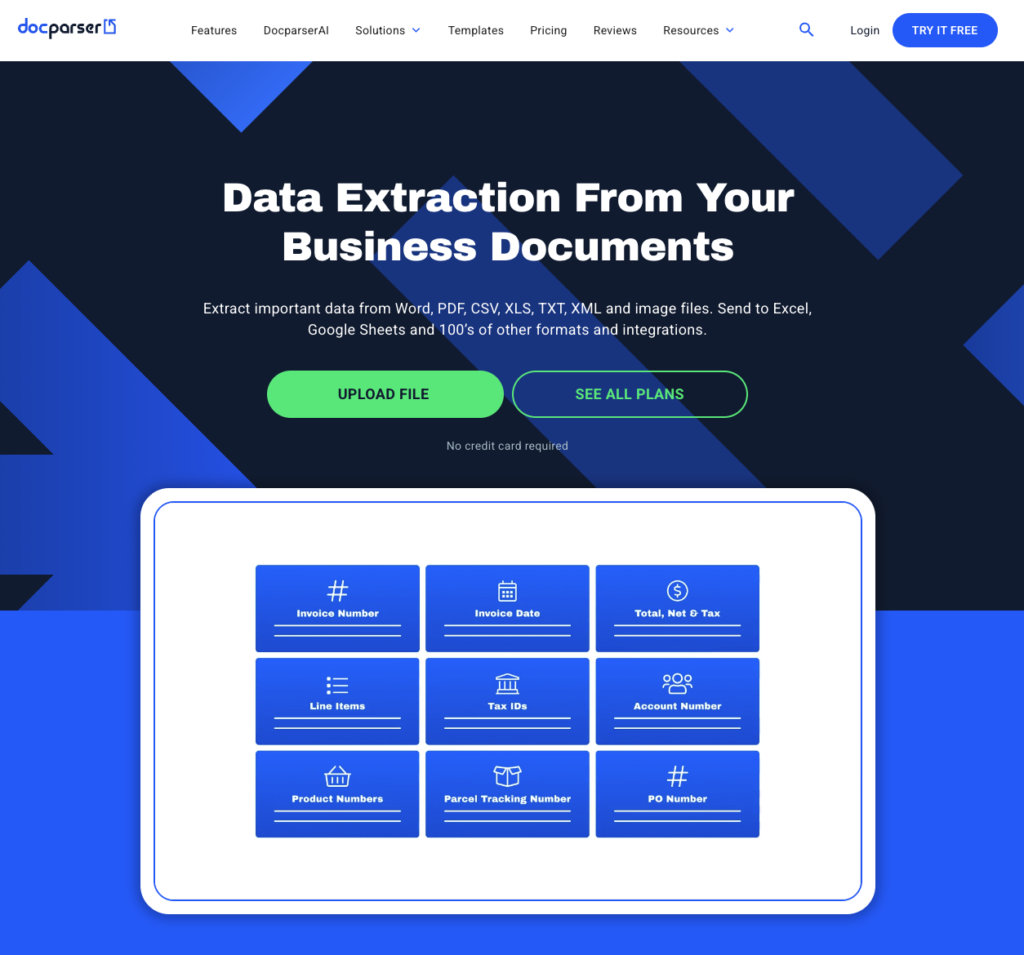
Docparser is the veteran template/rule-based parser of this list. Instead of AI reading an unfamiliar invoice, you build a parsing rule per layout with a visual builder, then automate downstream via one of the deepest Zapier integrations around. For a handful of predictable vendor formats it’s precise and affordable; for hundreds of varied invoices, the per-template model becomes a maintenance burden.
Pros
- Precise, explicit per-field control; flexible visual rule builder with live preview.
- Excellent REST API, webhooks and Zapier/Power Automate connectivity.
- Transparent, low pricing and reliable at high volume for stable layouts.
Cons
- Template-based, not AI: you need a template per vendor, and templates fail silently when a layout changes.
- No direct QuickBooks/Xero/Sage integration (Zapier or API only) and no built-in AP validation like duplicate detection.
- Learning curve; struggles with skewed scans and changing formats.
What a real user says: “Vendors aren’t always consistent from invoice to invoice. They may be using software that resizes table columns to fit the text, which means you have to adjust your table format slightly each time to ensure the parsing is correct.” (Marta A., Small Business Owner, Capterra). That per-layout babysitting is precisely what no-template AI tools like ParserBee remove.
Pricing: 14-day free trial; Starter $39/mo, Professional $74/mo, Business $159/mo, Enterprise custom (~20% off annual). G2 4.6 (~52 reviews), Capterra 4.8 (~127 reviews).
8. Mindee: Best pure developer API for embedding OCR
Best for: Developers and engineering-heavy teams that want to embed template-free invoice OCR directly into their own product or workflow.
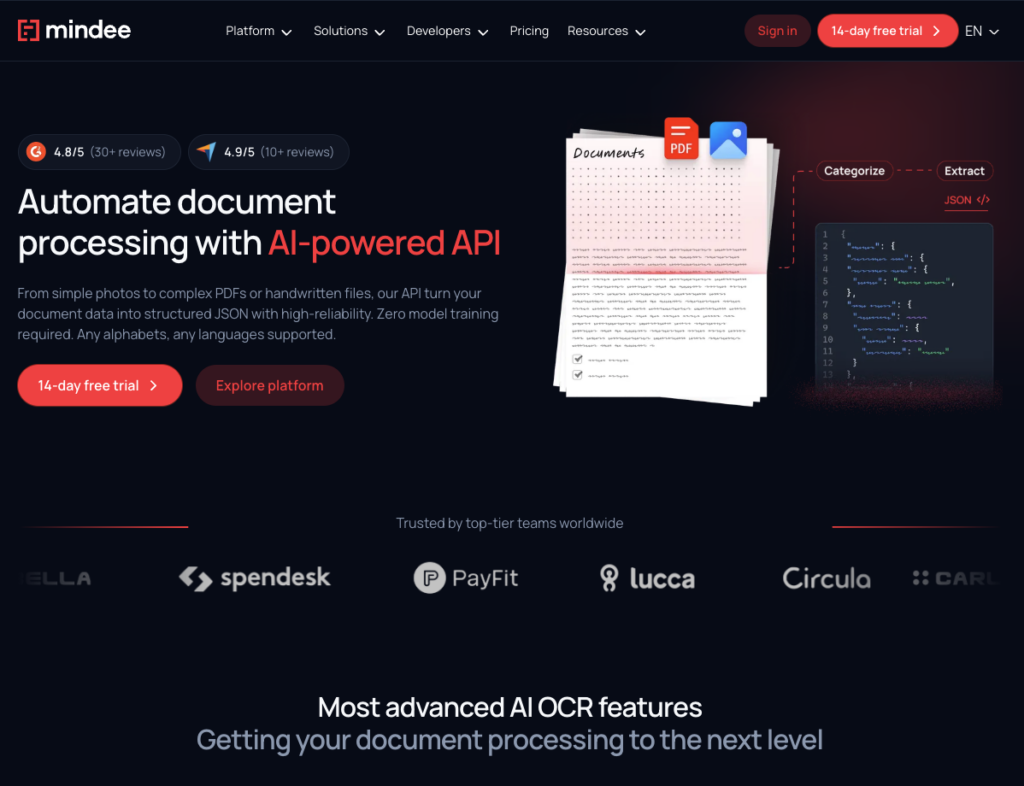
Mindee is a developer-first, EU-made OCR API that extracts structured invoice data (line items, totals, tax, vendor, payment terms) as JSON with no template training. It’s a clean, fast, well-documented API with SDKs in several languages plus Zapier/Make connectors, best suited to teams comfortable writing code.
Pros
- Template-free line-item and header extraction with a strong, stable developer experience.
- SDKs (Python, Node, Java, Ruby, PHP) plus no-code connectors; handles any language.
- Vendor-reported accuracy generally above 95%; responsive support.
Cons
- Genuinely technical to set up and maintain; poor fit for non-technical business users.
- Per-page credit billing makes multi-page documents add up.
- Limited customisation for non-standard documents; some non-English accuracy gripes.
What a real user says: “Initially when we were doing the setup of Mindee, we needed to hire coding professionals so that proper set up can be done.” (Gaurav K., Digital Marketing Manager, G2). ParserBee is built so a non-technical AP user can do the same with no code, while still offering a REST API for teams that want one.
Pricing: 14-day free trial; Starter $44/mo, Pro $116/mo, Enterprise custom. 1 credit = 1 page. G2 4.6 (~37 reviews), Capterra 4.8 (~11 reviews).
9. Parseur: Best no-code parser for email-in invoices
Best for: No-code operations teams that receive invoices by email and want automated extraction into spreadsheets and business apps.
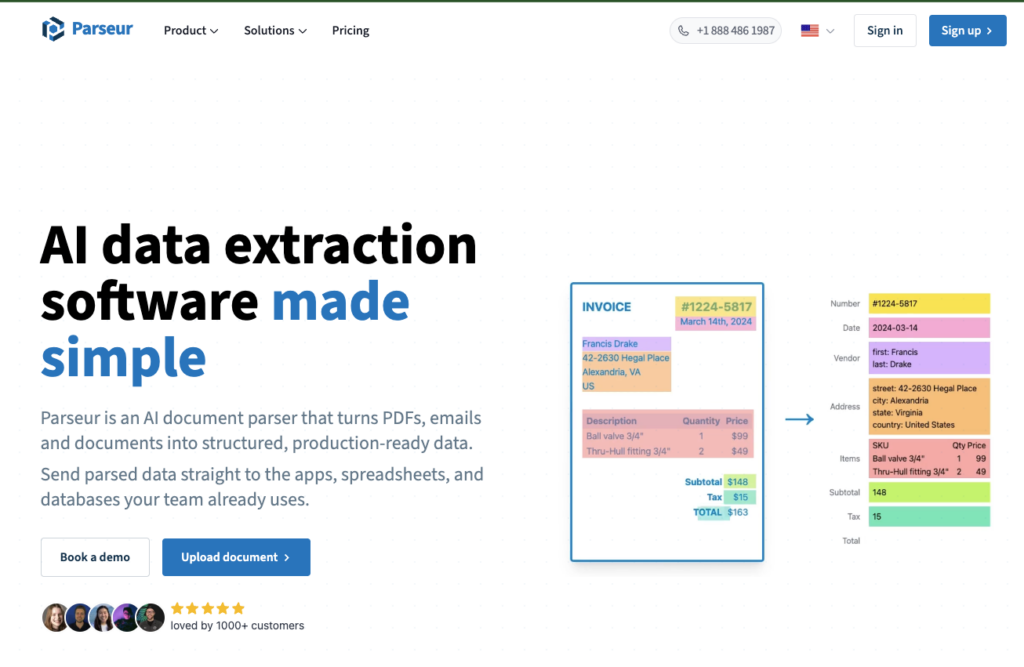
Parseur is a no-code/low-code AI parser that’s especially good at ingesting invoices from email and pushing structured data out to Excel, Google Sheets, JSON and thousands of apps via Zapier and Make. Its Vision-AI mode adapts to new layouts without training, and it has processed 100M+ documents since 2016.
Pros
- No-template Vision-AI extraction plus multiple ingestion methods (email, API, upload, Zapier, Make).
- Exports to Excel, CSV, JSON, Google Sheets and many apps; strong automation story.
- Proven track record and well-rated support; genuinely non-technical friendly.
Cons
- Per-page pricing accumulates quickly, with steep jumps between tiers.
- Unused monthly/annual page allocations expire (no rollover).
- Less flexibility switching between AI and template modes.
Pricing: Free plan (20 pages/month). Paid tiers from around $39/mo (Micro) up to Pro (~$399/mo) and custom Enterprise; annual billing ≈ 3 months free. Capterra 4.8 (~63 reviews).
10. Koncile: Best newcomer for procurement and spend analytics
Best for: Procurement, finance and accounting teams focused on AP and spend analytics that want a modern OCR+LLM tool with both a no-code UI and an API.
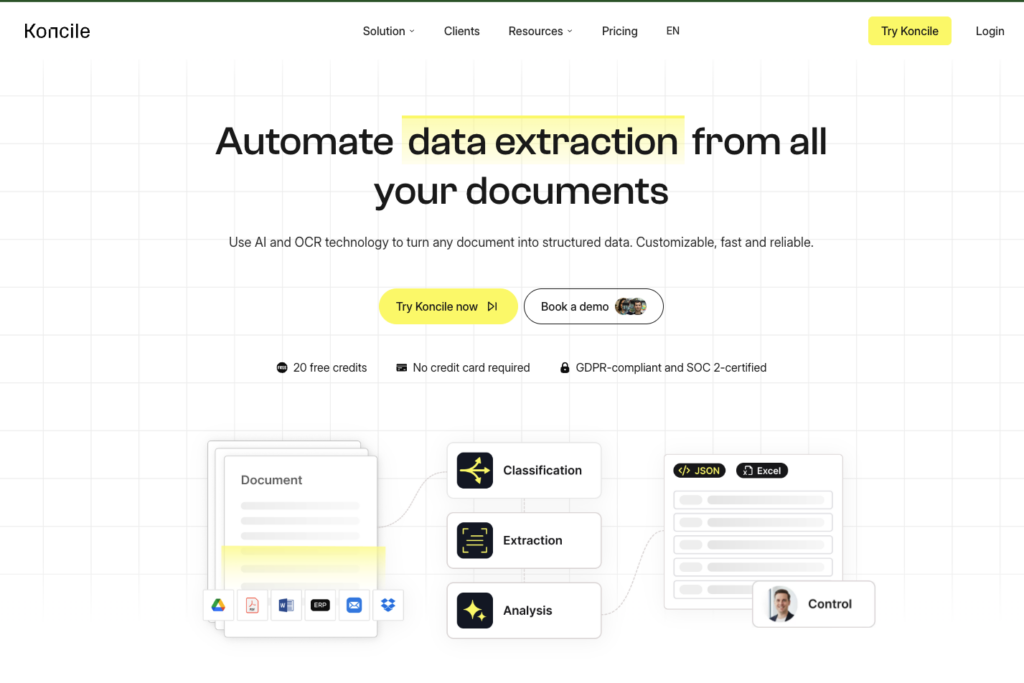
Koncile is a newer (2024, French) AI OCR platform that pairs OCR with LLMs for more contextual extraction, with two products: Extract (general OCR) and Analytics (procurement/spend). It’s SOC 2, GDPR and ISO 27001 certified, offers a template library and confidence scores per field, and recently shipped an MCP server so AI agents can trigger extraction directly.
Pros
- Hybrid OCR+LLM extraction for contextual understanding; per-field confidence scores.
- No-code custom fields plus API/SDK, Zapier, and accounting integrations (Sage, Cegid); strong compliance posture.
- Procurement/spend-analytics focus is a genuine differentiator for finance teams.
Cons
- Very thin independent review data; accuracy figures are vendor-reported and unverified.
- LLM extraction is slower (~5–10s/doc) than traditional OCR, a concern at high volume.
- Early-stage: narrow focus and still-maturing integrations; pricing sources disagree, so confirm current rates.
Pricing: Free 20 credits; Starter €129/mo (500 credits), Advanced €199/mo, Enterprise custom (some third-party listings show a lower legacy €49 tier). Ratings: minimal published third-party reviews so far.
Also worth knowing: enterprise and cloud-platform options
Three heavyweight options don’t make our main list for typical AP teams (they need engineering resources or enterprise budgets), but belong on your radar if you’re at scale:
ABBYY (Vantage / FlexiCapture) is the enterprise accuracy benchmark, with pre-trained regional skills, human-in-the-loop validation and handwriting support, proven at 10,000+ invoices/month. Expect quote-based enterprise pricing and a multi-month, professional-services-led implementation.
Amazon Textract (AnalyzeExpense) and Google Cloud Document AI (Invoice Parser) are the cloud-provider OCR APIs. Both offer transparent per-page pricing (Textract starts around $0.01/page), generous free tiers, and near-limitless scale, but they’re raw building blocks: you’ll need developers to integrate them, and neither is a turnkey AP product.
Microsoft Azure AI Document Intelligence rounds out the cloud trio with a pre-built invoice model, a 500-page/month free tier and tight Power Automate/Microsoft ecosystem integration, again, developer-oriented rather than plug-and-play. (If you’re wiring OCR into Power Automate specifically, see our Power Automate PDF extraction guide.)
If you have an engineering team and want maximum control at the lowest per-page cost, these are strong. If you want to be extracting invoice data this afternoon without writing code, the tools higher up this list will get you there faster.
How to choose the right invoice OCR tool
Match the tool to your team, not to a feature checklist:
Solo, small business, or a lean finance team. You want no-template AI, a real free tier, and no sales call. Start with ParserBee (no-code + API, transparent pricing), and look at Parseur if most invoices arrive by email.
Mid-market AP processing thousands of invoices a month. You need line-item accuracy at volume and real automation. Trial Nanonets and Docsumo, and ParserBee if you want to keep costs down and don’t need a built-in approvals workflow.
Large enterprise with complex ERP and compliance needs. You need SSO, deep ERP posting, validation queues and SLAs. Look at Rossum and ABBYY, and Docsumo for financial-document-heavy workloads.
Developers embedding OCR into a product. You want a clean API and predictable pricing. Compare Veryfi (high volume), Mindee (pure API), and ParserBee (if you also want a no-code UI for non-technical colleagues).
Whatever your shortlist, do one thing before you pay: run 20–30 of your own invoices, including your ugliest scans and your most itemised bills, through each free trial. Demo invoices are always clean. Yours aren’t. The tool that handles your real documents is the right one.
If your bottleneck is the order side rather than the invoice, see our purchase order automation guide.
The fastest way to start that test
ParserBee gives you 25 free pages with no credit card and no sales call. Upload your ugliest scanned invoice first; if it comes back as clean rows, the rest is easy.
Frequently asked questions
What is invoice OCR software?
Invoice OCR (optical character recognition) software reads invoices (PDFs, scans or photos) and extracts the data on them (vendor, invoice number, dates, amounts, tax and line items) into structured, machine-readable format. Modern tools go beyond raw OCR by using AI to understand invoice structure, so the output is clean fields you can push into accounting software, not just a wall of text.
What’s the difference between template-based and AI (no-template) invoice OCR?
Template-based tools (like Docparser) require you to define a parsing rule for each invoice layout; they’re precise but break when a vendor changes their format and don’t scale to many suppliers. AI/no-template tools (like ParserBee, Nanonets, Rossum) read invoices they’ve never seen before with no per-vendor setup, which is far better suited to businesses receiving varied invoices from many vendors.
How accurate is invoice OCR?
Most vendors claim 95–99%+ accuracy, but these figures are self-reported and not independently audited, and real accuracy depends heavily on your document quality. Clean digital PDFs extract near-perfectly across almost every tool; scanned, photographed or handwritten invoices are where accuracy varies. Always test on your own documents.
Can invoice OCR software extract line items?
Yes, the better tools do. Extracting individual line items (description, quantity, unit price, tax) from a dense, multi-line invoice while keeping rows aligned is the hardest part of invoice OCR and the biggest differentiator. Every tool in our top 10 supports line-item extraction, though accuracy on complex tables varies.
Does invoice OCR integrate with QuickBooks, Xero or NetSuite?
Many do. Some (Nanonets, Rossum) offer native ERP/accounting connectors. Others (ParserBee, Docparser, Parseur, Mindee) reach those apps through automation platforms like Zapier, Make or n8n, or via a REST API. If a specific integration is critical, confirm whether it’s native or requires a connector before buying.
What does invoice OCR software cost in 2026?
It ranges widely. Self-serve tools start around $29–$49/month (ParserBee, Docparser, Mindee) with free tiers to test. Developer APIs like Veryfi have volume minimums (e.g. $500/month). Enterprise platforms like Rossum start around $18,000/year, and ABBYY-class tools are quote-only. Watch for per-page vs per-document billing and whether unused pages roll over.
What’s the best free invoice OCR tool?
For a genuinely free start, ParserBee (25 free pages), Parseur (20 pages/month free), Docsumo (1,000-page trial) and Veryfi (100 free documents) all let you test on real invoices without paying. For ongoing free use at tiny volume, Parseur’s free plan is the most generous recurring option. If you only need a few invoices done, ParserBee’s free invoice parser works in your browser with no sign-up.
Which invoice OCR software is best for a small business?
For most small businesses, ParserBee offers the best balance of no-template AI accuracy, a no-code interface, developer API, and transparent low pricing with no enterprise minimums or sales calls. Parseur is a strong alternative if your invoices arrive mainly by email.
Keep reading:
- How to Automatically Extract Invoice Data into Google Sheets (No Manual Entry)
- The Best Invoice Automation Software for Small Businesses in 2026
- Zapier PDF Data Extraction: The Complete Guide (2026)
Last updated July 2026. Pricing and ratings change frequently; figures reflect published information at the time of writing and should be verified on each vendor’s site. Accuracy claims marked “vendor-reported” are self-published and not independently audited.