Extract Data from Purchase Orders Automatically
Upload any purchase order PDF and get PO number, vendor details, line items, quantities, and totals extracted and structured in seconds.
Used by procurement teams, accounts payable departments, and supply chain operations worldwide.
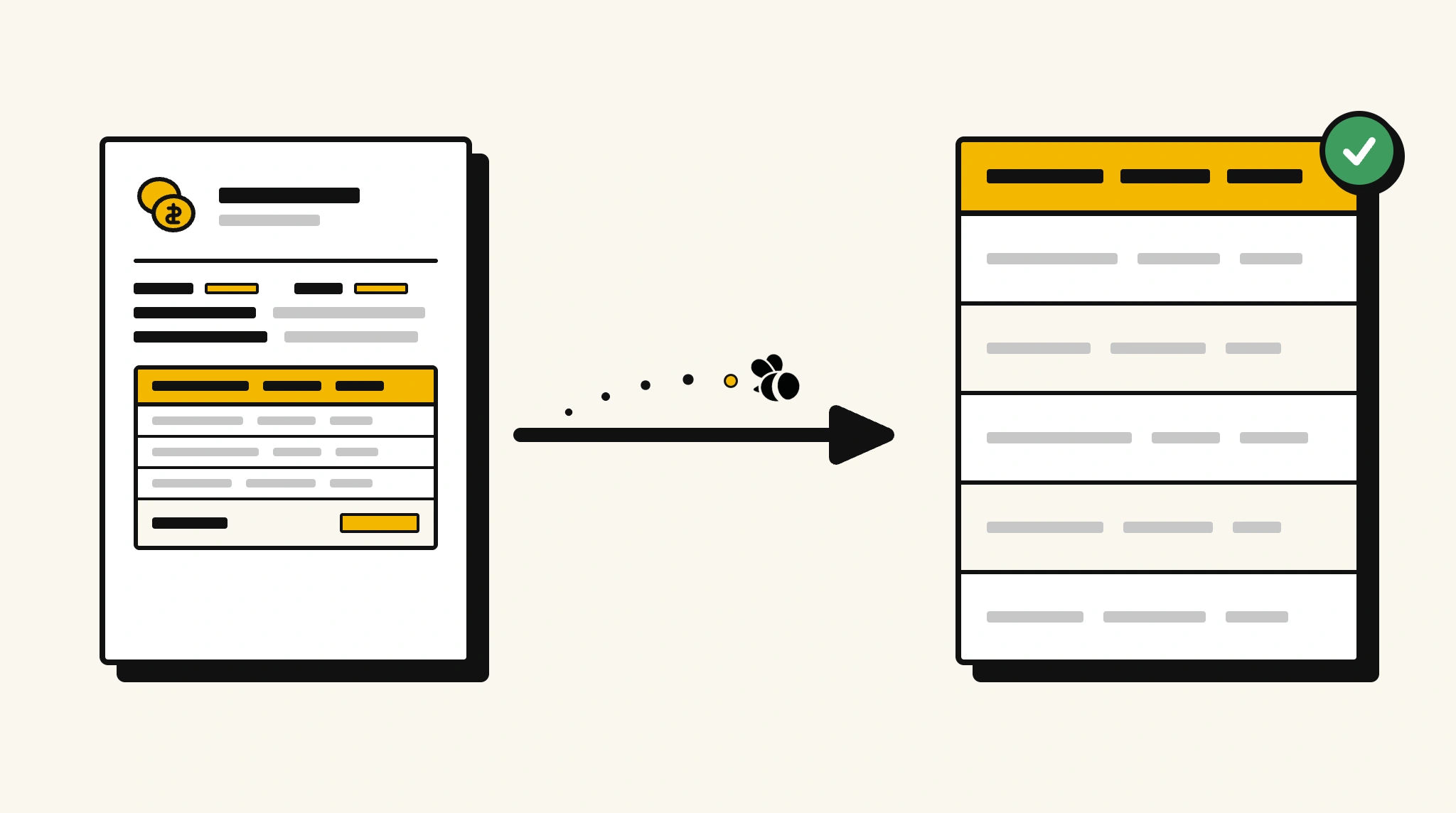
Stop manually processing purchase orders into your procurement system
Re-keying PO data from PDFs into procurement and ERP systems wastes time, introduces errors, and slows down ordering and approval workflows.
❌ Before ParserBee
- Open each PO PDF and read vendor, items, and amounts
- Manually key line items and quantities into your procurement system
- Risk data entry errors on item codes and unit prices
- Delay orders when PO entry falls behind
- Struggle to match POs against deliveries and invoices
✅ After ParserBee
- Upload POs via browser or API as they are issued
- Extract all fields including every line item automatically
- Push structured data directly into your procurement or ERP system
- Match POs to invoices and delivery notes using extracted reference numbers
- Process POs in real time without a data entry backlog
How ParserBee Parses Purchase Orders
Three steps from document to structured data, no setup or training required.
Upload the Document
Upload a PDF, PNG, JPG, or WebP file. Multi-page documents are processed as a single job.
AI Extracts All Fields
ParserBee identifies and extracts every field automatically, no training or configuration required.
Get Structured Data
Download as JSON or CSV, or use the API to push data directly into your systems on upload.
Fields Extracted from Purchase Orders
This extraction template comes pre-built with these fields. Add, remove, or rename any field before saving.
Sample Extracted Output
Upload a purchase order and ParserBee returns a structured table like this, automatically.
| Field | Extracted Value |
|---|---|
| PO Number | PO-2025-04481 |
| PO Date | 10 Nov 2025 |
| Vendor Name | Global Office Supplies Pty Ltd |
| Delivery Address | 123 Main St, Sydney NSW 2000 |
| Requested Delivery | 25 Nov 2025 |
| Subtotal | $3,500.00 |
| Tax (10%) | $350.00 |
| Total Amount | $3,850.00 |
| Payment Terms | Net 30 |
| Authorized By | Sandra Lin, Head of Procurement |
Line items, extracted as a list
| Item Code | Description | Qty | Unit Price | Total |
|---|---|---|---|---|
| OFS-0012 | A4 Copy Paper Ream | 50 | $8.00 | $400.00 |
| OFS-0085 | Ballpoint Pen Box (50pk) | 20 | $12.00 | $240.00 |
| OFS-0201 | Office Chair (Ergonomic) | 12 | $238.00 | $2,856.00 |
Every field is pulled directly from the document. You define what to extract, ParserBee does the reading.
Export Purchase Order Data to Excel, CSV or Google Sheets
No developer needed to convert purchase orders to Excel. Upload a whole batch in ParserBee's Data Lab, review every extracted row in a live spreadsheet, then download everything as CSV, print to PDF, or send it straight to a new Google Sheet in one click.
Prefer automation? The REST API returns clean JSON for every purchase order, ready for Zapier, Make, n8n, or your own system. See all integrations.
Free Tool and Guide
Who Uses This Parser
Frequently Asked Questions
What data is extracted from a purchase order?
PO number, date, vendor name and address, delivery address, requested delivery date, all line items with item codes, quantities and prices, subtotal, tax, total amount, payment terms, and authorized by.
Can it handle POs with many line items?
Yes. Line items are extracted as a repeating list regardless of how many rows the PO contains.
Does it work with POs from different procurement systems?
Yes. ParserBee reads PO content from any format, SAP, Oracle, Ariba, or a plain Word or Excel PDF.
Can I match extracted PO data against invoices automatically?
Yes. Extract the PO number from both the PO and the invoice, then use your workflow to match them.
How do I push extracted PO data into my ERP?
Use the REST API to receive JSON and map it to your ERP purchase order fields directly or via an integration platform.
Related Document Parsers
Start automating purchase order data extraction today
Free to try. No credit card required. Works on your first upload.
Create free account