Extract Data from Vendor Quotes Automatically
Upload any vendor quotation PDF and get quote number, vendor details, line items, pricing, and validity dates extracted as structured data in seconds.
Used by procurement teams, finance departments, and sourcing operations worldwide.
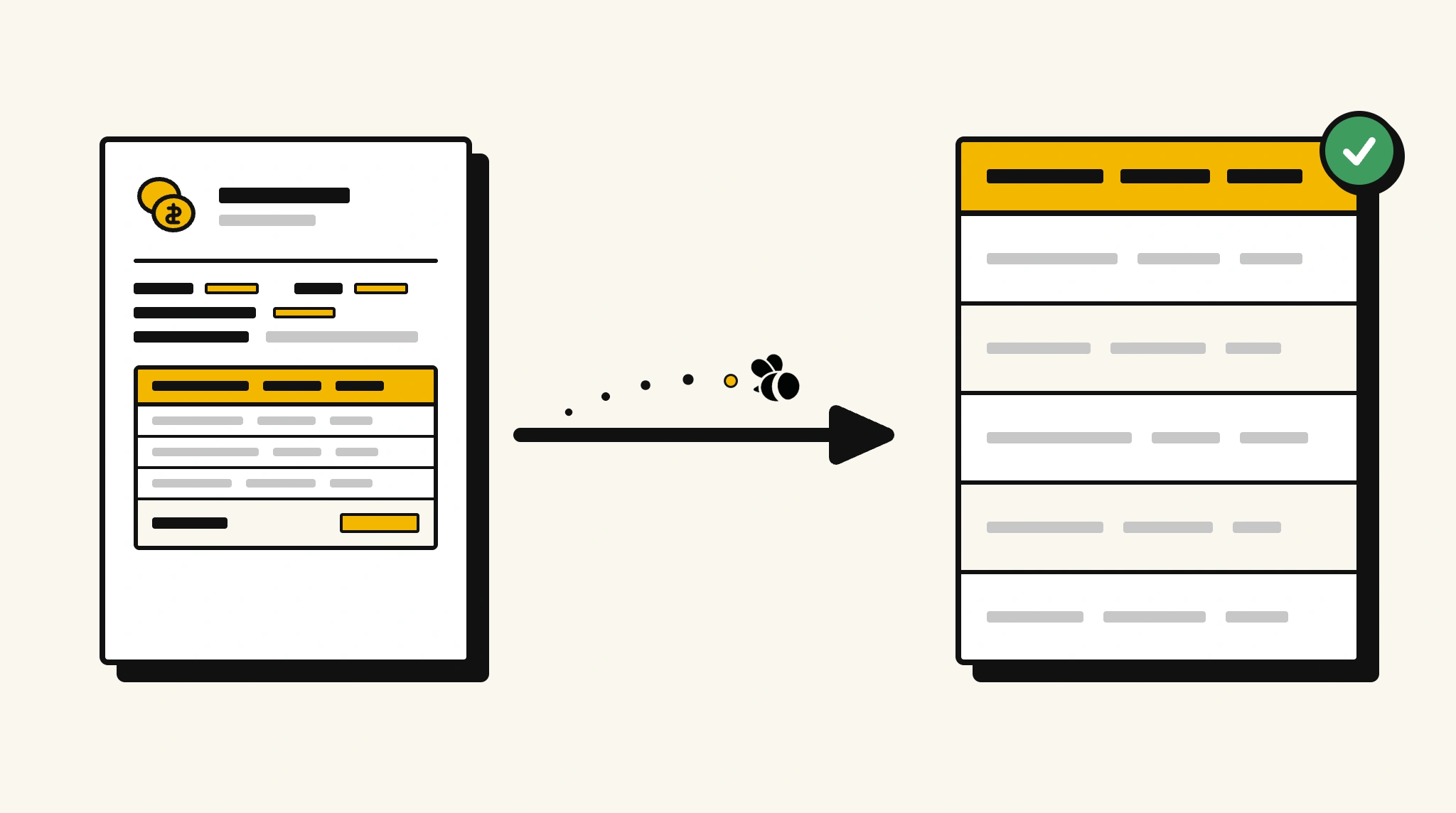
Stop manually comparing vendor quotes by reading through each one
Pulling pricing and line item data from multiple vendor quotes to compare suppliers is slow, error-prone, and delays procurement decisions.
❌ Before ParserBee
- Open each vendor quote PDF individually
- Manually read and key item descriptions, quantities, and prices
- Build comparison spreadsheets by hand from multiple quotes
- Miss validity dates and risk accepting expired quotes
- Delay procurement decisions due to slow quote analysis
✅ After ParserBee
- Upload all vendor quotes via browser or API
- Extract pricing, line items, and terms from each quote automatically
- Compare quotes side by side using structured extracted data
- Capture validity dates and get alerts before quotes expire
- Make faster procurement decisions with clean comparable data
How ParserBee Parses Vendor Quotes
Three steps from document to structured data, no setup or training required.
Upload the Document
Upload a PDF, PNG, JPG, or WebP file. Multi-page documents are processed as a single job.
AI Extracts All Fields
ParserBee identifies and extracts every field automatically, no training or configuration required.
Get Structured Data
Download as JSON or CSV, or use the API to push data directly into your systems on upload.
Fields Extracted from Vendor Quotes
This extraction template comes pre-built with these fields. Add, remove, or rename any field before saving.
Sample Extracted Output
Upload a vendor quote and ParserBee returns a structured table like this, automatically.
| Field | Extracted Value |
|---|---|
| Quote Number | QT-2025-00194 |
| Quote Date | 08 Nov 2025 |
| Valid Until | 08 Dec 2025 |
| Vendor Name | Pacific Industrial Supplies |
| Vendor Contact | Karen Yee |
| Client Name | BuildRight Construction Ltd |
| Subtotal | $14,200.00 |
| Tax (10%) | $1,420.00 |
| Total Amount | $15,620.00 |
| Payment Terms | 50% upfront, 50% on delivery |
Quoted items, extracted as a list
| Description | Qty | Unit Price | Total |
|---|---|---|---|
| Steel Beam 200x100mm | 40 | $180.00 | $7,200.00 |
| Concrete Mix 40kg Bag | 120 | $18.00 | $2,160.00 |
| Safety Barriers | 25 | $196.00 | $4,900.00 |
Every field is pulled directly from the document. You define what to extract, ParserBee does the reading.
Export Vendor Quote Data to Excel, CSV or Google Sheets
No developer needed to convert vendor quotes to Excel. Upload a whole batch in ParserBee's Data Lab, review every extracted row in a live spreadsheet, then download everything as CSV, print to PDF, or send it straight to a new Google Sheet in one click.
Prefer automation? The REST API returns clean JSON for every vendor quote, ready for Zapier, Make, n8n, or your own system. See all integrations.
Free Tool and Guide
Who Uses This Parser
Frequently Asked Questions
What data is extracted from a vendor quote?
Quote number, date, validity date, vendor name and contact, client name, all quoted items with description, quantity, unit price, and total, subtotal, tax, total amount, payment terms, and delivery terms.
Can it handle quotes with many line items?
Yes. Items are extracted as a repeating list regardless of the number of rows.
Does it work with quotes from any vendor or software?
Yes. ParserBee adapts to any quotation format without templates.
Can I compare quotes from multiple vendors using extracted data?
Yes. Extract data from all quotes and compare pricing side by side in a spreadsheet or dashboard.
How do I track when a quote expires?
The validUntil field is extracted from each quote. Add an alert in your workflow based on this date.
Related Document Parsers
Start extracting vendor quote data automatically today
Free to try. No credit card required. Works on your first upload.
Create free account