Extract Data from Invoices Automatically
Upload any vendor invoice, PDF, scan, or image, and get invoice number, line items, totals, and payment details extracted in seconds.
Used by finance teams, accounts payable, and ERP integration developers worldwide.
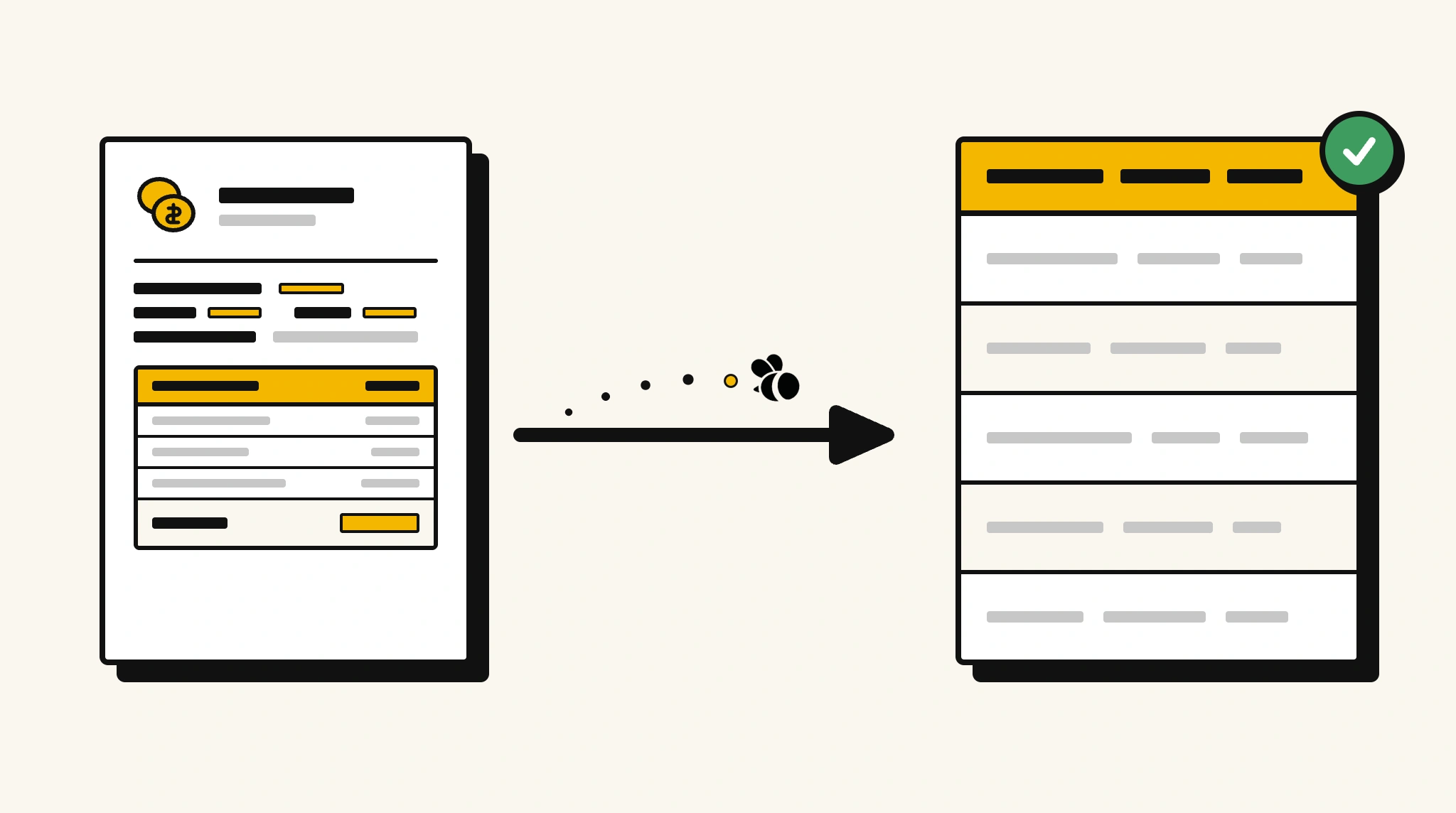
Stop keying invoice data into your accounting system by hand
Every invoice that arrives requires someone to open it, read it, and re-enter the data. At scale, that is hours of work and a reliable source of payment errors.
Which tool you need depends mostly on what you plan to do with the data once it is out. It is worth a minute to compare the main invoice automation tools before you standardise on one.
❌ Before ParserBee
- Open each invoice PDF individually
- Manually key vendor, date, line items, and totals into your ERP
- Risk data entry errors on amounts and due dates
- Duplicate payments when invoices are hard to match
- Process invoices in batches at end of week due to manual load
✅ After ParserBee
- Upload invoices via browser or API as they arrive
- Extract all fields including line items automatically
- Push clean data directly into your ERP or accounting system
- Match invoices to POs automatically using extracted reference numbers
- Process invoices immediately, no batch delays
How ParserBee Parses Invoices
Three steps from document to structured data, no setup or training required.
Upload the Document
Upload a PDF, PNG, JPG, or WebP file. Multi-page documents are processed as a single job.
AI Extracts All Fields
ParserBee identifies and extracts every field automatically, no training or configuration required.
Get Structured Data
Download as JSON or CSV, or use the API to push data directly into your systems on upload.
ParserBee reads the document itself instead of matching a saved layout, which is the main thing separating this from older template-based tools. For the wider picture, see how the invoice OCR tools compare.
Fields Extracted from Invoices
This extraction template comes pre-built with these fields. Add, remove, or rename any field before saving.
Sample Extracted Output
Upload a invoice and ParserBee returns a structured table like this, automatically.
| Field | Extracted Value |
|---|---|
| Invoice Number | INV-2025-00847 |
| Invoice Date | 12 Nov 2025 |
| Due Date | 12 Dec 2025 |
| Vendor Name | Apex Supplies Ltd |
| Client Name | Globex Corporation |
| Subtotal | $4,200.00 |
| Tax (10%) | $420.00 |
| Total Amount | $4,620.00 |
| Currency | USD |
| Payment Terms | Net 30 |
Line items, extracted as a list
| Description | Qty | Unit Price | Total |
|---|---|---|---|
| Office Desk (Adjustable) | 3 | $800.00 | $2,400.00 |
| Ergonomic Chair | 6 | $300.00 | $1,800.00 |
Every field is pulled directly from the document. You define what to extract, ParserBee does the reading.
Export Invoice Data to Excel, CSV or Google Sheets
No developer needed to convert invoices to Excel. Upload a whole batch in ParserBee's Data Lab, review every extracted row in a live spreadsheet, then download everything as CSV, print to PDF, or send it straight to a new Google Sheet in one click.
Prefer automation? The REST API returns clean JSON for every invoice, ready for Zapier, Make, n8n, or your own system. See all integrations.
Free Tool and Guide
Who Uses This Parser
Frequently Asked Questions
What fields are extracted from an invoice?
Invoice number, date, due date, vendor and client details, all line items with quantities and prices, subtotal, tax, total amount, currency, payment terms, and bank details.
Can it extract line items from complex multi-page invoices?
Yes. Line items are extracted as a repeating list regardless of how many rows are on the invoice, across multiple pages.
Does it work with invoices from different vendors with different formats?
Yes. ParserBee uses AI to read invoice content rather than fixed templates, so it works on invoices from any vendor or software.
Can I send extracted invoice data directly to QuickBooks or Xero?
Yes via the API. Map the extracted JSON to your accounting platform using a direct integration, Zapier, or Make.
What if the invoice has no tax, will it error?
No. Optional fields like tax and discount are returned as null when not present on the invoice.
Related Document Parsers
Start extracting invoice data automatically today
Free to try. No credit card required. Works on your first upload.
Create free account