Extract Data from Resumes and CVs Automatically
Upload a resume PDF or image and get candidate name, work history, education, and skills extracted in seconds. No manual reading, no copy-pasting.
Used by HR teams, recruiters, and applicant tracking system integrators worldwide.
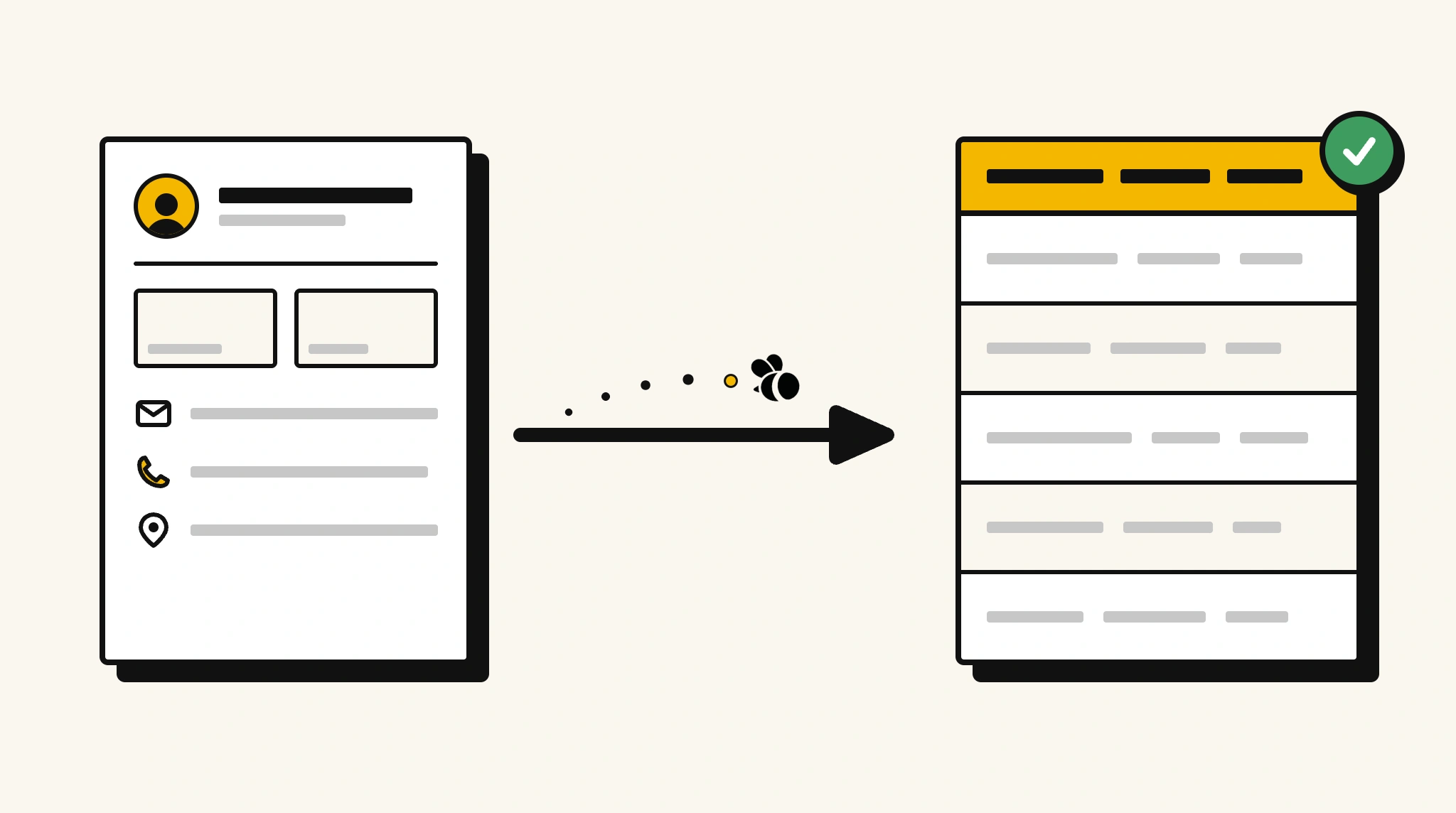
Stop reading every resume by hand
When hundreds of applications arrive, manually pulling data from each one costs hours your team doesn't have.
❌ Before ParserBee
- Open each resume PDF one by one
- Manually read through and copy candidate details
- Re-type work history and education into your ATS
- Miss key skills buried in dense resume text
- Process every new application from scratch
✅ After ParserBee
- Upload resumes individually or in bulk via API
- Get name, contact, experience, and skills extracted instantly
- Push structured candidate data directly into your ATS
- Never miss a listed skill or qualification
- Process hundreds of resumes consistently
How ParserBee Parses Resume / CVs
Three steps from document to structured data, no setup or training required.
Upload the Document
Upload a PDF, PNG, JPG, or WebP file. Multi-page documents are processed as a single job.
AI Extracts All Fields
ParserBee identifies and extracts every field automatically, no training or configuration required.
Get Structured Data
Download as JSON or CSV, or use the API to push data directly into your systems on upload.
Fields Extracted from Resume / CVs
This extraction template comes pre-built with these fields. Add, remove, or rename any field before saving.
Sample Extracted Output
Upload a resume / cv and ParserBee returns a structured table like this, automatically.
| Field | Extracted Value |
|---|---|
| Full Name | Sarah Mitchell |
| sarah.mitchell@email.com | |
| Phone | +1 415 555 0192 |
| Location | San Francisco, CA |
| linkedin.com/in/sarahmitchell | |
| Skills | Python, SQL, Data Analysis, Tableau |
| Certifications | AWS Solutions Architect, PMP |
Work experience, extracted as a list
| Job Title | Company | Start | End |
|---|---|---|---|
| Senior Data Analyst | Acme Corp | Jan 2022 | Present |
| Data Analyst | TechStart Ltd | Mar 2019 | Dec 2021 |
Every field is pulled directly from the document. You define what to extract, ParserBee does the reading.
Export Resume / CV Data to Excel, CSV or Google Sheets
No developer needed to convert resume / cvs to Excel. Upload a whole batch in ParserBee's Data Lab, review every extracted row in a live spreadsheet, then download everything as CSV, print to PDF, or send it straight to a new Google Sheet in one click.
Prefer automation? The REST API returns clean JSON for every resume / cv, ready for Zapier, Make, n8n, or your own system. See all integrations.
Who Uses This Parser
Frequently Asked Questions
What resume formats does ParserBee support?
ParserBee supports PDF, PNG, JPG, and WebP resume files up to 50 MB. It works with single-page and multi-page resumes in any layout.
Can it handle different resume layouts and designs?
Yes. ParserBee uses AI to understand resume content regardless of formatting, columns, or visual design. It works on both simple and highly designed resumes.
Can it extract all work experience entries?
Yes. Work experience is extracted as a repeating list. Each entry captures the job title, company, start date, end date, and responsibilities.
Do I need to map fields for different resume formats?
No. ParserBee reads natural language. You define the fields once and it extracts them from any resume layout without custom mapping.
Can I connect resume extraction to my ATS?
Yes. ParserBee returns structured data via the REST API which you can map directly to your ATS candidate fields using Zapier, Make, or a direct integration.
Related Document Parsers
Start extracting resume data today
Free to try. No credit card required. Works on your first upload.
Create free account