Extract Data from Bank Statements Automatically
Upload any bank statement PDF and get account holder, statement period, opening and closing balances, and every transaction extracted as structured data in seconds.
Used by accountants, credit analysts, financial auditors, and fintech platforms worldwide.
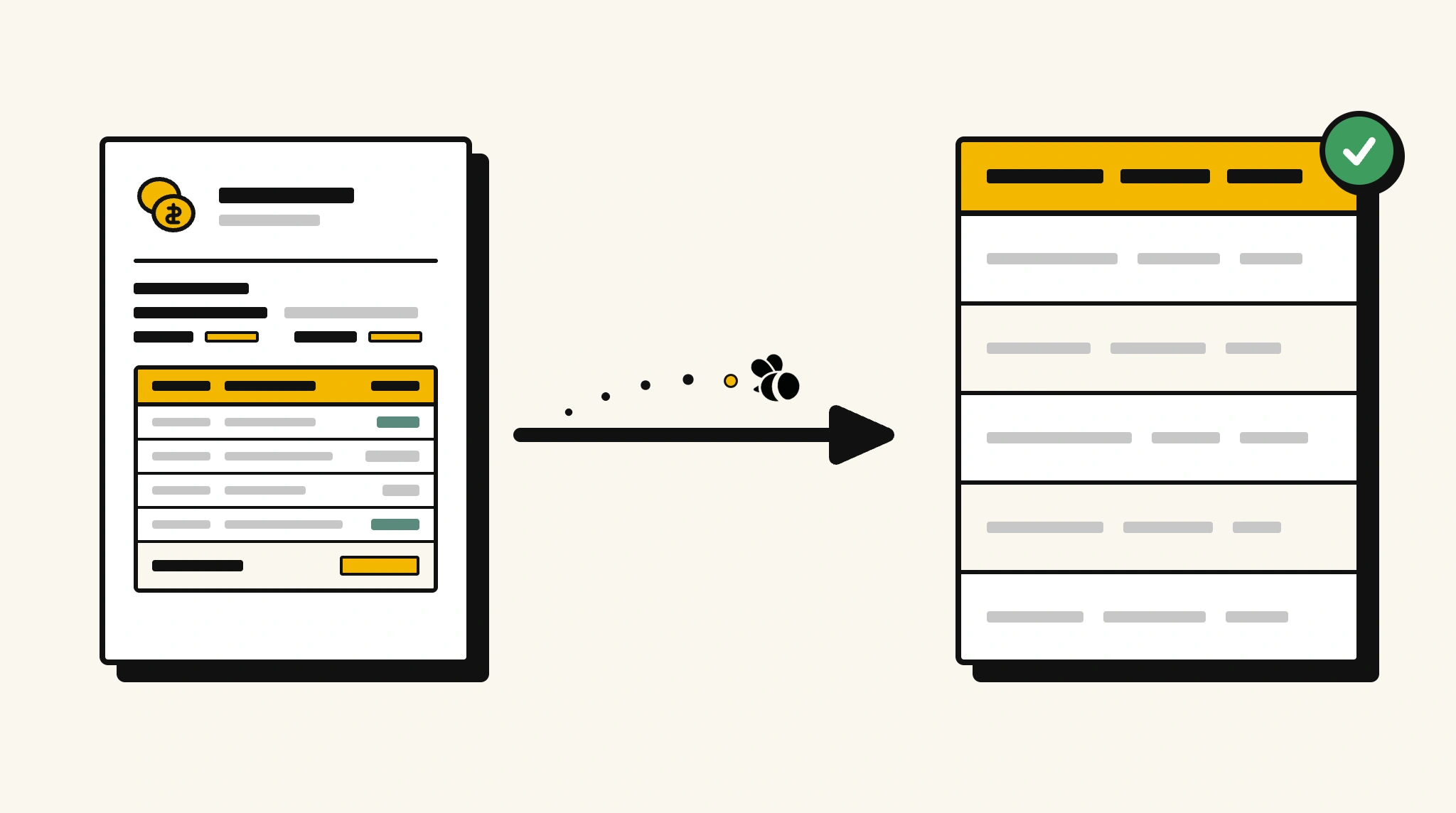
Stop manually reviewing bank statements for financial analysis
Reading through bank statements to extract transactions and balances for audits, loan assessments, or reconciliation is time-consuming and error-prone at any volume.
❌ Before ParserBee
- Open each bank statement PDF page by page
- Manually transcribe transactions into spreadsheets
- Risk missing transactions buried across long statements
- Process each month separately with no consistency
- Spend hours reconciling when data is mis-keyed
✅ After ParserBee
- Upload statements via browser or API
- Extract every transaction with date, description, and amount automatically
- Get opening and closing balances captured for every period
- Feed structured data directly into your accounting or analysis tool
- Reconcile accounts in minutes instead of hours
How ParserBee Parses Bank Statements
Three steps from document to structured data, no setup or training required.
Upload the Document
Upload a PDF, PNG, JPG, or WebP file. Multi-page documents are processed as a single job.
AI Extracts All Fields
ParserBee identifies and extracts every field automatically, no training or configuration required.
Get Structured Data
Download as JSON or CSV, or use the API to push data directly into your systems on upload.
Fields Extracted from Bank Statements
This extraction template comes pre-built with these fields. Add, remove, or rename any field before saving.
Sample Extracted Output
Upload a bank statement and ParserBee returns a structured table like this, automatically.
| Field | Extracted Value |
|---|---|
| Bank Name | FirstNational Bank |
| Account Holder | Emily Carter |
| Account Number | ****4821 |
| Statement Period | 01 Oct – 31 Oct 2025 |
| Opening Balance | $12,450.00 |
| Closing Balance | $9,827.50 |
| Currency | USD |
Transactions, extracted as a list
| Date | Description | Debit | Credit | Balance |
|---|---|---|---|---|
| 02 Oct | Direct Deposit, Salary | $4,500.00 | $16,950.00 | |
| 05 Oct | Rent Payment | $1,800.00 | $15,150.00 | |
| 10 Oct | Grocery Store | $124.50 | $15,025.50 |
Every field is pulled directly from the document. You define what to extract, ParserBee does the reading.
Export Bank Statement Data to Excel, CSV or Google Sheets
No developer needed to convert bank statements to Excel. Upload a whole batch in ParserBee's Data Lab, review every extracted row in a live spreadsheet, then download everything as CSV, print to PDF, or send it straight to a new Google Sheet in one click.
Prefer automation? The REST API returns clean JSON for every bank statement, ready for Zapier, Make, n8n, or your own system. See all integrations.
Free Tool and Guide
Who Uses This Parser
Frequently Asked Questions
What data is extracted from a bank statement?
Bank name, account holder name, account number, statement period, opening and closing balances, currency, and every transaction with date, description, debit, credit, and running balance.
Can it handle long statements with hundreds of transactions?
Yes. All transactions are extracted as a repeating list regardless of how many rows the statement contains.
Does it work with statements from different banks?
Yes. ParserBee adapts to any bank statement format, digital PDFs, scanned documents, or downloaded statements.
Can it distinguish between debits and credits?
Yes. Debit and credit amounts are extracted into separate fields so you can filter and aggregate them independently.
How do I export the extracted transaction data?
Download as CSV or JSON, or use the API to push data into your accounting system, database, or analytics platform.
Related Document Parsers
Start extracting bank statement data automatically today
Free to try. No credit card required. Works on your first upload.
Create free account