
Janani Prasad
Cofounder & Head of Product at ParserBee
28 September 2026
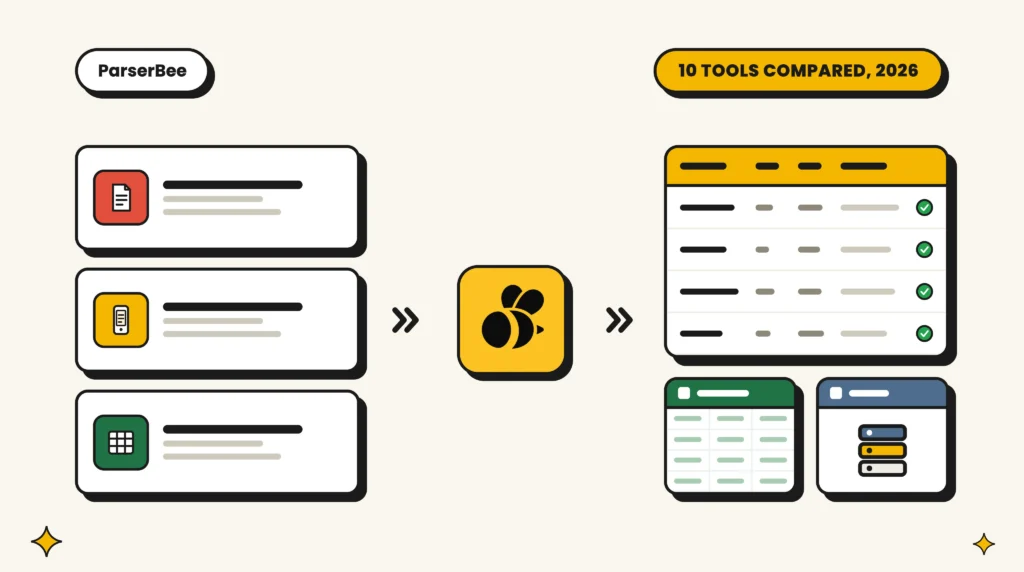
Sales Order Automation in 2026: The 10 Best Tools and How to Set It Up
The 10 best sales order automation tools for 2026, compared on setup, price and ERP fit, plus a no-code way to turn customer POs into order lines today.
Read Article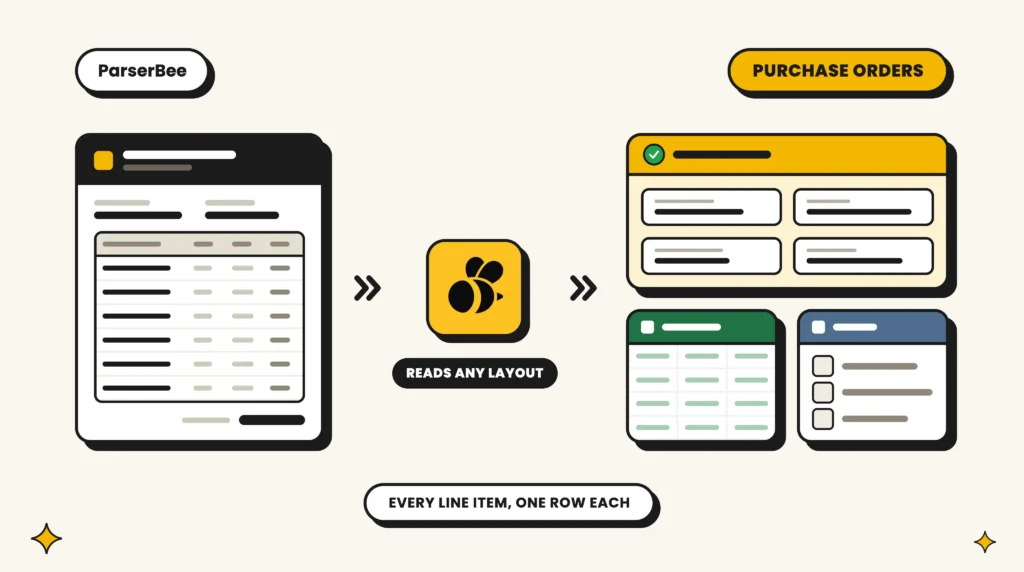
16 September 2026
Purchase Order Automation: What It Is, How It Works, and How to Set It Up (2026)
Purchase order automation explained in plain English: what it is, what it costs to skip, the three kinds you can buy, and a no-code setup you can do today.
Read Article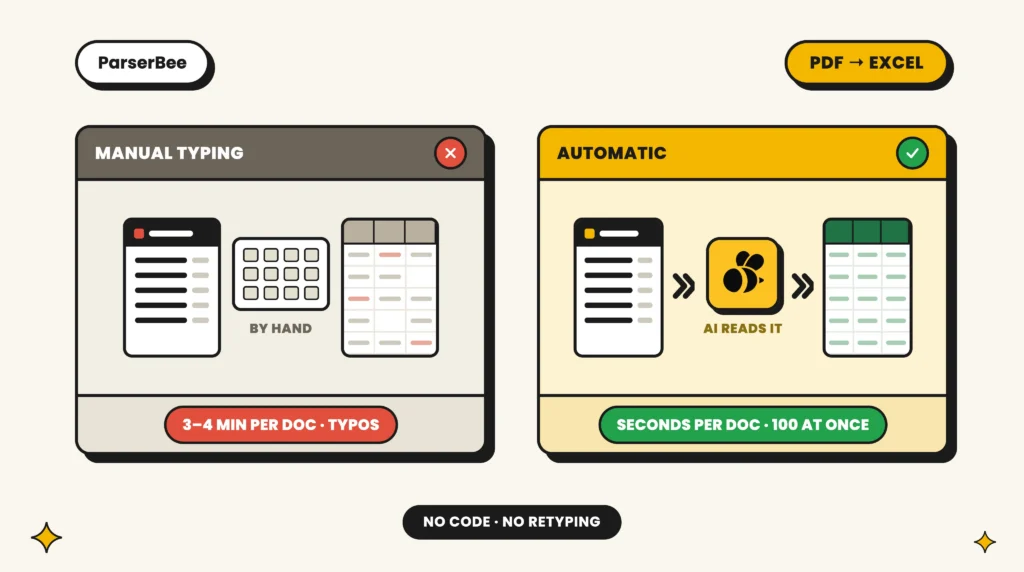
18 August 2026
How to Stop Manual Data Entry from PDF to Excel (For Non-Technical Teams)
Stop retyping PDFs into spreadsheets. A no-code guide to extracting data from PDF to Excel for non-technical finance and operations teams: four methods compared, plus a twenty-minute setup that clears your backlog.
Read Article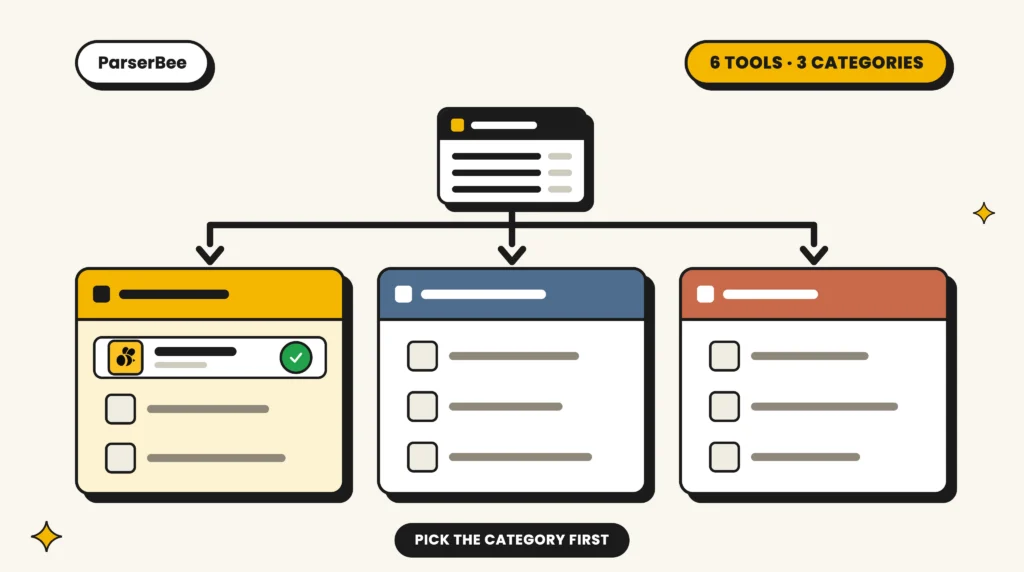
10 August 2026
The Best Invoice Automation Software for Small Businesses in 2026
Compare the best invoice automation software for small businesses in 2026: six honest picks for extracting, approving and recording invoices faster.
Read Article
31 July 2026
Drop a Document, Get a Parser: Meet the AI Template Builder
As part of the latest release of ParserBee, we are introducing the fastest way yet to go from "here is my document" to "here is my data": the AI Template Builder. It turns AI document data extraction into a single upload. Give it one sample of the document you want to parse, and our AI…
Read Article
24 July 2026
10 Best OCR Software for Invoice Processing in 2026 (Tested)
We tested the top invoice OCR software on real invoices: line items, accuracy, pricing and no-template setup compared. ParserBee, Nanonets, Rossum and more.
Read Article
21 July 2026
Bank Statement to Excel Software: The 6 Best Tools in 2026
Retyping one 60-transaction bank statement into a spreadsheet means around 300 typed values and roughly 20 minutes of careful work, with a measured error rate of about 1 percent per entry across decades of human error research. Bank statement to Excel software removes that job entirely: statement in, transaction rows out. The market splits into…
Read Article
16 July 2026
Breaking Down Data Lab: Bulk Document Extraction, No Code Required
Data Lab is a new no-code workspace in ParserBee for bulk document data extraction: pick a Parser Template, drop in up to 100 files, watch a spreadsheet fill itself in, then export to CSV, PDF, or Google Sheets.
Read Article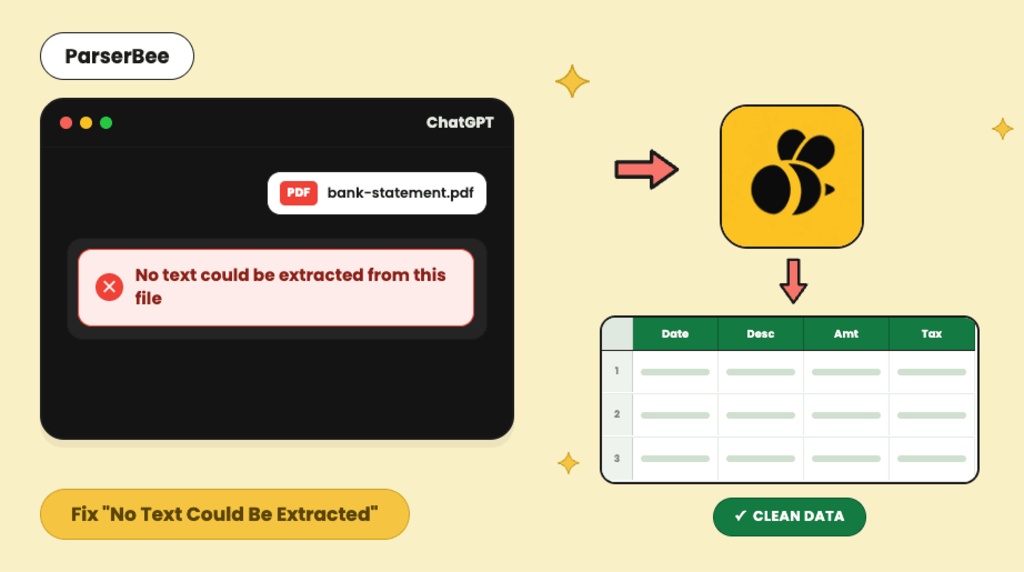
9 July 2026
ChatGPT Says “No Text Could Be Extracted From This File”: Why It Happens and How to Fix It
If ChatGPT has just told you "no text could be extracted from this file", your PDF almost certainly contains pictures of text rather than actual text. Scanned documents, photographed pages, and image-based exports all look normal to you, but to software they are photographs of ink with nothing to copy. The fix depends on what…
Read Article