Extract Data from Student Report Cards Automatically
Upload a student report card and get grades, attendance, subject-level marks, and teacher comments extracted as structured data in seconds.
Used by school administrators, education technology platforms, and student information system teams worldwide.
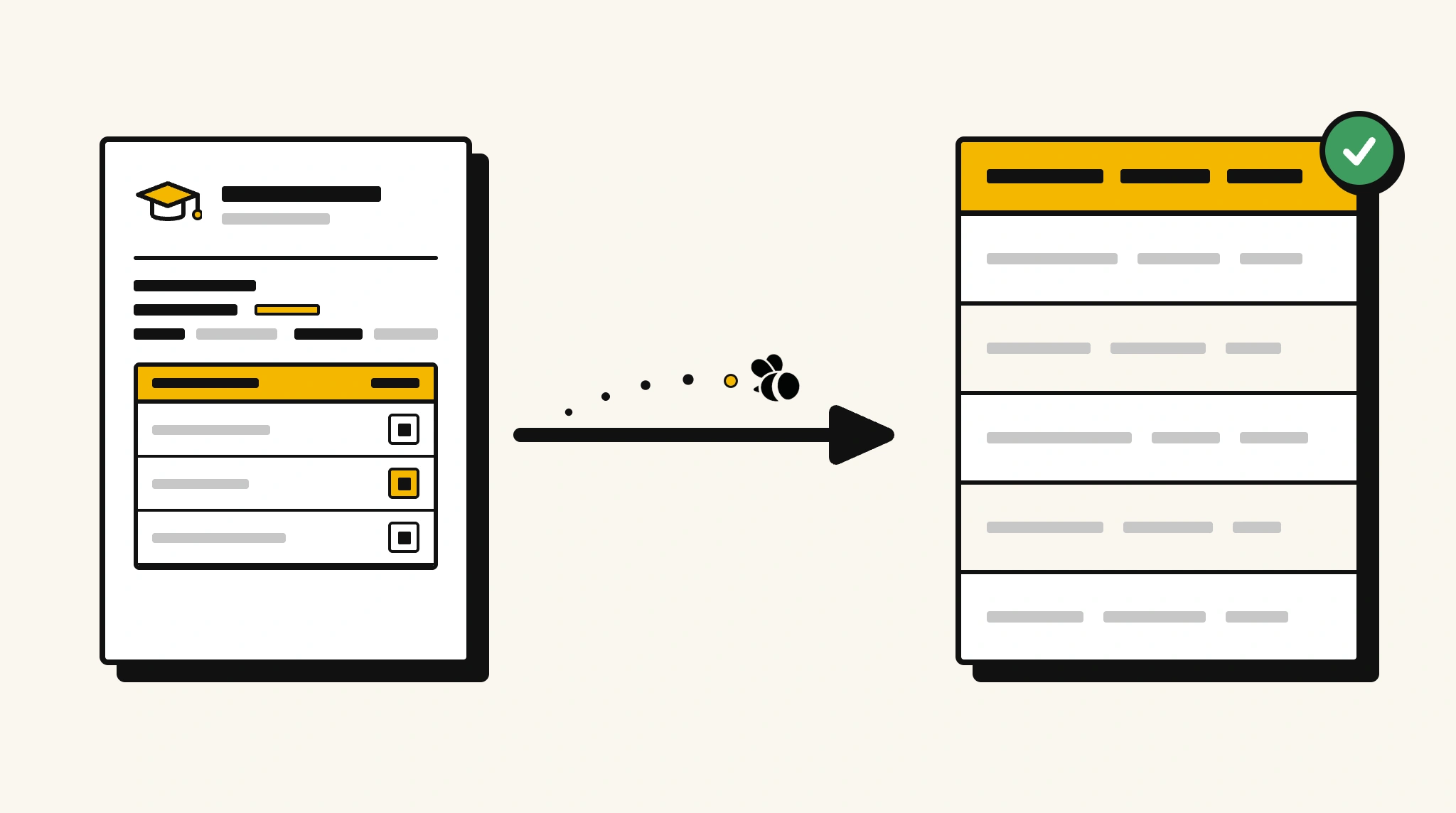
Stop manually entering report card data into your SIS
Re-typing grades, attendance percentages, and teacher comments from printed report cards into your student information system every term is a major time drain for admin staff.
❌ Before ParserBee
- Print or scan report cards and manually enter grades into your SIS
- Re-type subject marks and teacher comments one by one
- Risk data entry errors that affect student academic records
- Process hundreds of report cards individually at end of term
- Delay generating analytics because data entry is the bottleneck
✅ After ParserBee
- Upload report cards via browser or API
- Extract grades, attendance, and comments automatically
- Get clean SIS-ready data for every student
- Generate academic analytics from structured data immediately
- Process a full year group's reports in minutes not days
How ParserBee Parses Student Report Cards
Three steps from document to structured data, no setup or training required.
Upload the Document
Upload a PDF, PNG, JPG, or WebP file. Multi-page documents are processed as a single job.
AI Extracts All Fields
ParserBee identifies and extracts every field automatically, no training or configuration required.
Get Structured Data
Download as JSON or CSV, or use the API to push data directly into your systems on upload.
Fields Extracted from Student Report Cards
This extraction template comes pre-built with these fields. Add, remove, or rename any field before saving.
Sample Extracted Output
Upload a student report card and ParserBee returns a structured table like this, automatically.
| Field | Extracted Value |
|---|---|
| Student Name | Emily Clarke |
| Student ID | STU-2025-0441 |
| Grade | Year 9 |
| Academic Year | 2024-2025 |
| Report Period | Term 1 |
| School | Riverside Academy |
| Total Marks | 476 / 550 |
| Overall Percentage | 86.5% |
| Attendance | 94.2% |
| Class Teacher Comment | Emily demonstrates strong analytical skills and is a positive contributor to class discussions. |
| Promotion Status | Promoted to Year 10 |
Subject results, extracted as a list
| Subject | Marks | Max Marks | Grade | Teacher Comment |
|---|---|---|---|---|
| Mathematics | 88 | 100 | A | Excellent problem-solving. Continue challenging yourself with extension work. |
| English | 82 | 100 | B+ | Strong creative writing. Work on essay structure. |
| Science | 92 | 100 | A+ | Outstanding lab reports and class participation. |
Every field is pulled directly from the document. You define what to extract, ParserBee does the reading.
Export Student Report Card Data to Excel, CSV or Google Sheets
No developer needed to convert student report cards to Excel. Upload a whole batch in ParserBee's Data Lab, review every extracted row in a live spreadsheet, then download everything as CSV, print to PDF, or send it straight to a new Google Sheet in one click.
Prefer automation? The REST API returns clean JSON for every student report card, ready for Zapier, Make, n8n, or your own system. See all integrations.
Who Uses This Parser
Frequently Asked Questions
What data is extracted from a student report card?
Student name, ID, grade, academic year, report period, school name, per-subject marks, maximum marks, grade, and teacher comment, plus total marks, overall percentage, attendance percentage, class teacher comment, and promotion status.
Can it handle report cards with different grading systems?
Yes. The marks and grade fields capture whatever grading scale is used, whether numeric scores, letter grades, or descriptive ratings.
Does it work with report cards from different schools and formats?
Yes. ParserBee adapts to any report card layout. The same template works regardless of school or format.
Can it extract all subject results at once?
Yes. Subjects are extracted as a repeating list. Every subject on the report card is captured with marks, grade, and teacher comment.
How do I use extracted report data in a student information system?
Use the REST API to receive structured data and map it to your SIS student record and assessment fields.
Related Document Parsers
Start automating student report card data extraction today
Free to try. No credit card required. Works on your first upload.
Create free account