Extract Data from Safety Data Sheets Automatically
Upload an SDS or MSDS document and get chemical name, hazard classification, handling precautions, PPE requirements, and emergency contacts extracted instantly.
Used by EHS teams, chemical inventory managers, and manufacturing safety officers worldwide.
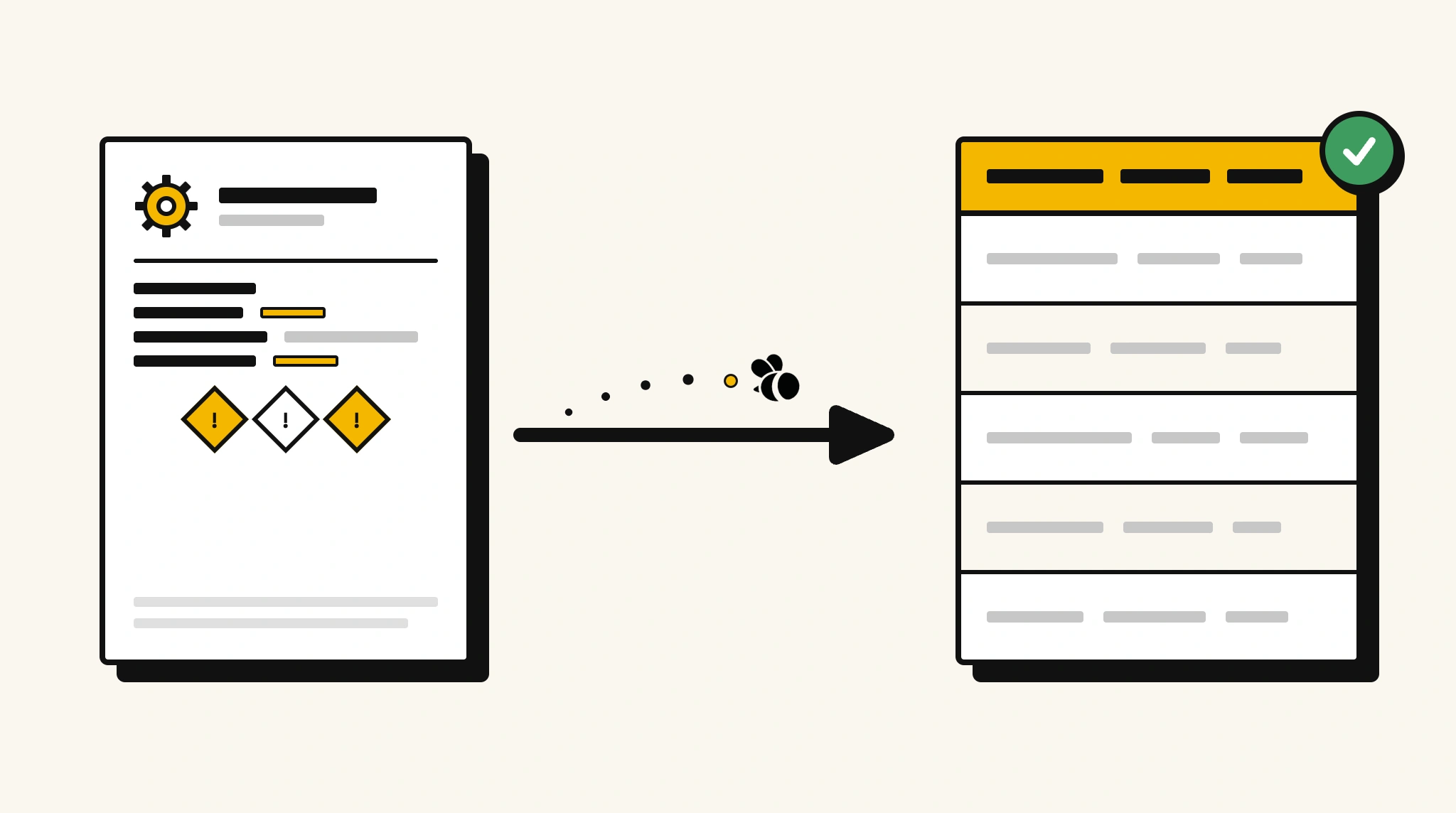
Stop manually searching SDS documents for critical safety data
Locating hazard classifications, PPE requirements, and emergency contacts in dense multi-section SDS documents is slow and creates compliance risk when urgency matters.
❌ Before ParserBee
- Search through 16-section SDS documents for the field you need
- Re-type hazard statements and handling instructions into your chemical inventory system
- Risk having outdated safety information due to slow manual updates
- Process SDS documents from dozens of chemical suppliers inconsistently
- Fail audits because safety data is not in a searchable structured format
✅ After ParserBee
- Upload SDS documents via browser or API
- Extract all key safety fields automatically in seconds
- Keep chemical inventory systems current with structured SDS data
- Process new and revised SDS documents consistently
- Pass audits with a searchable database of safety information
How ParserBee Parses Safety Data Sheets
Three steps from document to structured data, no setup or training required.
Upload the Document
Upload a PDF, PNG, JPG, or WebP file. Multi-page documents are processed as a single job.
AI Extracts All Fields
ParserBee identifies and extracts every field automatically, no training or configuration required.
Get Structured Data
Download as JSON or CSV, or use the API to push data directly into your systems on upload.
Fields Extracted from Safety Data Sheets
This extraction template comes pre-built with these fields. Add, remove, or rename any field before saving.
Sample Extracted Output
Upload a safety data sheet and ParserBee returns a structured table like this, automatically.
| Field | Extracted Value |
|---|---|
| Product Name | Isopropyl Alcohol 70% |
| Product Code | IPA-70-5L |
| Manufacturer | ChemSupply Ltd |
| Revision Date | 01 Oct 2025 |
| Hazard Classification | Flammable Liquid, Category 2 |
| GHS Signal Word | Danger |
| Emergency Contact | +1 800 555 0199 (24hr ChemTrec) |
| PPE Required | Nitrile gloves, safety goggles, lab coat |
| Storage Conditions | Cool, dry, well-ventilated area away from ignition sources |
Every field is pulled directly from the document. You define what to extract, ParserBee does the reading.
Export Safety Data Sheet Data to Excel, CSV or Google Sheets
No developer needed to convert safety data sheets to Excel. Upload a whole batch in ParserBee's Data Lab, review every extracted row in a live spreadsheet, then download everything as CSV, print to PDF, or send it straight to a new Google Sheet in one click.
Prefer automation? The REST API returns clean JSON for every safety data sheet, ready for Zapier, Make, n8n, or your own system. See all integrations.
Who Uses This Parser
Frequently Asked Questions
What data is extracted from a safety data sheet?
Product name and code, manufacturer, revision date, hazard classification, GHS signal word, hazard statements, first aid measures, fire extinguishing media, handling precautions, storage conditions, PPE requirements, disposal method, and emergency contact.
Does it work with SDS documents in GHS format?
Yes. The template is built around GHS-formatted SDS documents. It extracts GHS-specific fields including signal word and H-codes.
Can it handle multi-language SDS documents?
ParserBee processes English-language documents. For multi-language SDS, ensure the English version is uploaded for best results.
How do I keep my chemical inventory updated when SDS documents are revised?
Upload revised SDS documents when received. ParserBee extracts the updated data which you can push to your inventory system via the API.
Can it extract from older MSDS documents that predate GHS?
Yes. The template works for both GHS-format SDS and older MSDS documents. Some GHS-specific fields may be absent in older formats and will return empty values.
Related Document Parsers
Start building your chemical safety database today
Free to try. No credit card required. Works on your first upload.
Create free account