Extract Data from Quality Inspection Reports Automatically
Upload a quality inspection report and get batch details, individual check results, pass/fail status, and overall outcome extracted as structured data in seconds.
Used by quality assurance teams, procurement departments, and manufacturing operations worldwide.
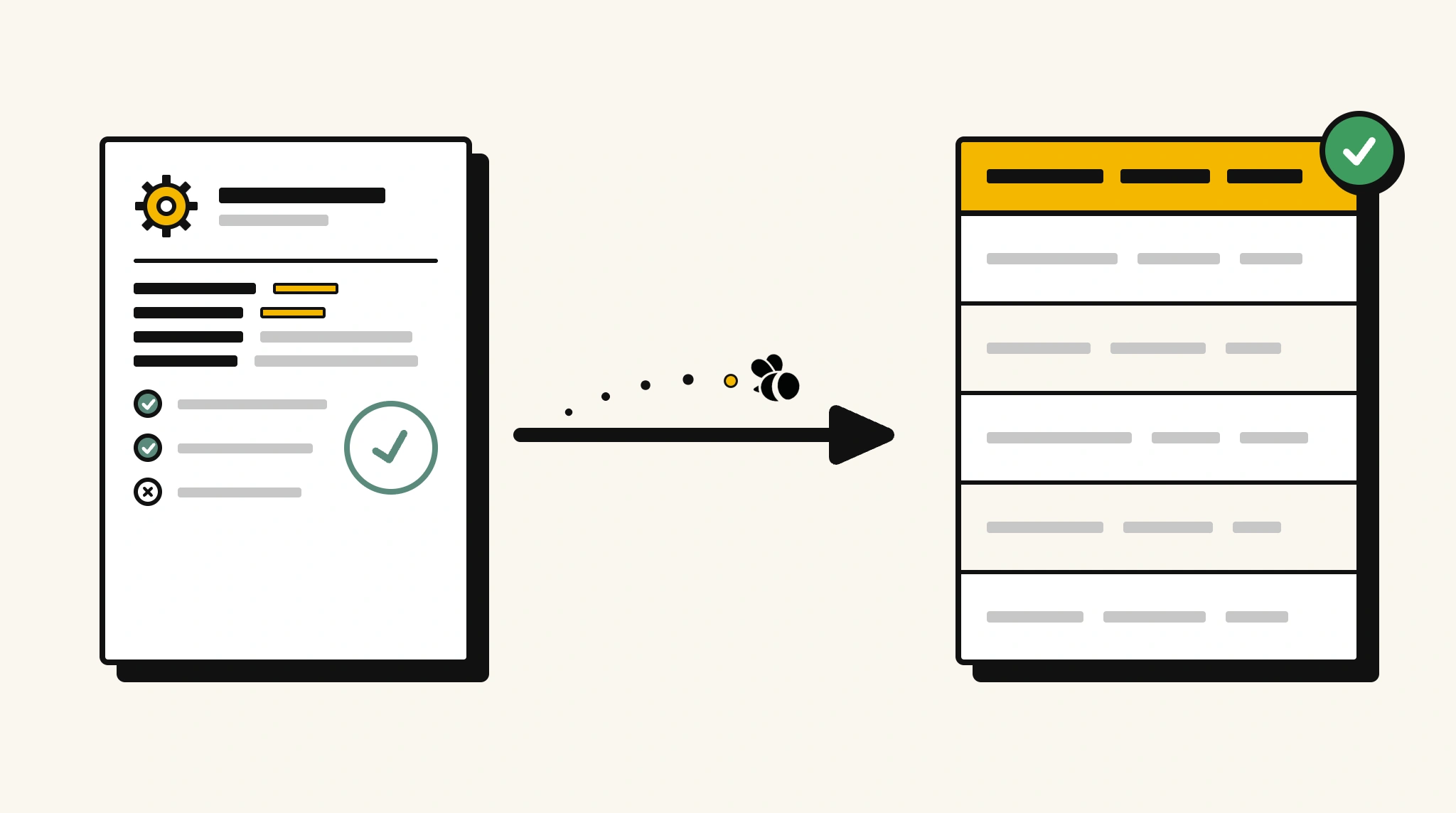
Stop manually entering inspection results into your QMS
Re-typing pass/fail results and parameter readings from paper or PDF inspection reports into your quality management system delays corrective action and audit preparation.
❌ Before ParserBee
- Read through each inspection report to find check results
- Re-type parameter readings and pass/fail outcomes into your QMS
- Risk missing a failed check buried in a long inspection form
- Process reports from multiple inspectors inconsistently
- Spend time on data entry when defects need immediate action
✅ After ParserBee
- Upload inspection reports via browser or API
- Extract all check results and overall outcome automatically
- Get structured QMS-ready data for every inspection
- Instantly identify failed checks from extracted results
- Process reports from any inspector or facility consistently
How ParserBee Parses Quality Inspection Reports
Three steps from document to structured data, no setup or training required.
Upload the Document
Upload a PDF, PNG, JPG, or WebP file. Multi-page documents are processed as a single job.
AI Extracts All Fields
ParserBee identifies and extracts every field automatically, no training or configuration required.
Get Structured Data
Download as JSON or CSV, or use the API to push data directly into your systems on upload.
Fields Extracted from Quality Inspection Reports
This extraction template comes pre-built with these fields. Add, remove, or rename any field before saving.
Sample Extracted Output
Upload a quality inspection report and ParserBee returns a structured table like this, automatically.
| Field | Extracted Value |
|---|---|
| Report Number | QIR-2025-00441 |
| Inspection Date | 15 Nov 2025 |
| Inspector | Kevin Torres |
| Product | Industrial Valve Assembly V-200 |
| Batch Number | BATCH-2025-Q4-0892 |
| Qty Inspected | 500 |
| Qty Accepted | 492 |
| Qty Rejected | 8 |
| Overall Result | Conditional Release, minor defects noted |
Inspection checks, extracted as a list
| Parameter | Specification | Actual Value | Result |
|---|---|---|---|
| Pressure Rating | 250 PSI min | 262 PSI | Pass |
| Dimensional Tolerance | ±0.5mm | ±0.3mm | Pass |
| Surface Finish | Ra 1.6 max | Ra 1.9 | Fail |
| Leak Test | Zero leakage | Zero leakage | Pass |
Every field is pulled directly from the document. You define what to extract, ParserBee does the reading.
Export Quality Inspection Report Data to Excel, CSV or Google Sheets
No developer needed to convert quality inspection reports to Excel. Upload a whole batch in ParserBee's Data Lab, review every extracted row in a live spreadsheet, then download everything as CSV, print to PDF, or send it straight to a new Google Sheet in one click.
Prefer automation? The REST API returns clean JSON for every quality inspection report, ready for Zapier, Make, n8n, or your own system. See all integrations.
Who Uses This Parser
Frequently Asked Questions
What data is extracted from a quality inspection report?
Report number, inspection date, inspector name, product name, batch number, quantities inspected, accepted and rejected, individual check parameters with specifications, actual values and results, overall outcome, and remarks.
Can it handle inspection reports with many check items?
Yes. Check items are extracted as a repeating list. Every parameter on the form is captured regardless of report length.
Does it identify failed checks automatically?
Yes. Each check item includes a result field. Your system can filter for all checks with a Fail result from the extracted data.
Does it work with reports from different inspectors and facilities?
Yes. ParserBee adapts to any report format. The same template works across different inspectors and facility forms.
Can I feed extracted data directly into my QMS?
Yes. Use the API to receive structured JSON data and map it to your QMS non-conformance or inspection records.
Related Document Parsers
Start extracting quality inspection data today
Free to try. No credit card required. Works on your first upload.
Create free account