Extract Data from Inspection Checklists Automatically
Upload an inspection checklist and get every check item, pass/fail result, remarks, and overall status extracted as structured data in seconds.
Used by quality teams, facilities managers, and EHS departments worldwide.
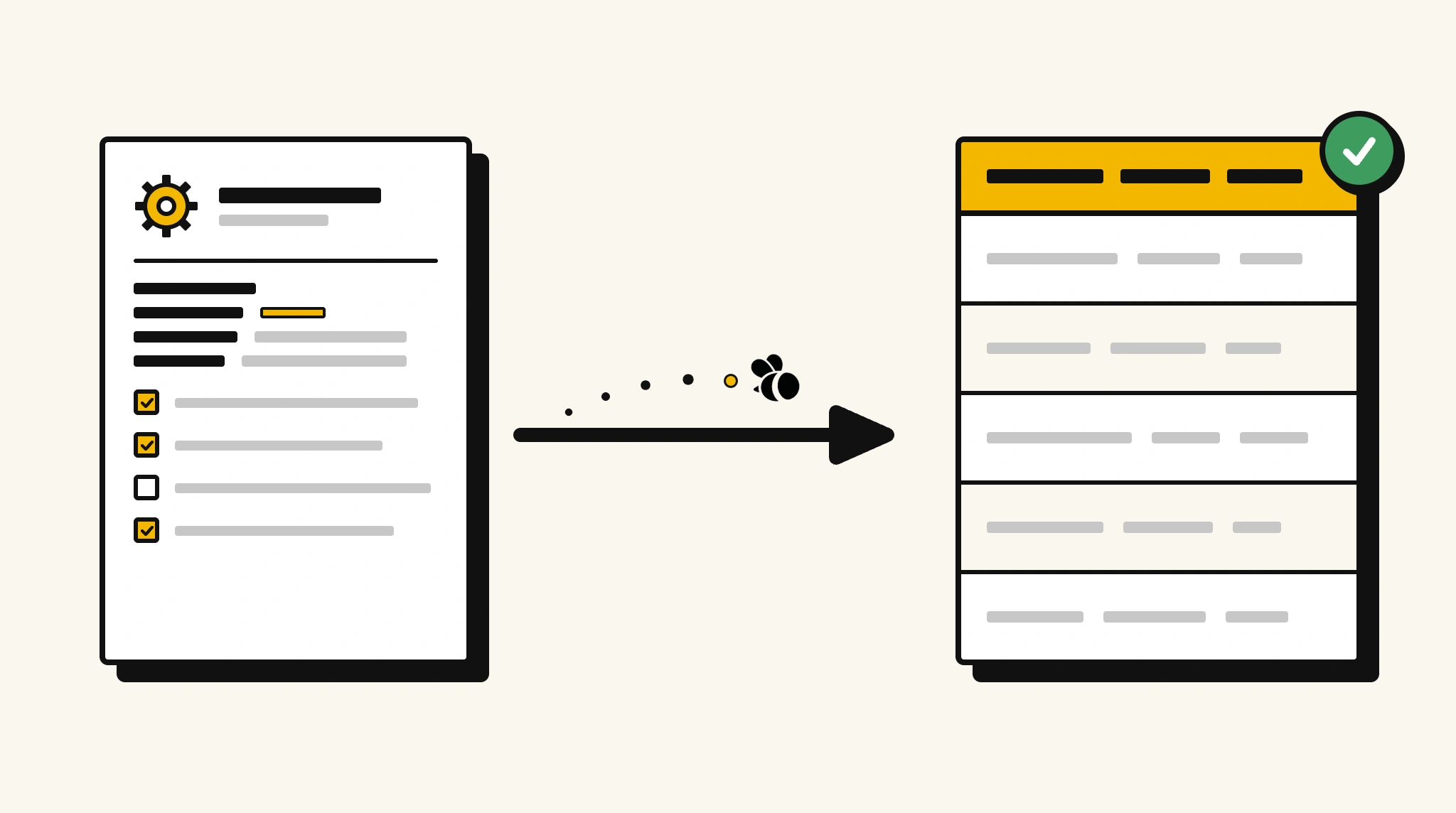
Stop manually entering inspection checklist results
Re-typing pass/fail results and observations from paper checklists into your quality or compliance system after each inspection is time that could go toward actual corrective action.
❌ Before ParserBee
- Complete paper checklists on-site and manually enter results later
- Re-type each check item result and remarks into your system
- Risk losing or misplacing paper checklists before data entry
- Process checklists from different inspectors inconsistently
- Delay corrective actions because data isn't in your system yet
✅ After ParserBee
- Upload checklists via browser or API immediately after inspection
- Extract all check items, results, and remarks automatically
- Get corrective action items from structured extracted data
- Process checklists from any inspector or facility consistently
- Trigger corrective workflows from extracted failed items
How ParserBee Parses Inspection Checklists
Three steps from document to structured data, no setup or training required.
Upload the Document
Upload a PDF, PNG, JPG, or WebP file. Multi-page documents are processed as a single job.
AI Extracts All Fields
ParserBee identifies and extracts every field automatically, no training or configuration required.
Get Structured Data
Download as JSON or CSV, or use the API to push data directly into your systems on upload.
Fields Extracted from Inspection Checklists
This extraction template comes pre-built with these fields. Add, remove, or rename any field before saving.
Sample Extracted Output
Upload a inspection checklist and ParserBee returns a structured table like this, automatically.
| Field | Extracted Value |
|---|---|
| Checklist Title | Fire Safety Inspection Checklist |
| Inspection Date | 15 Nov 2025 |
| Inspector | Mark Chen |
| Area / Asset | Building A, Ground Floor |
| Location | Riverside Industrial Park |
| Overall Status | Failed, 2 items require corrective action |
| Corrective Actions | Replace fire extinguisher in corridor 2A. Repair emergency exit light on east wall. |
| Next Inspection | 15 Feb 2026 |
Checklist items, extracted as a list
| Item No. | Description | Result | Remarks |
|---|---|---|---|
| 1 | Fire extinguishers present and in date | Fail | Corridor 2A extinguisher expired Nov 2024 |
| 2 | Emergency exits unobstructed | Pass | |
| 3 | Emergency lighting functional | Fail | East wall unit not illuminating |
| 4 | Sprinkler heads clear of obstruction | Pass |
Every field is pulled directly from the document. You define what to extract, ParserBee does the reading.
Export Inspection Checklist Data to Excel, CSV or Google Sheets
No developer needed to convert inspection checklists to Excel. Upload a whole batch in ParserBee's Data Lab, review every extracted row in a live spreadsheet, then download everything as CSV, print to PDF, or send it straight to a new Google Sheet in one click.
Prefer automation? The REST API returns clean JSON for every inspection checklist, ready for Zapier, Make, n8n, or your own system. See all integrations.
Who Uses This Parser
Frequently Asked Questions
What data is extracted from an inspection checklist?
Checklist title, inspection date, inspector name, area or asset, location, each check item with number, description, result, and remarks, overall status, corrective actions required, and next inspection date.
Can it handle long checklists with many items?
Yes. Check items are extracted as a repeating list. Every item on the checklist is captured regardless of length.
Can it identify failed items automatically?
Yes. Each item includes a result field. Your system can filter for all items with a Fail or requires action result from the extracted data.
Does it work with checklists from different inspection types?
Yes. The same template works for fire safety, food safety, equipment, environmental, and any other checklist type. Customize field labels to match your specific form.
Can I trigger corrective work orders from extracted failed items?
Yes. Use the API to receive structured results and automatically create corrective work orders in your maintenance or compliance system for every failed check.
Related Document Parsers
Start automating inspection checklist data extraction today
Free to try. No credit card required. Works on your first upload.
Create free account