Extract Data from Survey Responses Automatically
Upload a completed survey form or PDF and get all question-answer pairs, ratings, and open-ended feedback extracted as structured data ready for analysis.
Used by research teams, customer success managers, and operations departments worldwide.
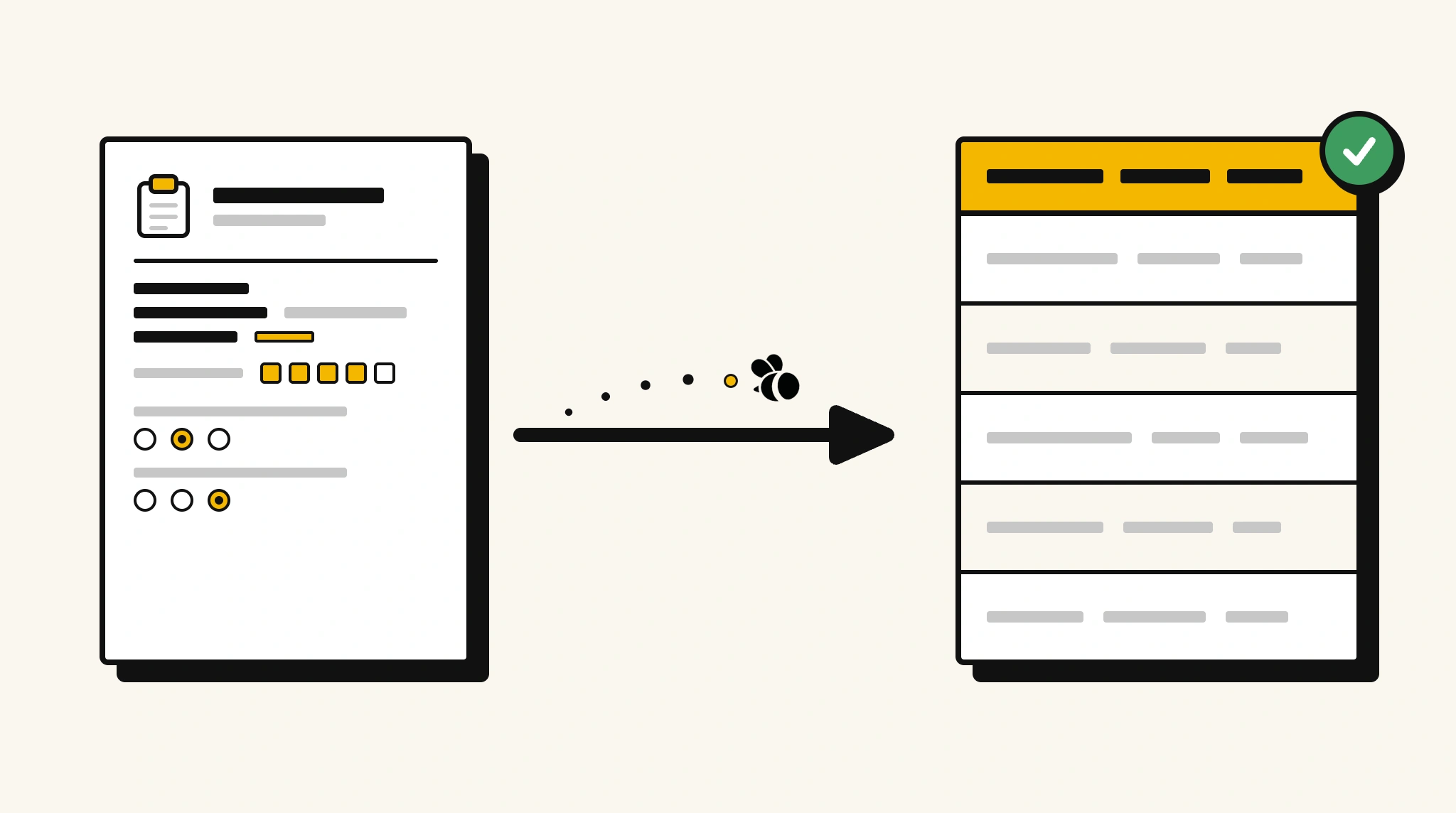
Stop manually entering survey response data
Transcribing answers from paper or PDF survey forms into your analysis tool one by one makes large-scale feedback collection impractical.
❌ Before ParserBee
- Open each completed survey form and read through every answer
- Re-type ratings and responses into your analysis spreadsheet
- Lose context when open-ended feedback is omitted during manual entry
- Process surveys from field interviews or printed questionnaires individually
- Spend hours on data entry before any analysis can begin
✅ After ParserBee
- Upload survey forms via browser or API
- Extract every question and answer pair automatically
- Capture open-ended feedback alongside numeric ratings
- Feed structured data into your analysis or reporting tool directly
- Analyze results from hundreds of surveys without manual transcription
How ParserBee Parses Survey Responses
Three steps from document to structured data, no setup or training required.
Upload the Document
Upload a PDF, PNG, JPG, or WebP file. Multi-page documents are processed as a single job.
AI Extracts All Fields
ParserBee identifies and extracts every field automatically, no training or configuration required.
Get Structured Data
Download as JSON or CSV, or use the API to push data directly into your systems on upload.
Fields Extracted from Survey Responses
This extraction template comes pre-built with these fields. Add, remove, or rename any field before saving.
Sample Extracted Output
Upload a survey response and ParserBee returns a structured table like this, automatically.
| Field | Extracted Value |
|---|---|
| Survey Title | Customer Satisfaction Survey Q4 2025 |
| Respondent Name | Carol Bright |
| Response Date | 10 Nov 2025 |
| Overall Rating | 4 |
| Q1, Service quality rating | 5 |
| Q2, Response time rating | 4 |
| Q3, Would recommend? | Yes |
| Open Feedback | Staff were very helpful. Response time could be faster during peak hours. |
Every field is pulled directly from the document. You define what to extract, ParserBee does the reading.
Export Survey Response Data to Excel, CSV or Google Sheets
No developer needed to convert survey responses to Excel. Upload a whole batch in ParserBee's Data Lab, review every extracted row in a live spreadsheet, then download everything as CSV, print to PDF, or send it straight to a new Google Sheet in one click.
Prefer automation? The REST API returns clean JSON for every survey response, ready for Zapier, Make, n8n, or your own system. See all integrations.
Who Uses This Parser
Frequently Asked Questions
What data is extracted from a survey response?
Survey title, respondent name, response date, each question and answer pair with any numeric ratings, the overall rating, and any open-ended or free-text feedback.
Can it handle surveys with different question types?
Yes. The responses list captures question number, question text, answer, and numeric score for each item, supporting multiple choice, rating scale, and open-ended formats.
Does it work with surveys that have many pages?
Yes. Multi-page survey forms are processed as a single document.
Can I process paper surveys collected in the field?
Yes. Upload photos or scanned images of paper surveys and ParserBee extracts the responses using AI OCR.
How do I analyze responses from multiple surveys at once?
Use the API to extract data from all surveys and aggregate the results in your analytics tool, spreadsheet, or business intelligence platform.
Related Document Parsers
Start extracting survey response data today
Free to try. No credit card required. Works on your first upload.
Create free account