Extract Data from Meeting Minutes Automatically
Upload any meeting minutes document and get attendees, agenda items, decisions, and action items extracted as structured data, ready for your task management system.
Used by executive assistants, operations teams, and project management professionals worldwide.
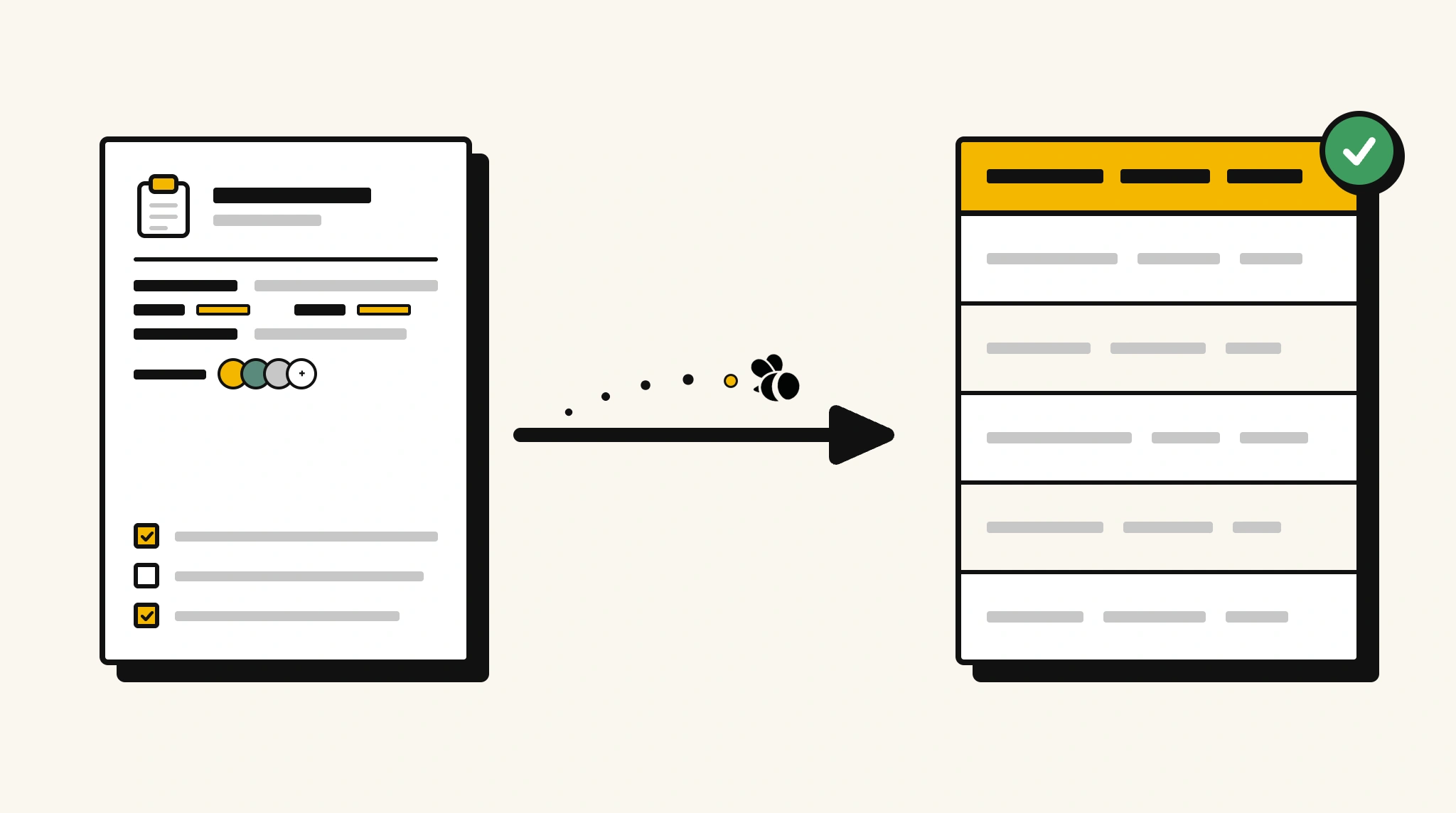
Stop manually logging action items from meeting minutes
Reading through meeting minutes to extract attendees, decisions, and action items for follow-up tracking is slow and causes tasks to fall through the cracks.
❌ Before ParserBee
- Read through meeting minutes to find action items
- Manually add tasks to project management tools after every meeting
- Miss deadlines because action items weren't captured consistently
- Struggle to find decisions made in past meetings
- Process minutes differently across teams with no consistency
✅ After ParserBee
- Upload meeting minutes via browser or API
- Extract all attendees, decisions, and action items automatically
- Push tasks directly into your project management platform
- Build a searchable record of all decisions across meetings
- Process minutes immediately after every meeting, no manual logging
How ParserBee Parses Meeting Minutess
Three steps from document to structured data, no setup or training required.
Upload the Document
Upload a PDF, PNG, JPG, or WebP file. Multi-page documents are processed as a single job.
AI Extracts All Fields
ParserBee identifies and extracts every field automatically, no training or configuration required.
Get Structured Data
Download as JSON or CSV, or use the API to push data directly into your systems on upload.
Fields Extracted from Meeting Minutess
This extraction template comes pre-built with these fields. Add, remove, or rename any field before saving.
Sample Extracted Output
Upload a meeting minutes and ParserBee returns a structured table like this, automatically.
| Field | Extracted Value |
|---|---|
| Meeting Title | Q4 Product Roadmap Review |
| Date | 18 Nov 2025 |
| Time | 10:00 AM |
| Location | Board Room B / Zoom |
| Facilitator | Amanda Rivers, VP Product |
| Next Meeting | 02 Dec 2025 |
Action items, extracted as a list
| Task | Assigned To | Due Date |
|---|---|---|
| Prepare updated feature prioritisation matrix | James Okafor | 25 Nov 2025 |
| Share competitor analysis report with leadership | Priya Mehta | 21 Nov 2025 |
| Review Q4 sprint capacity with engineering lead | Tom Walsh | 22 Nov 2025 |
Every field is pulled directly from the document. You define what to extract, ParserBee does the reading.
Export Meeting Minutes Data to Excel, CSV or Google Sheets
No developer needed to convert meeting minutess to Excel. Upload a whole batch in ParserBee's Data Lab, review every extracted row in a live spreadsheet, then download everything as CSV, print to PDF, or send it straight to a new Google Sheet in one click.
Prefer automation? The REST API returns clean JSON for every meeting minutes, ready for Zapier, Make, n8n, or your own system. See all integrations.
Who Uses This Parser
Frequently Asked Questions
What data is extracted from meeting minutes?
Meeting title, date, time, location, facilitator, attendee names and roles, agenda items with summaries and decisions, action items with assignee and due date, and next meeting date.
Does it work with meeting minutes in different formats?
Yes. ParserBee adapts to formal board minutes, informal team meeting notes, and any structured or semi-structured minutes format.
Can I push extracted action items directly to Jira, Asana, or Trello?
Yes. Use the REST API with Zapier or Make to map extracted action items to tasks in any project management platform.
What if the meeting minutes don't have a formal structure?
ParserBee uses AI to identify action items and decisions even from informal notes, though structured minutes produce more accurate results.
Can it handle minutes from virtual meetings with chat logs appended?
For standard minutes documents, yes. If the minutes include embedded chat logs, add a chatLog field to capture that content.
Related Document Parsers
Start extracting meeting minutes data automatically today
Free to try. No credit card required. Works on your first upload.
Create free account