Extract Data from Explanation of Benefits Documents Automatically
Upload any EOB document and get member details, service description, billed amount, plan payment, and patient responsibility extracted as structured data in seconds.
Used by healthcare billing teams, patient advocates, and insurance processing platforms worldwide.
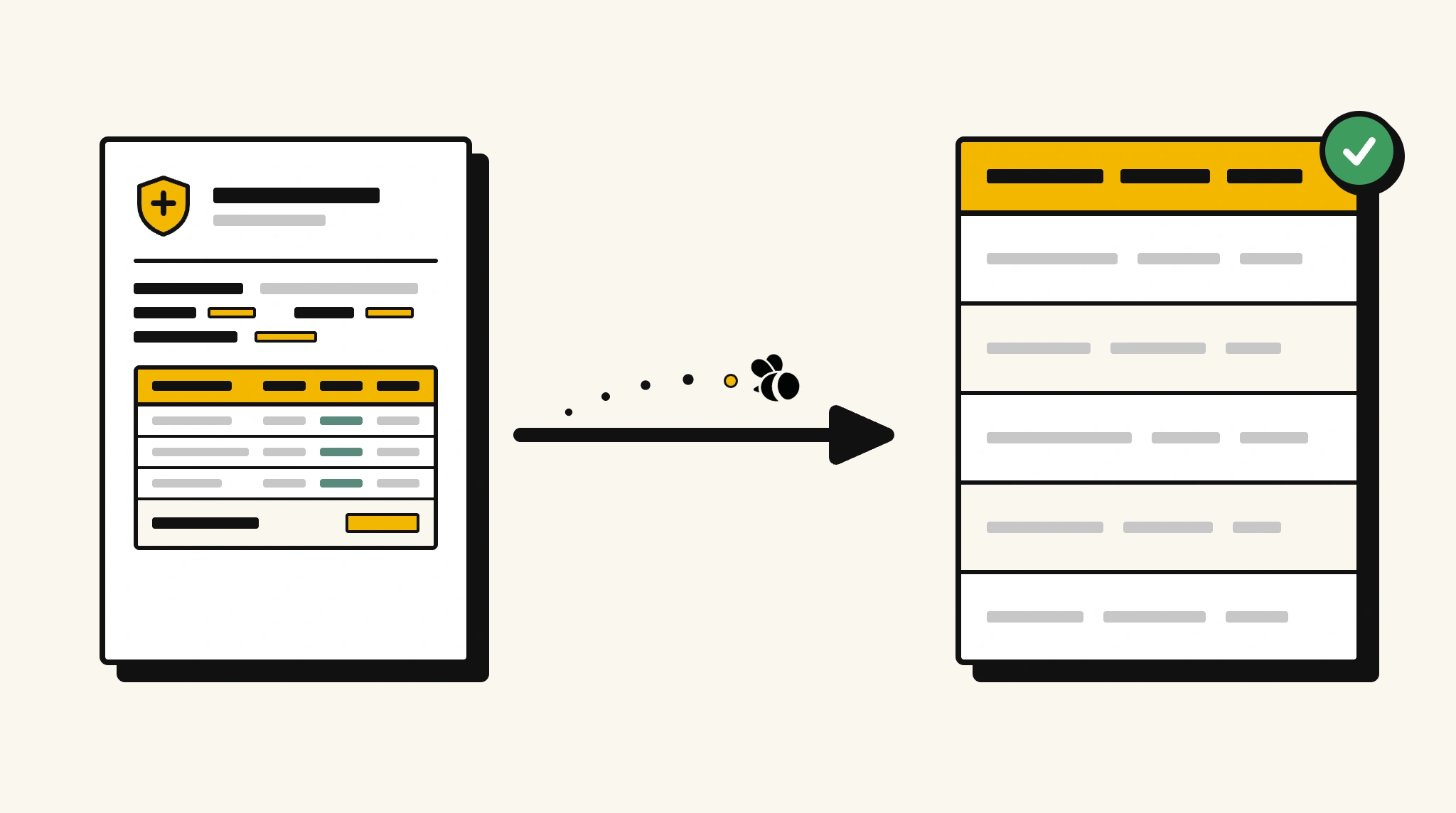
Stop manually reviewing EOB documents to reconcile patient billing
Reading through EOBs to reconcile what the insurer paid, what the discount was, and what patients owe is slow and creates errors that affect billing and patient communications.
❌ Before ParserBee
- Open each EOB document and manually trace payment breakdown
- Re-key billed, allowed, and paid amounts into billing systems
- Confuse patients with inaccurate balance statements
- Process EOBs in batches causing billing delays
- Struggle to audit insurer payments across large claim volumes
✅ After ParserBee
- Upload EOB documents via browser or API
- Extract billed amount, plan payment, deductible, copay, and patient responsibility automatically
- Produce accurate patient balance statements from structured data
- Process EOBs immediately when received, no backlog
- Audit insurer payment accuracy across your entire claim portfolio
How ParserBee Parses Explanation of Benefitss
Three steps from document to structured data, no setup or training required.
Upload the Document
Upload a PDF, PNG, JPG, or WebP file. Multi-page documents are processed as a single job.
AI Extracts All Fields
ParserBee identifies and extracts every field automatically, no training or configuration required.
Get Structured Data
Download as JSON or CSV, or use the API to push data directly into your systems on upload.
Fields Extracted from Explanation of Benefitss
This extraction template comes pre-built with these fields. Add, remove, or rename any field before saving.
Sample Extracted Output
Upload a explanation of benefits and ParserBee returns a structured table like this, automatically.
| Field | Extracted Value |
|---|---|
| Member Name | Claire Hoffman |
| Member ID | BHP-4481029 |
| Claim Number | CLM-2025-001847 |
| EOB Date | 20 Nov 2025 |
| Provider | Northside Radiology Group |
| Service Date | 15 Nov 2025 |
| Service | MRI Scan, Lumbar Spine |
| Billed Amount | $1,200.00 |
| Plan Discount | $360.00 |
| Plan Paid | $672.00 |
| Deductible Applied | $100.00 |
| Copay | $68.00 |
| Member Responsibility | $168.00 |
Every field is pulled directly from the document. You define what to extract, ParserBee does the reading.
Export Explanation of Benefits Data to Excel, CSV or Google Sheets
No developer needed to convert explanation of benefitss to Excel. Upload a whole batch in ParserBee's Data Lab, review every extracted row in a live spreadsheet, then download everything as CSV, print to PDF, or send it straight to a new Google Sheet in one click.
Prefer automation? The REST API returns clean JSON for every explanation of benefits, ready for Zapier, Make, n8n, or your own system. See all integrations.
Who Uses This Parser
Frequently Asked Questions
What data is extracted from an EOB?
Member name and ID, claim number, EOB date, provider name, service date, service description, billed amount, not-covered amount, plan discount, plan paid, member responsibility, deductible applied, and copay amount.
Does it work with EOBs from any health insurer?
Yes. ParserBee adapts to EOB formats from any health insurance company.
Can it extract EOBs with multiple services on one document?
For single-service EOBs, all fields are extracted directly. For multi-service EOBs, add a repeating section for service lines.
How do I use extracted data to generate patient statements?
Extract the member responsibility and service description, then feed those into your patient billing system or statement template.
Does it work with scanned EOB documents?
Yes. Scanned EOBs are processed by OCR and return the same structured output as digital PDFs.
Related Document Parsers
Start extracting explanation of benefits data automatically today
Free to try. No credit card required. Works on your first upload.
Create free account