Extract Data from Cheques Automatically
Upload any cheque image or scan and get payee name, amount in figures and words, date, cheque number, and bank details extracted as structured data instantly.
Used by banks, accounts payable teams, and payment processing platforms worldwide.
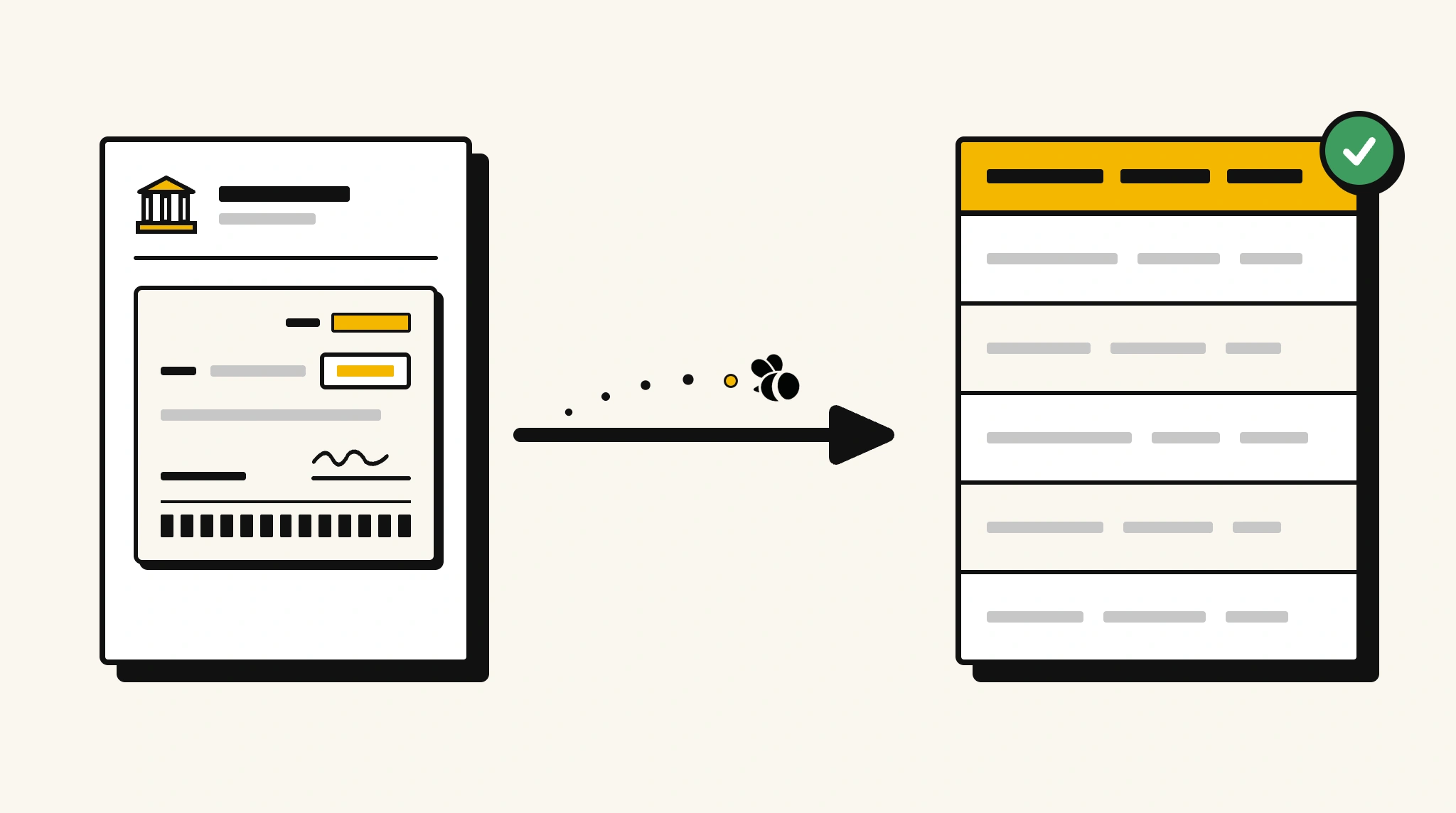
Stop manually reading cheques for payment processing
Reading cheque fields individually to verify payee names, amounts, and account details for payment entry is slow and prone to transcription errors that cause payment problems.
❌ Before ParserBee
- Read each cheque to verify payee and amount manually
- Re-key cheque details into your banking or AP system
- Risk errors on account numbers and routing codes
- Process cheque batches at end of day
- Struggle to reconcile payments when cheque data isn't structured
✅ After ParserBee
- Upload cheque scans via browser or API
- Extract payee, amount, date, and bank codes automatically
- Validate that amount in figures matches amount in words
- Push structured data into your payment or AP system
- Reconcile cheque payments instantly using structured data
How ParserBee Parses Cheques
Three steps from document to structured data, no setup or training required.
Upload the Document
Upload a PDF, PNG, JPG, or WebP file. Multi-page documents are processed as a single job.
AI Extracts All Fields
ParserBee identifies and extracts every field automatically, no training or configuration required.
Get Structured Data
Download as JSON or CSV, or use the API to push data directly into your systems on upload.
Fields Extracted from Cheques
This extraction template comes pre-built with these fields. Add, remove, or rename any field before saving.
Sample Extracted Output
Upload a cheque and ParserBee returns a structured table like this, automatically.
| Field | Extracted Value |
|---|---|
| Payee Name | Apex Contractors Ltd |
| Amount in Figures | $12,750.00 |
| Amount in Words | Twelve thousand seven hundred and fifty dollars |
| Cheque Date | 20 Nov 2025 |
| Cheque Number | 000847 |
| Bank Name | National Commercial Bank |
| Account Number | ****4821 |
| Routing Number | 021000021 |
Every field is pulled directly from the document. You define what to extract, ParserBee does the reading.
Export Cheque Data to Excel, CSV or Google Sheets
No developer needed to convert cheques to Excel. Upload a whole batch in ParserBee's Data Lab, review every extracted row in a live spreadsheet, then download everything as CSV, print to PDF, or send it straight to a new Google Sheet in one click.
Prefer automation? The REST API returns clean JSON for every cheque, ready for Zapier, Make, n8n, or your own system. See all integrations.
Who Uses This Parser
Frequently Asked Questions
What data is extracted from a cheque?
Payee name, amount in figures, amount in words, cheque date, cheque number, bank name, account number, routing or IFSC/MICR code, and signatory name if legible.
Does it work with cheques from any bank?
Yes. ParserBee extracts cheque data from any bank's cheque format.
Can it detect mismatches between amount in figures and amount in words?
Yes. Extract both fields and compare them in your workflow to flag discrepancies before payment processing.
What if the cheque is handwritten?
Handwritten cheques are supported. Clear handwriting produces high-accuracy extraction.
Does it work with digital cheque images from mobile banking apps?
Yes. JPG and PNG images captured by mobile banking apps are fully supported.
Related Document Parsers
Start extracting cheque data automatically today
Free to try. No credit card required. Works on your first upload.
Create free account