Extract Data from Account Opening Forms Automatically
Parse applicant details, identity info, account preferences, and nominee data from any bank account opening form in seconds.
No credit card required. Works on PDFs, scans, and digital forms.
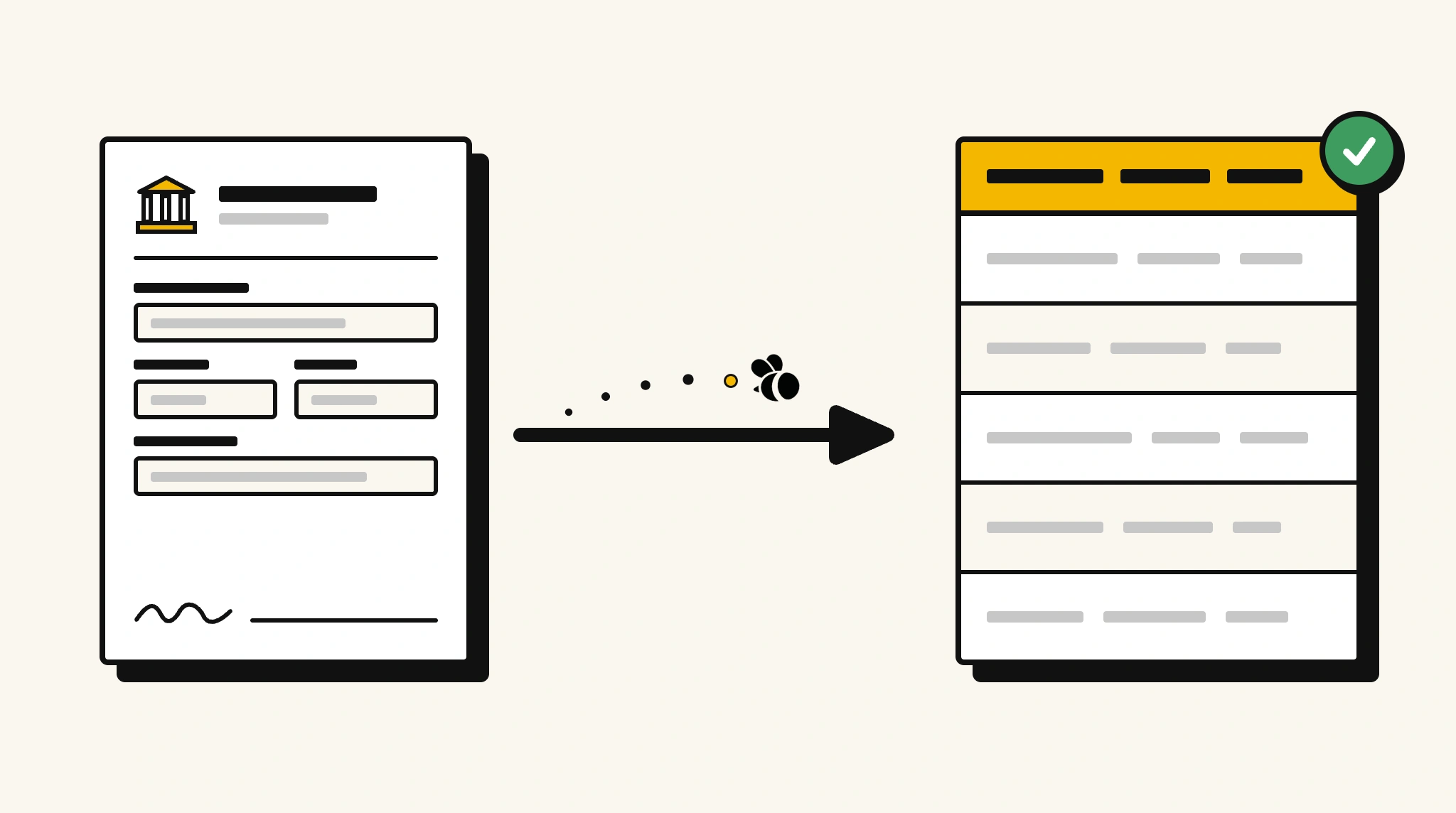
Slow Account Opening Data Entry Frustrates Customers and Overloads Staff
Bank staff manually re-key customer information from account opening forms into core banking systems, creating bottlenecks and errors at the first touchpoint.
❌ Before ParserBee
- Tellers spending 10–15 minutes per form entering names, addresses, and ID details
- Nominee name and relationship fields frequently missed during manual entry
- Branch staff re-doing data entry when customers spot errors in their account details
- Paper forms piling up at busy branches, processed only at end of day
- No consistent validation that all required fields are completed before account creation
✅ After ParserBee
- All 12 fields extracted in under 10 seconds, ready for direct import into core banking
- Nominee and ID fields captured reliably every time, regardless of form layout
- Extracted data reviewed on screen before submission, reducing correction requests
- Batch processing clears end-of-day paper backlogs in minutes
- Mandatory field validation flags incomplete forms before account creation begins
How ParserBee Parses Account Opening Forms
Three steps from paper form to structured banking data, no setup or training required.
Upload the Form
Scan or photograph the completed account opening form and upload as a PDF or image. Multi-page forms processed as a single document.
AI Extracts All Fields
ParserBee identifies and extracts every field, including checkboxes and handwritten nominee details, from any bank's form format.
Import into Core Banking
Download the structured data as JSON or CSV, or use the API to push it directly into your core banking system or CRM on upload.
Fields Extracted from Account Opening Forms
ParserBee captures all standard fields from retail and business account opening forms.
Sample Extracted Output
Here is what ParserBee returns from a standard retail savings account opening form.
| Field | Extracted Value |
|---|---|
| applicantName | Marcus T. Williams |
| dateOfBirth | 1985-11-03 |
| address | 22 Birchwood Lane, Chicago, IL 60601 |
| idType | Driver's License |
| accountType | Savings Account |
| initialDepositAmount | $500.00 |
| nomineeName | Angela Williams |
| nomineeRelationship | Spouse |
Account type is normalised from checkbox or dropdown selections. Relationship values are returned as free text from the form.
Export Account Opening Form Data to Excel, CSV or Google Sheets
No developer needed to convert account opening forms to Excel. Upload a whole batch in ParserBee's Data Lab, review every extracted row in a live spreadsheet, then download everything as CSV, print to PDF, or send it straight to a new Google Sheet in one click.
Prefer automation? The REST API returns clean JSON for every account opening form, ready for Zapier, Make, n8n, or your own system. See all integrations.
Who Uses This Parser
Frequently Asked Questions
Does ParserBee handle account opening forms from different banks?
Yes. ParserBee uses field-label recognition rather than fixed templates, so it works on account opening forms from any bank or credit union without configuration.
Can it extract checkbox selections for account type?
Yes. ParserBee detects filled checkboxes and radio buttons on printed forms and returns the selected option as the accountType value, such as Savings, Current, or Fixed Deposit.
What if the nominee section is left blank?
Blank or unfilled fields are returned as null in the output JSON. You can configure ParserBee to flag documents with missing mandatory fields before they enter your workflow.
How does it handle handwritten entries in printed form fields?
ParserBee's OCR is trained on handwritten financial forms and achieves high accuracy on clearly written entries. Ambiguous characters are flagged with a low confidence score for human review.
Can I process account forms in bulk at the end of each business day?
Yes. The batch API supports multi-document ZIP uploads. You can send all forms collected during the day and receive structured JSON for each one via webhook within minutes.
Related Document Parsers
Start Parsing Account Opening Forms Today
Eliminate manual data entry from your account onboarding process and open accounts faster with ParserBee.
Create free account