Extract Data from KYC Documents Automatically
Upload any KYC identity document and get customer name, ID type, ID number, address, nationality, and source of funds extracted as structured data in seconds.
Used by banks, financial institutions, fintechs, and regulated businesses for KYC compliance worldwide.
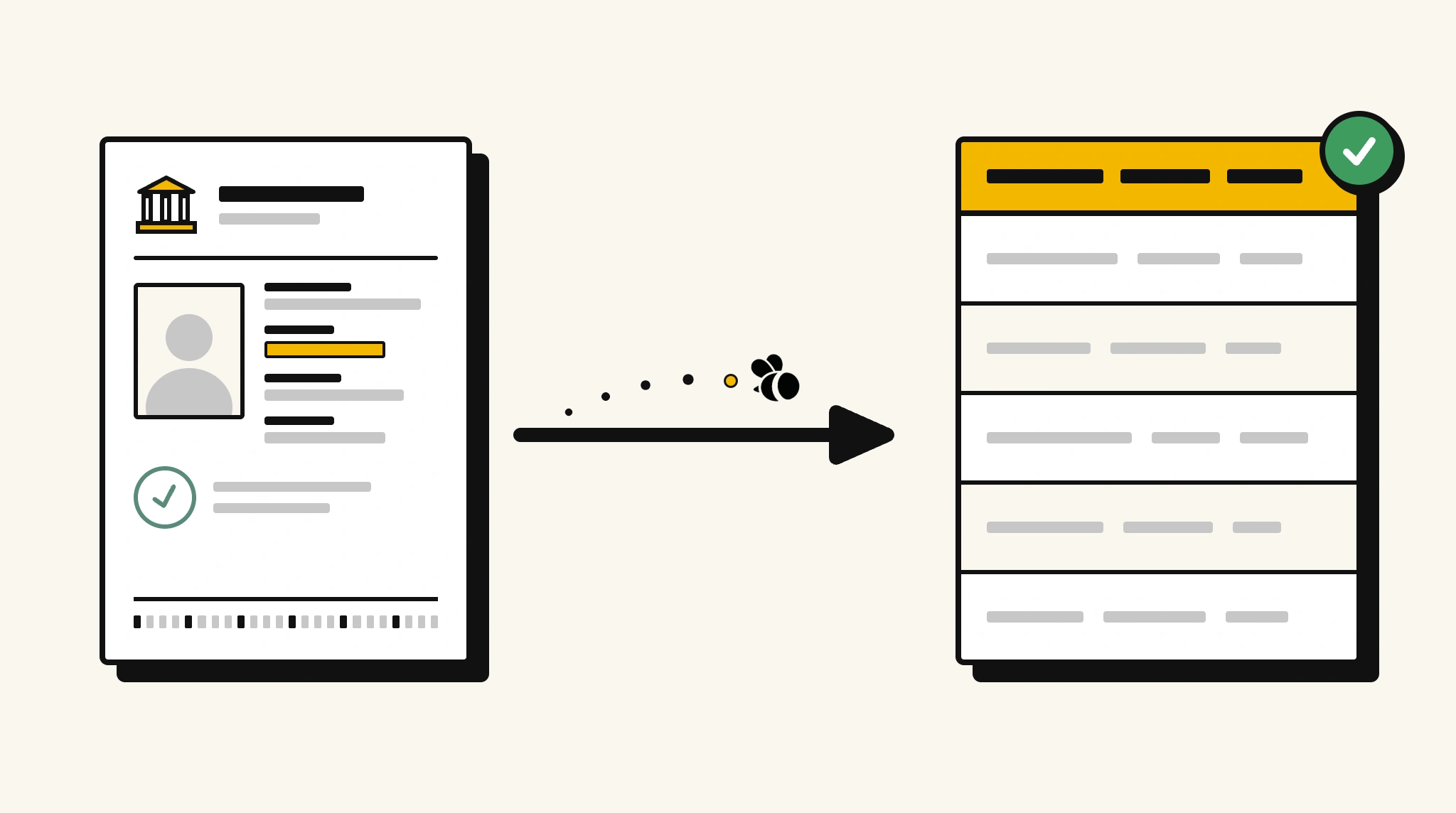
Stop manually reviewing KYC documents for customer onboarding
Reading through KYC documents to extract identity details and log them into your CRM or compliance system is slow and introduces errors that create AML/KYC compliance risk.
❌ Before ParserBee
- Open each KYC document PDF and read identity details manually
- Manually enter customer name, ID number, and address into your CRM
- Risk data entry errors on document numbers that fail verification checks
- Process KYC document intake in batches delaying account activation
- Struggle to audit KYC records without structured searchable data
✅ After ParserBee
- Upload KYC documents via browser or API as they arrive
- Extract all identity fields including ID number and expiry automatically
- Push structured data into your CRM or compliance platform immediately
- Flag expired or incomplete documents before account activation
- Process KYC at scale without adding compliance headcount
How ParserBee Parses KYC Documents
Three steps from document to structured data, no setup or training required.
Upload the Document
Upload a PDF, PNG, JPG, or WebP file. Multi-page documents are processed as a single job.
AI Extracts All Fields
ParserBee identifies and extracts every field automatically, no training or configuration required.
Get Structured Data
Download as JSON or CSV, or use the API to push data directly into your systems on upload.
Fields Extracted from KYC Documents
This extraction template comes pre-built with these fields. Add, remove, or rename any field before saving.
Sample Extracted Output
Upload a kyc document and ParserBee returns a structured table like this, automatically.
| Field | Extracted Value |
|---|---|
| Customer Name | Priya Venkataraman |
| Date of Birth | 22 Sep 1987 |
| Nationality | Indian |
| ID Type | Passport |
| ID Number | P9483821K |
| Issue Date | 15 Mar 2022 |
| Expiry Date | 14 Mar 2032 |
| Issuing Country | India |
| Residential Address | 12A Marina Bay View, Singapore 018960 |
| Occupation | Financial Analyst |
| Source of Funds | Employment Income |
Every field is pulled directly from the document. You define what to extract, ParserBee does the reading.
Export KYC Document Data to Excel, CSV or Google Sheets
No developer needed to convert kyc documents to Excel. Upload a whole batch in ParserBee's Data Lab, review every extracted row in a live spreadsheet, then download everything as CSV, print to PDF, or send it straight to a new Google Sheet in one click.
Prefer automation? The REST API returns clean JSON for every kyc document, ready for Zapier, Make, n8n, or your own system. See all integrations.
Who Uses This Parser
Frequently Asked Questions
What data is extracted from a KYC document?
Customer name, date of birth, nationality, ID type, ID number, ID issue date, expiry date, issuing country, residential address, occupation, and source of funds.
What types of KYC documents does it work with?
Passports, national ID cards, driver's licenses, utility bills, and other identity or address verification documents.
Can it verify the authenticity of ID documents?
ParserBee extracts the data shown on the document. Authenticity verification should be performed by a separate identity verification service.
What happens if an ID document has expired?
The expiryDate is extracted and you can add a validation step in your workflow to flag or reject expired documents.
How do I push extracted KYC data into my compliance platform?
Use the REST API to map extracted fields to your CRM or AML compliance system directly or via an integration platform.
Related Document Parsers
Start extracting KYC document data automatically today
Free to try. No credit card required. Works on your first upload.
Create free account