Extract Data from Property Listings Automatically
Upload any property listing document or brochure and get address, price, bedrooms, bathrooms, floor area, features, and agent details extracted as structured data in seconds.
Used by real estate agencies, property portals, and investment analysis platforms worldwide.
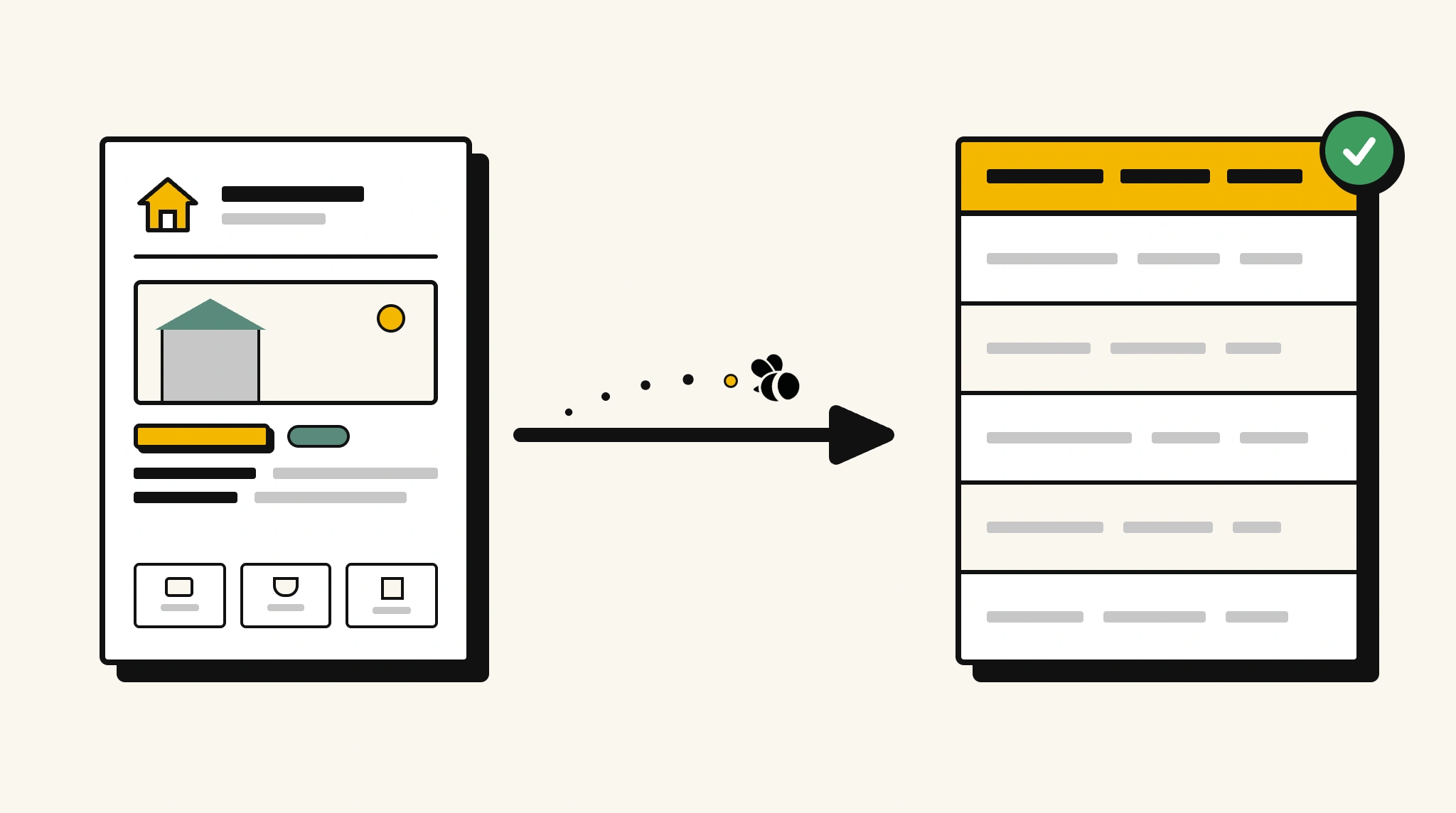
Stop manually entering property listing details into your database
Keying property address, price, room counts, and features from listing brochures or printouts into your property database is slow and creates inconsistent records.
❌ Before ParserBee
- Open each listing brochure or PDF and read all details manually
- Manually enter address, price, and room counts into your property database
- Risk inconsistent data formats across different listings
- Process listings individually as they come in with no automation
- Struggle to analyse market trends without structured listing data
✅ After ParserBee
- Upload listing documents via browser or API
- Extract all property details including price and area automatically
- Push structured data directly into your property database or CRM
- Analyse pricing and room count trends across structured listing data
- Process new listings immediately, no manual entry backlog
How ParserBee Parses Property Listings
Three steps from document to structured data, no setup or training required.
Upload the Document
Upload a PDF, PNG, JPG, or WebP file. Multi-page documents are processed as a single job.
AI Extracts All Fields
ParserBee identifies and extracts every field automatically, no training or configuration required.
Get Structured Data
Download as JSON or CSV, or use the API to push data directly into your systems on upload.
Fields Extracted from Property Listings
This extraction template comes pre-built with these fields. Add, remove, or rename any field before saving.
Sample Extracted Output
Upload a property listing and ParserBee returns a structured table like this, automatically.
| Field | Extracted Value |
|---|---|
| Property Address | 24 Rosewood Avenue, Mosman NSW 2088 |
| Listing Price | $3,200,000 |
| Currency | AUD |
| Property Type | House |
| Bedrooms | 4 |
| Bathrooms | 3 |
| Floor Area | 320 sqm |
| Land Area | 520 sqm |
| Year Built | 2004 |
| Parking | 2 garage spaces |
| Agent | Sarah Mitchell, Ray White Mosman |
| Agent Phone | +61 2 9969 8800 |
| Listed | 01 Nov 2025 |
Every field is pulled directly from the document. You define what to extract, ParserBee does the reading.
Export Property Listing Data to Excel, CSV or Google Sheets
No developer needed to convert property listings to Excel. Upload a whole batch in ParserBee's Data Lab, review every extracted row in a live spreadsheet, then download everything as CSV, print to PDF, or send it straight to a new Google Sheet in one click.
Prefer automation? The REST API returns clean JSON for every property listing, ready for Zapier, Make, n8n, or your own system. See all integrations.
Who Uses This Parser
Frequently Asked Questions
What data is extracted from a property listing?
Property address, listing price, currency, property type, bedrooms, bathrooms, floor area, land area, year built, parking spaces, key features, agent name, agent phone and email, and listing date.
Does it work with property brochures, printouts, and online listing PDFs?
Yes. ParserBee adapts to any property listing document format.
Can it extract key features and amenities from descriptive text?
Yes. The keyFeatures field extracts the list of features or amenities mentioned in the listing.
How do I push extracted listing data into my property database?
Use the REST API to map extracted JSON to your property management system or CRM.
Can it process listings in different currencies and measurement units?
Yes. The currency field is extracted as shown and floor area is extracted with its unit as stated.
Related Document Parsers
Start extracting property listing data automatically today
Free to try. No credit card required. Works on your first upload.
Create free account