
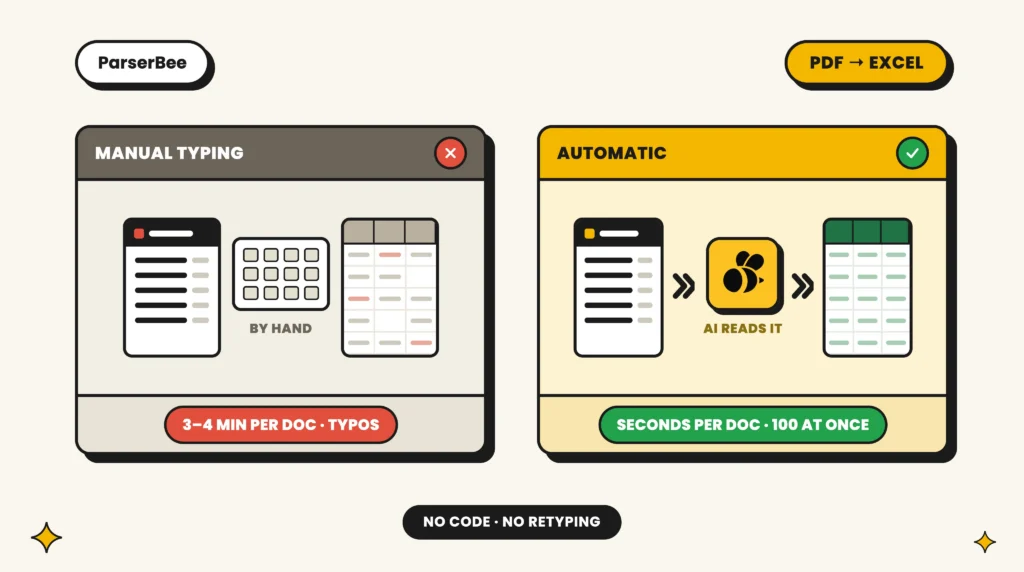
Processing one supplier invoice by hand takes about three minutes. At 50 invoices a week that is over two and a half hours of typing, roughly 130 hours a year, before you count the cost of finding and fixing the errors manual entry produces, at around one percent per field (human error research). Invoice automation software exists to delete that job.
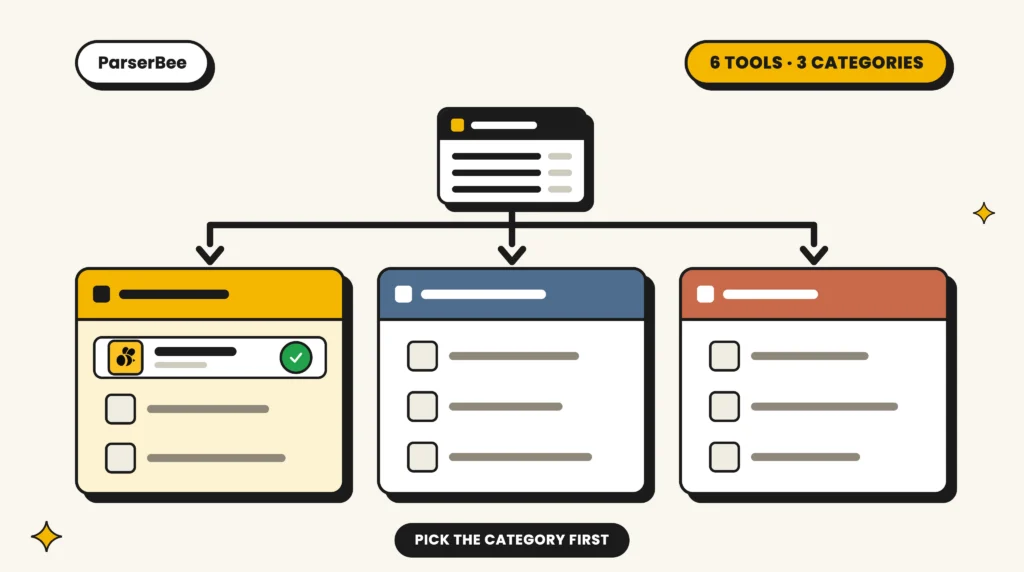
The complication is that “invoice automation” describes at least three different products: data extraction tools, pre-accounting platforms, and full accounts-payable suites. Most bad purchases in this category are category mistakes. This guide compares six tools across all three types and tells you which category you are actually shopping in.
Disclosure: ParserBee is our product. We have kept this comparison honest, including the situations where another tool is the better buy. Prices were checked in August 2026; vendors change them, so confirm on each pricing page before you buy.
First, know which category you need
- Data extraction tools (ParserBee, Docparser, Nanonets): read the invoice and turn it into structured data (vendor, number, date, totals, line items). You control where the data goes: spreadsheets, accounting software, anywhere.
- Pre-accounting platforms (Dext, Hubdoc): collect receipts and invoices from your team, extract the basics, and push them into Xero or QuickBooks with bookkeeping conventions attached.
- AP suites (Bill.com and similar): manage the whole payable lifecycle including approvals and the payment itself.
If you mostly need the data out of the documents, buying an AP suite is paying for a payment platform you will not use. If you need approvals and payments, an extraction tool alone will feel incomplete. Decide the category first; the tool choice inside each category is comparatively easy.
Quick comparison
| Tool | Category | Best for | Scanned invoices | Line items | Free option |
|---|---|---|---|---|---|
| ParserBee | Extraction | Non-technical teams, custom fields | Yes | Yes (repeating rows) | 25-doc trial, no card |
| Docparser | Extraction | Fixed layouts at volume | Yes | Yes (rule-based) | 14-day trial |
| Nanonets | Extraction + workflow | Larger teams needing approvals | Yes | Yes | $50 free credits |
| Dext | Pre-accounting | Accountants and bookkeeping firms | Yes | Yes (metered) | 14-day trial |
| Hubdoc | Pre-accounting | Xero-centric small businesses | Yes | No (header only) | Free with Xero |
| Bill.com | AP suite | Approvals plus making payments | Yes | Yes (AI coding) | Trial only, no free plan |
The six tools in detail
1. ParserBee: best for non-technical teams that want the data, their way
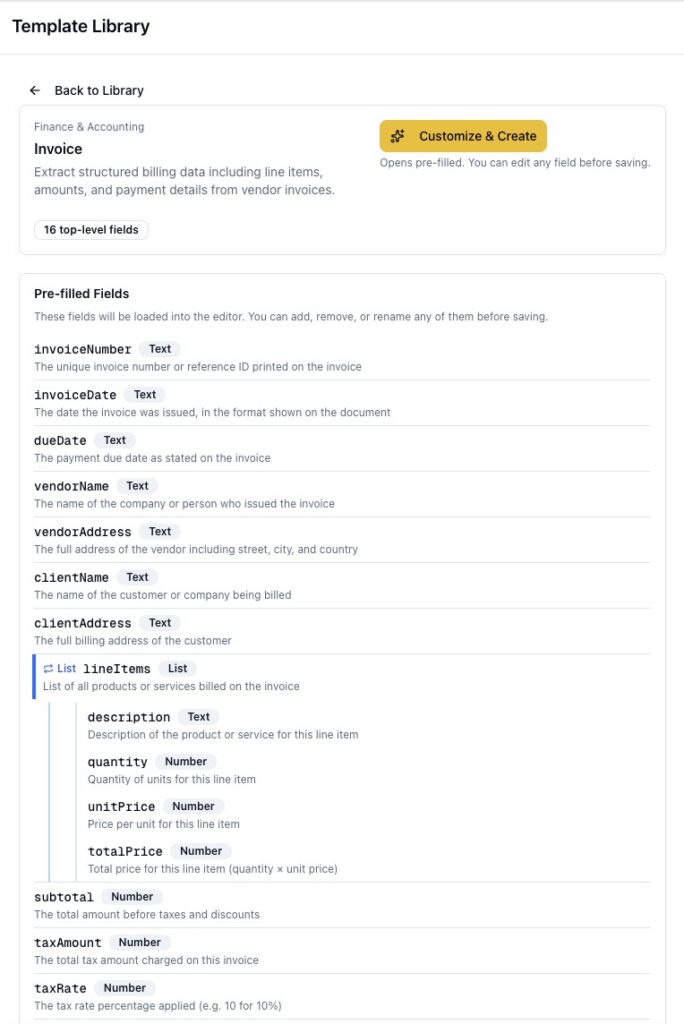
ParserBee extracts structured data from invoices using templates you define in plain English: invoice number, vendor, dates, totals, and line items as repeating rows. A ready-made invoice template ships in the Template Library, Data Lab batches up to 100 invoices in one run, and results export to CSV or flow into Google Sheets and your other tools through Zapier and Make.
- Strengths: genuinely no-code (fields are described in plain English, not configured with rules); reads scans and phone photos as well as digital PDFs; extracts full line items, not just header totals; the same account handles receipts, statements and 80+ other document types.
- Limitations: it is the extraction layer, not an AP suite: approvals and payments stay in your accounting tool; no native two-way accounting sync today, so Xero and QuickBooks flows run through Zapier or CSV.
- Price: free trial with 25 documents and no credit card; paid plans start at $29/month for 250 pages, with larger tiers on the pricing page.
See it on your own document in a minute with the ready-made invoice template, or start extracting free.
2. Docparser: best for fixed invoice layouts at volume
Docparser parses documents with configurable rules per layout. If the same two or three suppliers send hundreds of identically formatted invoices, tuned rules give fast, deterministic output, and it reads scanned PDFs and table-style line items once the rules are set.
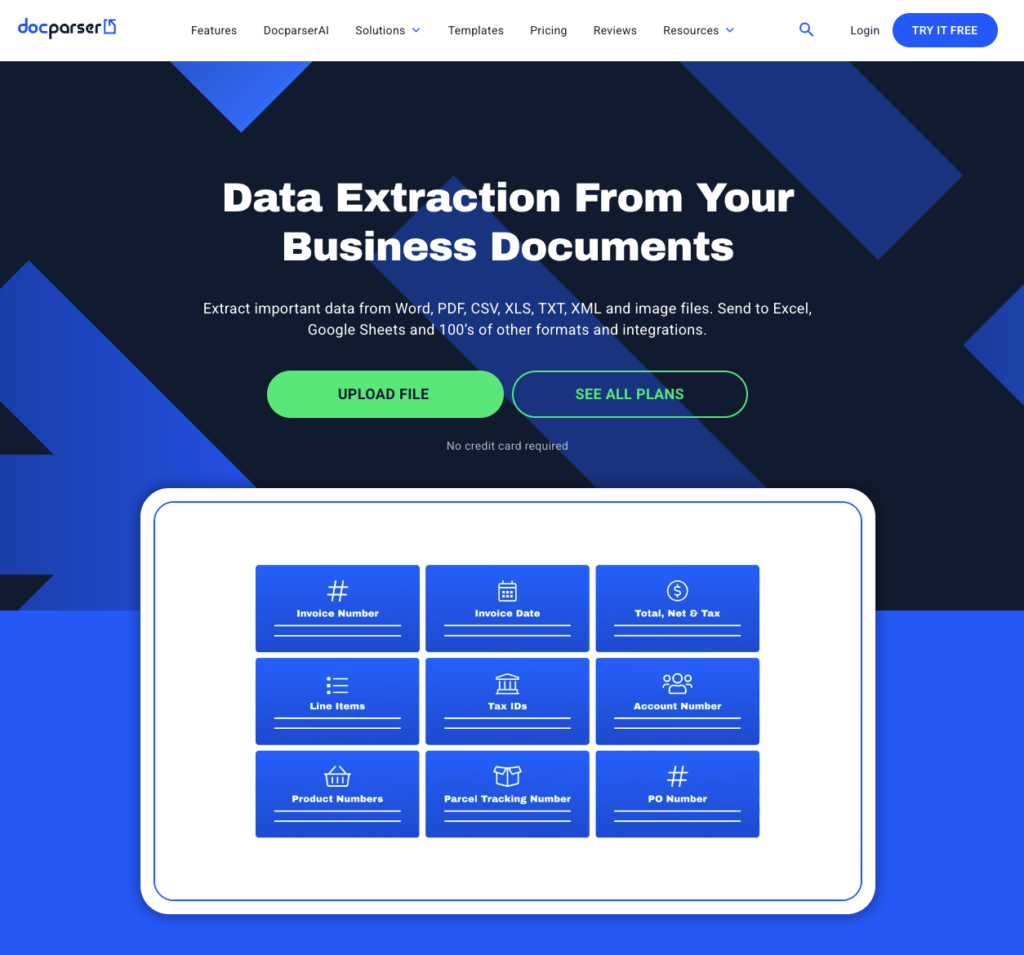
- Strengths: predictable extraction once configured; mature integrations with Zapier, Power Automate and webhooks.
- Limitations: every new supplier layout typically needs rule work, which is exactly the wrong trade for businesses with many small suppliers; more technical setup than a finance admin usually wants.
- Price: Starter plan $39/month for 100 credits (roughly 100 to 500 pages); 14-day free trial, no card.
3. Nanonets: best for larger teams that need workflow around extraction
Nanonets pairs strong AI extraction with workflow features: validation rules, approval chains and ERP integrations.
- Strengths: handles scans and layout variation well; validation, approval chains and ERP connectors (including SAP, Oracle and NetSuite) that grow with your team.
- Limitations: enterprise orientation in both setup effort and pricing; overkill where the need is “get the data into a spreadsheet”.
- Price: $50 in free credits to start with no card, then $100/month for 100 credits on the Starter plan; Growth is volume-based and Enterprise is custom. Nanonets estimates a typical invoice runs to under $2 end-to-end.
4. Dext: best for accounting firms managing many clients
Dext (formerly Receipt Bank) is pre-accounting software: clients photograph receipts and invoices, Dext extracts and categorises, and everything lands in the accounting package with audit trails.
- Strengths: polished capture apps; built for bookkeeper-client workflows; publishes to Xero, QuickBooks and 30-plus other packages; line-item extraction is available.
- Limitations: extraction is standardised rather than customisable, so unusual fields or document types are out of scope; practice pricing is per client entity, which adds up, and line-item extraction is metered separately.
- Price: Business plan around $25/month (250 documents, five users); practice plans from about $17.70 per client per month with a 10-client minimum; 14-day free trial, no card.
5. Hubdoc: best for Xero-centric small businesses
Hubdoc collects documents (email-in, upload, fetch from suppliers) and pushes extracted summaries into Xero. It is included at no extra cost with every Xero plan, where it now appears as “Smart Document Capture”.
- Strengths: effectively free for Xero subscribers; simple document collection and filing; reads photos, PDFs and scans.
- Limitations: header-level extraction only: supplier, amount, invoice number and due date, with no line items; Xero-first and limited beyond it; not a general document extraction tool.
- Price: included with every Xero subscription; $12/month standalone after a 30-day free trial.
6. Bill.com: best when approvals and payments are the point
Bill.com is a full AP platform: invoice intake, approval routing, and the actual payment execution, with sync to accounting packages.
- Strengths: the approval-to-payment workflow is the product; AI multi-line bill coding; two-way sync with Xero and QuickBooks on the mid tiers and up; audit trails.
- Limitations: you are buying a payments platform, priced accordingly; extraction is a means to its workflow, not a flexible data tool; multi-entity support is reserved for the top tier.
- Price: $49/user/month (Essentials), $65 (Team) and $89 (Corporate), with a custom Enterprise tier; no free plan, though a free trial is usually available.
Which invoice automation software should you choose?
- You want invoice data in your spreadsheets or systems, fields your way, no code: ParserBee.
- Two or three fixed supplier layouts at high volume, with someone technical: Docparser.
- A growing finance team that needs validation and approval workflow on top of extraction: Nanonets.
- You are an accounting firm standardising client document intake: Dext.
- You run on Xero and want basic capture at no extra cost: Hubdoc.
- Your bottleneck is approvals and making payments, not data entry: Bill.com.
Frequently asked questions
What is invoice automation software?
Software that reads incoming invoices (PDFs, scans, photos) and turns them into structured data or accounting entries automatically, replacing manual typing. Depending on the category, it may also route approvals and execute payments.
What is the difference between invoice OCR software and invoice automation software?
Invoice OCR reads the characters on the page. Invoice automation is the broader job: identifying which characters are the invoice number, the total and the line items, then delivering them somewhere useful. Modern extraction tools do both in one step; standalone OCR leaves you with raw text to sort out yourself.
Can invoice automation handle scanned invoices and photos?
AI-based tools do: ParserBee, Nanonets, Docparser and Dext all read scans and phone photos. Hubdoc handles photos and PDFs but only pulls header fields. If your suppliers include anyone who prints, signs and scans, treat scan support as non-negotiable.
Is invoice automation worth it for a small business?
Do the arithmetic on your own volume: invoices per week, times three minutes, times your admin’s hourly cost, plus error-correction time. Above roughly 10 invoices a week the payback is typically measured in days, not months. Below that, a free tier may be all you ever need.
Do I still need a bookkeeper if I automate invoices?
Yes, for judgment: approvals, categorisation decisions, exceptions and supplier disputes. Automation removes the typing, which is the part of the job neither you nor your bookkeeper should be paying for.
The bottom line
Pick the category first, then the tool. And whatever you shortlist, test with your own ugliest invoice, not the vendor’s demo document: a crumpled scan with line items will separate the six tools above faster than any comparison table.
The zero-risk starting point: extract your first invoices free with 25 documents and no credit card.
Keep reading
Table of Contents
How to Stop Manual Data Entry from PDF to Excel (For Non-Technical Teams)
data extraction, Excel, No Code, PDF extraction
10 Best Invoice OCR Software in 2026 (Tested on Real Invoices)
Comparisons, data extraction, Invoices, No Code
How to Convert Bank Statements to Excel in Bulk (Without Manual Entry)
Bank Statements, data extraction