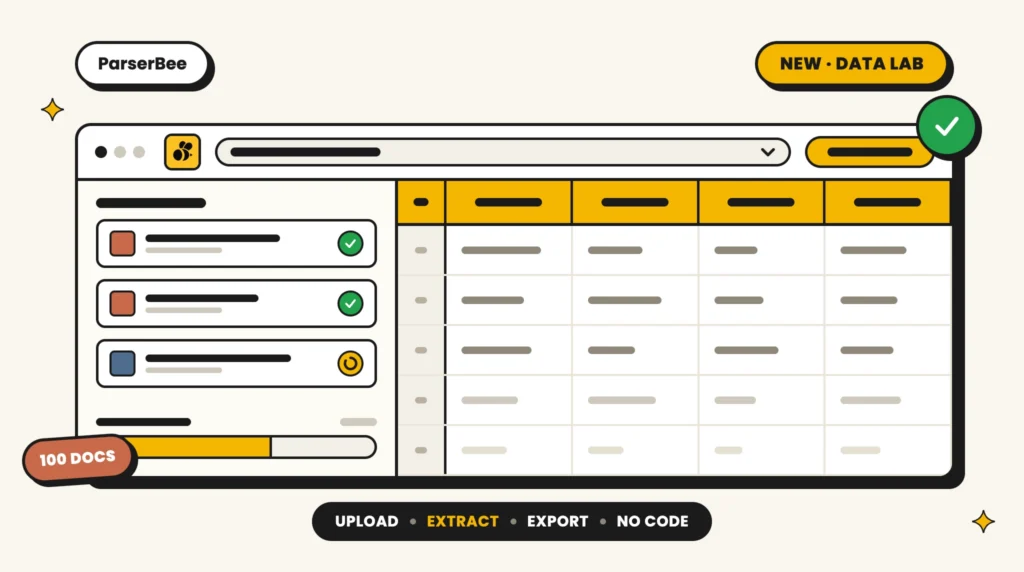
As part of the latest release of ParserBee, we are introducing a new workspace called Data Lab, built to make bulk document data extraction significantly easier: pick a template, drop in a whole stack of files, and watch the results fill up a spreadsheet in front of you.
Until now, bulk document data extraction in ParserBee meant using our REST API or wiring up an automation tool like Zapier, n8n, or Make. That works well for teams with a developer on hand, but most of the people drowning in documents (admin teams, HR, finance) do not have one. Data Lab is for them. There is nothing to install, nothing to connect, and no code anywhere in the workflow. You will find it in the dashboard sidebar, right under the Template Library.
Data Lab Features
Data Lab is built around one simple loop: upload, extract, export. Here is what is inside:
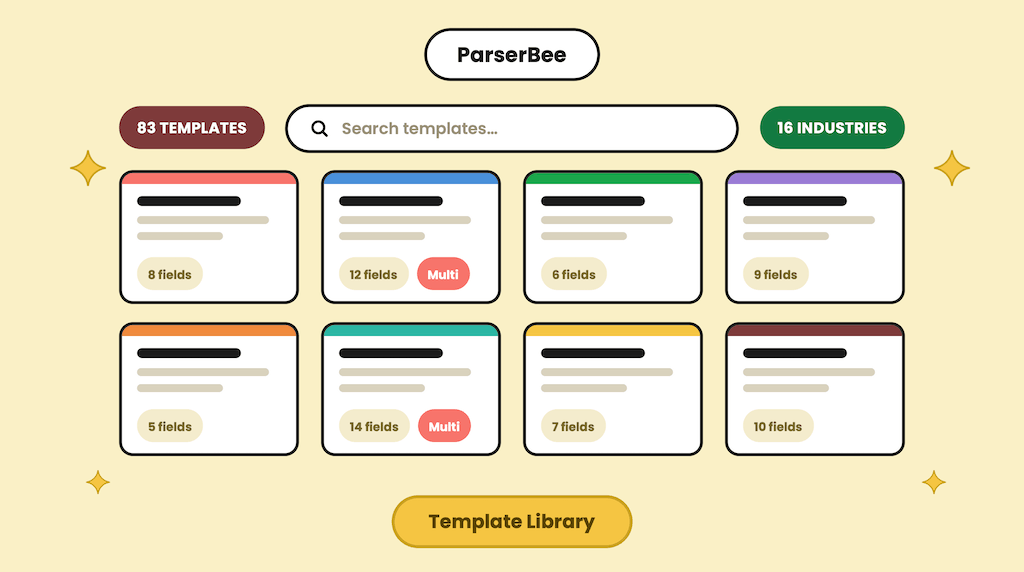
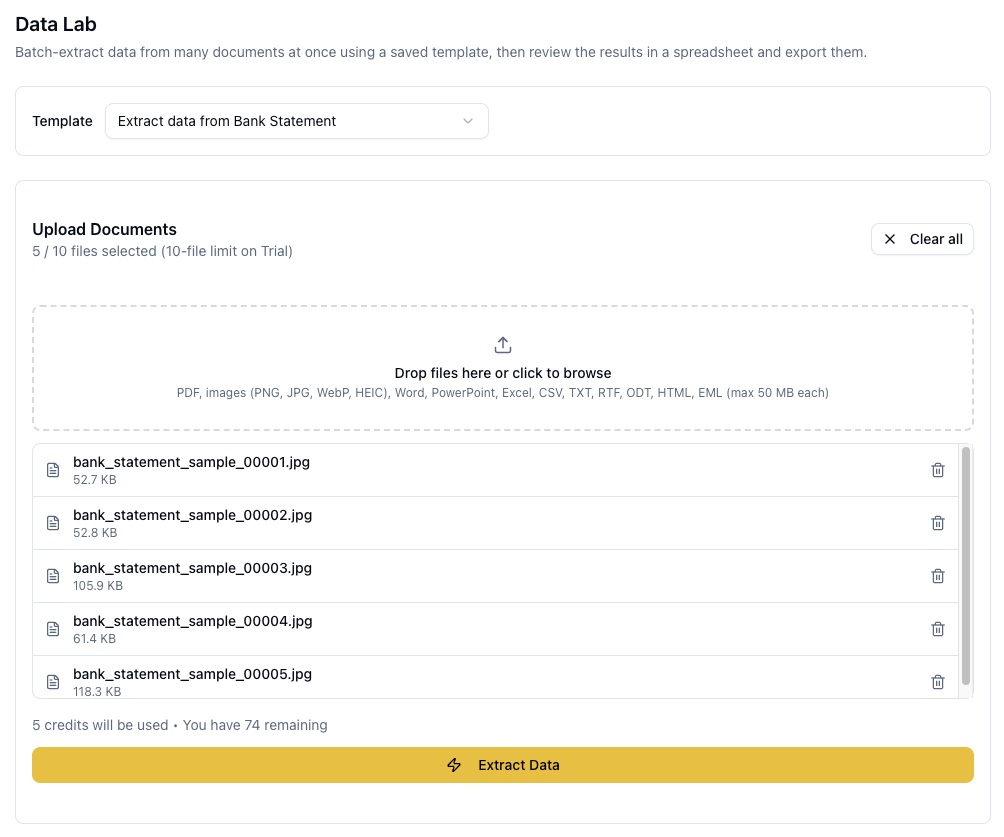
- Template picker: Every batch starts by choosing one of your saved Parser Templates, so ParserBee knows exactly which fields to pull from every document. If you have not built one yet, the Template Library has 83 ready-made ones (invoices, resumes, bank statements, purchase orders, and more) that you can customize and save in a couple of minutes, or you can upload one sample document and let our AI build the whole Parser Template for you.
- Drag-and-drop batch upload: Drop in up to 100 documents at once (10 on the free trial). Data Lab accepts the same 16 file formats as the rest of ParserBee: PDFs, photos and scans (including iPhone HEIC photos), Word, PowerPoint, Excel, CSV, plain text, emails, and more, up to 50 MB per file.
- Live progress tracking: Documents are processed one at a time, and each file shows its own status as it moves through the queue. A progress bar tells you exactly where the batch stands (“Processing 12 of 50”), so you are never staring at a spinner wondering what is happening.
- A spreadsheet that fills itself in: As each document finishes, its data appears as a new row in a live results grid, with one column per field in your template. Templates that pull repeating rows (like invoice line items) expand naturally, so a single invoice with eight line items becomes eight tidy rows.
- Batch summary: When the batch finishes, a summary card shows how many documents succeeded and lists any that failed, with a plain-English reason for each, so you can fix and re-run just those files.
- One-click exports: Send the whole results grid to a CSV file, a printable PDF, or (if you have connected your Google account) straight into a brand new Google Sheet that opens in a new tab.
- Page credit check before you start: Data Lab checks your remaining page credits against the size of your batch before it begins, so a big batch never dies halfway through on an empty tank. Pricing is per page, same as everywhere else in ParserBee: one page credit per page parsed, so a one-page receipt costs one credit and a five-page statement costs five. The batch summary shows exactly what the run used.
How to Use Data Lab for Bulk Document Data Extraction
Data Lab is designed so that your first batch takes about two minutes. Here is how to start:
- Log in to your ParserBee dashboard
- Click Data Lab in the sidebar (the flask icon)
- Choose one of your saved Parser Templates
- Drag your documents into the upload area
- Click Extract Data
From here, you can:
- Watch each document’s status update live as the batch runs
- Review the extracted data in the results grid as rows appear
- Remove any file from the queue before the batch starts, or add more files to a finished batch and keep building the same spreadsheet
- Export everything to CSV, PDF, or Google Sheets when you are done
There is also a shortcut: every Parser Template’s detail page has a Bulk Extract with Data Lab button, and every row on your templates list has one too. Clicking it takes you straight into Data Lab with that Parser Template already selected. If you are still deciding how to structure your templates, our guide to document extraction templates is a good place to start.
Exporting to Google Sheets
The Google Sheets export deserves its own mention, because it removes the most annoying step of any bulk workflow: downloading a CSV just to re-upload it somewhere else. (If your documents are invoices, we have a full walkthrough on extracting invoice data to Google Sheets.)
Connect your Google account once from Settings → Integrations, and from then on, one click in Data Lab creates a new, formatted spreadsheet in your Google Drive and opens it in a new tab. Headers styled, columns filled, ready to share.
One privacy note worth knowing: ParserBee uses Google’s most restricted Drive permission. It can only see and edit spreadsheets it creates itself. It cannot read, list, or touch anything else in your Drive, and you can disconnect at any time from the same Settings page.
Bulk Document Data Extraction Use Cases
Here are some ways different teams can put Data Lab to work:
Month-End Invoice Processing
Finance teams can clear an inbox full of supplier invoices in one sitting. Drop the month’s invoices into Data Lab with an invoice Parser Template, and a few minutes later you have every vendor, invoice number, date, and total (line items included) in one spreadsheet, ready for reconciliation or import into your accounting tool.
Resume Screening
Recruiters and HR coordinators can turn a folder of applicant resumes into a single comparison sheet: names, contact details, most recent role, skills, and education side by side. Sorting a hundred candidates in a spreadsheet beats opening a hundred PDFs. (For a quick one-off, our free resume parser tool handles single files too.)
Back-Office Digitization
Admin and operations teams sitting on filing cabinets of delivery notes, order forms, or membership applications can finally digitize them in batches instead of one document at a time. Scan, upload, extract, export; repeat until the cabinet is empty.
Client Document Intake
Agencies, brokers, and legal teams that collect the same documents from every client (IDs, statements, signed forms) can standardize intake: one Parser Template per document type, one batch per client, one clean spreadsheet at the end.
Whether you are closing the books, screening candidates, clearing a scanning backlog, or onboarding clients, bulk document data extraction with Data Lab turns “a pile of documents” into “a spreadsheet” without asking anyone to write a line of code.
Have questions about Data Lab, or a document type you are not sure it can handle? Reach out to our support team; we are happy to help you set up your first Parser Template. And if you have not tried ParserBee yet, the free trial includes 25 page credits, which is plenty for a first batch.
Table of Contents
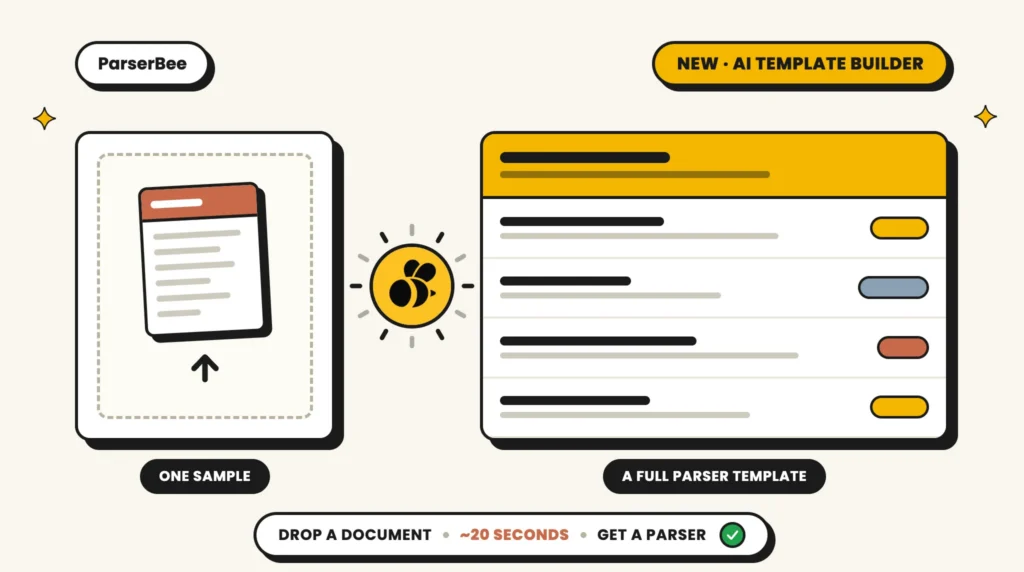
Drop a Document, Get a Parser: Meet the AI Template Builder
News, Product Updates