Extract Data from Business Letters Automatically
Upload a business letter PDF or image and get sender, recipient, date, subject, and key content extracted as structured data instantly.
Used by administrative teams, legal departments, and document management systems worldwide.
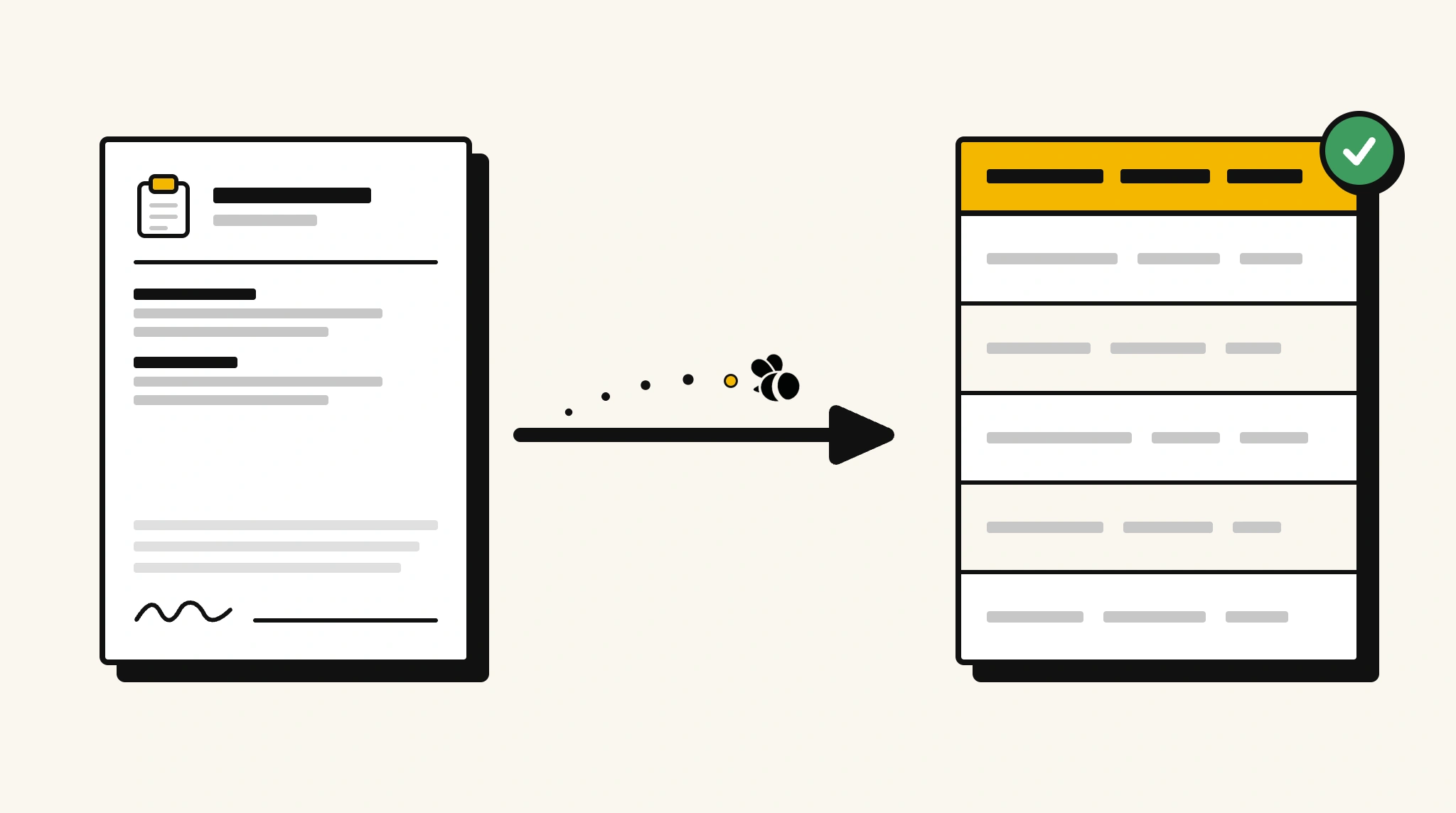
Stop manually logging business correspondence details
Recording sender, recipient, and subject from incoming business letters one by one is the kind of admin work that compounds quickly in high-volume mail environments.
❌ Before ParserBee
- Open each business letter and read through it manually
- Record sender, recipient, and date in a correspondence log by hand
- Risk misfiling letters with incorrect or missing subject details
- Track incoming and outgoing correspondence in disconnected spreadsheets
- Spend time on logging instead of responding
✅ After ParserBee
- Upload letters via browser or API
- Extract sender, recipient, date, and subject automatically
- Get clean structured data for your correspondence management system
- Search and retrieve letters by any extracted field
- Process incoming mail batches without manual indexing
How ParserBee Parses Business Letters
Three steps from document to structured data, no setup or training required.
Upload the Document
Upload a PDF, PNG, JPG, or WebP file. Multi-page documents are processed as a single job.
AI Extracts All Fields
ParserBee identifies and extracts every field automatically, no training or configuration required.
Get Structured Data
Download as JSON or CSV, or use the API to push data directly into your systems on upload.
Fields Extracted from Business Letters
This extraction template comes pre-built with these fields. Add, remove, or rename any field before saving.
Sample Extracted Output
Upload a business letter and ParserBee returns a structured table like this, automatically.
| Field | Extracted Value |
|---|---|
| Sender Name | Greenfield Partners LLP |
| Sender Address | 42 Kings Road, London, EC2A 4BX |
| Recipient Name | Clarke Manufacturing Ltd |
| Letter Date | 11 Nov 2025 |
| Subject | Re: Contract Renewal, Service Agreement 2026 |
| Salutation | Dear Mr Clarke |
| Signatory Name | Helen Watson |
| Signatory Title | Managing Partner |
Every field is pulled directly from the document. You define what to extract, ParserBee does the reading.
Export Business Letter Data to Excel, CSV or Google Sheets
No developer needed to convert business letters to Excel. Upload a whole batch in ParserBee's Data Lab, review every extracted row in a live spreadsheet, then download everything as CSV, print to PDF, or send it straight to a new Google Sheet in one click.
Prefer automation? The REST API returns clean JSON for every business letter, ready for Zapier, Make, n8n, or your own system.
Who Uses This Parser
Frequently Asked Questions
What data is extracted from a business letter?
Sender name and address, recipient name and address, letter date, subject line, salutation, body text summary, closing phrase, and signatory name and title.
Can it extract the full body text of the letter?
The bodyText field extracts a summary of the main content. For full text extraction, you can adjust the field description to request the complete body text.
Does it work with letters in different formats and layouts?
Yes. ParserBee adapts to any letter layout including headed paper, plain text, and formal legal correspondence.
Can I process incoming mail batches automatically?
Yes. Use the API to upload and process multiple letters in a single workflow and feed results to your document management system.
Can it distinguish the letter date from other dates mentioned in the content?
Yes. The letterDate field specifically targets the date the letter was written, which typically appears at the top of the document.
Related Document Parsers
Start automating business letter data extraction today
Free to try. No credit card required. Works on your first upload.
Create free account