Extract Data from Print Job Orders Automatically
Upload a print job order and get client details, job specifications, paper type, quantities, binding requirements, and quoted price extracted as structured data in seconds.
Used by print shops, commercial printers, and print operations teams worldwide.
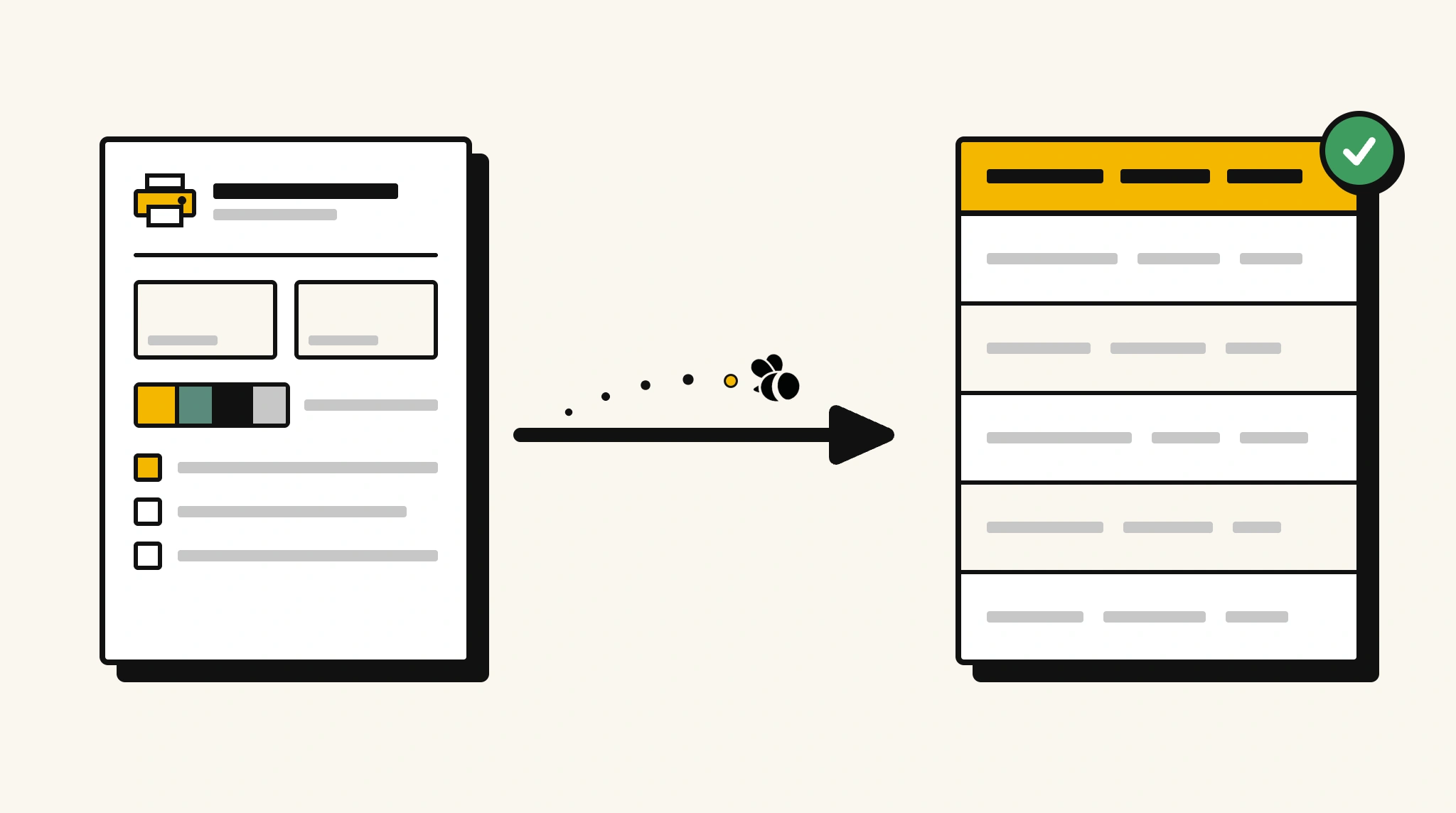
Stop manually entering print job order data into production
Re-typing job specifications from customer order forms into your print management system before every job wastes time and risks production errors on critical print specifications.
❌ Before ParserBee
- Open each print job order and read through specifications manually
- Re-type paper size, color mode, quantity, and binding type into your production system
- Risk production errors from misread paper type or color specifications
- Process job orders from walk-in, email, and online channels inconsistently
- Delay job scheduling because data entry precedes production setup
✅ After ParserBee
- Upload print job orders via browser or API
- Extract all job specifications automatically
- Get clean production-ready data for every job immediately
- Feed specs directly into your print management system
- Handle high order volumes without a data entry bottleneck
How ParserBee Parses Print Job Orders
Three steps from document to structured data, no setup or training required.
Upload the Document
Upload a PDF, PNG, JPG, or WebP file. Multi-page documents are processed as a single job.
AI Extracts All Fields
ParserBee identifies and extracts every field automatically, no training or configuration required.
Get Structured Data
Download as JSON or CSV, or use the API to push data directly into your systems on upload.
Fields Extracted from Print Job Orders
This extraction template comes pre-built with these fields. Add, remove, or rename any field before saving.
Sample Extracted Output
Upload a print job order and ParserBee returns a structured table like this, automatically.
| Field | Extracted Value |
|---|---|
| Job Order Number | PJO-2025-00441 |
| Order Date | 15 Nov 2025 |
| Required By | 22 Nov 2025 |
| Client Name | Apex Marketing Agency |
| Client Contact | Sarah Barnes, +44 7700 900882 |
| Job Title | Annual Report 2025 |
| Job Type | Booklet |
| Quantity | 500 |
| Paper Size | A4 |
| Paper Type | 150gsm Silk |
| Color Mode | Full Color CMYK |
| Binding Type | Perfect Bind |
| Lamination | Gloss Lamination, Cover only |
| Artwork Reference | ART-APEX-AR2025-FINAL.pdf |
| Quoted Price | £1,840.00 |
Every field is pulled directly from the document. You define what to extract, ParserBee does the reading.
Export Print Job Order Data to Excel, CSV or Google Sheets
No developer needed to convert print job orders to Excel. Upload a whole batch in ParserBee's Data Lab, review every extracted row in a live spreadsheet, then download everything as CSV, print to PDF, or send it straight to a new Google Sheet in one click.
Prefer automation? The REST API returns clean JSON for every print job order, ready for Zapier, Make, n8n, or your own system.
Who Uses This Parser
Frequently Asked Questions
What data is extracted from a print job order?
Job order number, order date, required by date, client name and contact, job title, job type, quantity, paper size, paper type, color mode, binding type, lamination, artwork reference, special instructions, and quoted price.
Does it work with print job orders from different customers and formats?
Yes. ParserBee adapts to any print job order format whether it is a PDF form, a scanned paper order, or a written specification.
Can it capture special finishing instructions?
Yes. The specialInstructions field captures any custom finishing, delivery, or production notes listed on the order.
Can I feed extracted data directly into my print MIS?
Yes. Use the API to receive structured order data and map it to your print management information system.
Can it handle orders that include multiple job types in one document?
For multi-job orders, add additional job specification groups to your template to capture each job's specifications separately.
Related Document Parsers
Start automating print job order data extraction today
Free to try. No credit card required. Works on your first upload.
Create free account