Extract Data from Business Cards Automatically
Photograph or scan a business card and get name, title, company, email, phone, and address extracted as structured contact data instantly.
Used by sales teams, CRM administrators, and networking professionals worldwide.
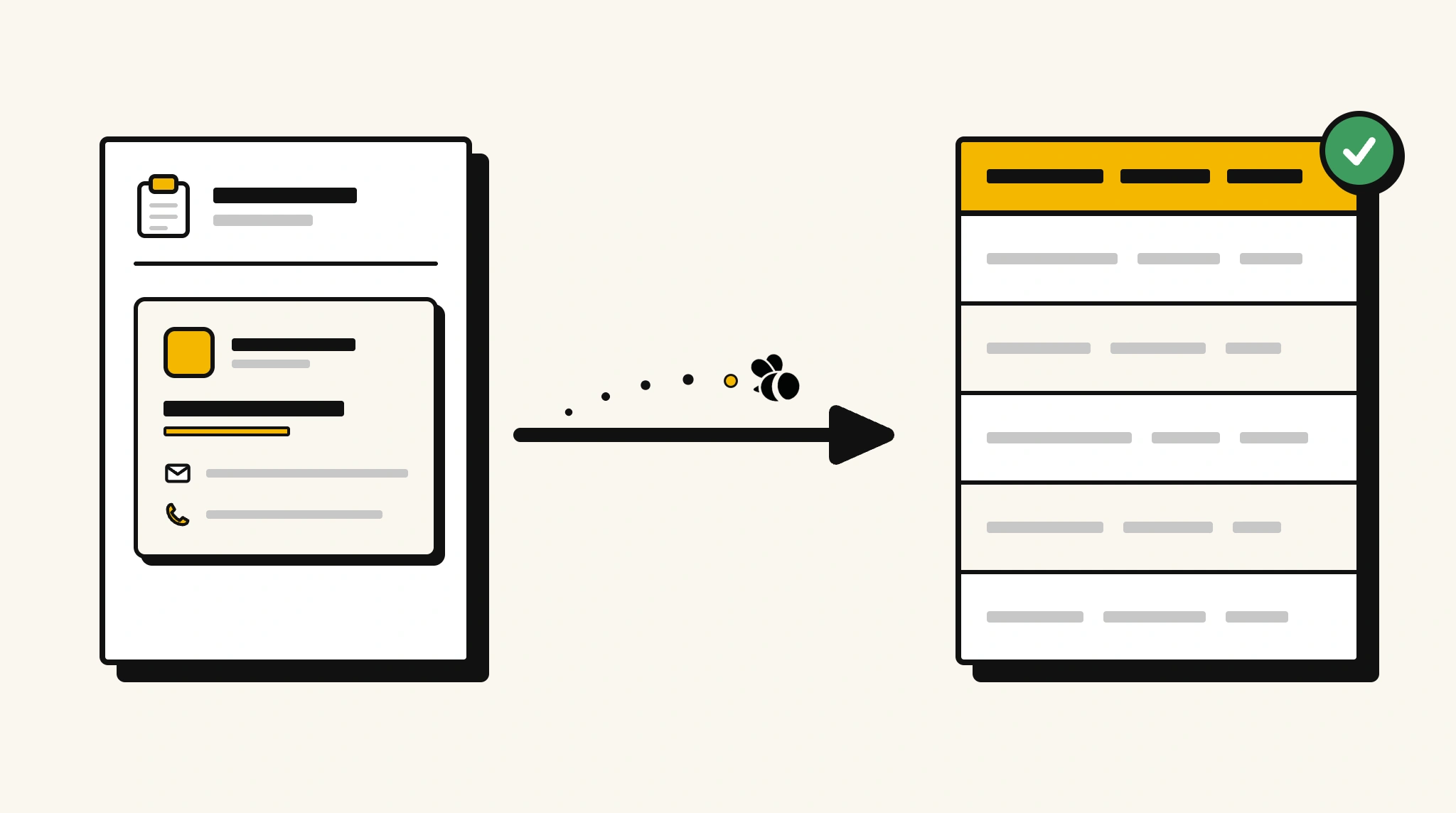
Stop manually keying business card details into your CRM
Typing contact details from every business card collected at events into your CRM wastes sales time and results in inconsistent or incomplete contact records.
❌ Before ParserBee
- Collect stacks of business cards at events
- Manually type name, email, phone, and company into your CRM
- Risk typos on email addresses that break follow-up emails
- Lose cards before entering the data
- Process card batches days after the event when context is lost
✅ After ParserBee
- Photograph business cards immediately at the event
- Get all contact fields extracted and structured instantly
- Push data directly into your CRM with no typing
- Capture every contact accurately and consistently
- Follow up with new contacts the same day, no data entry backlog
How ParserBee Parses Business Cards
Three steps from document to structured data, no setup or training required.
Upload the Document
Upload a PDF, PNG, JPG, or WebP file. Multi-page documents are processed as a single job.
AI Extracts All Fields
ParserBee identifies and extracts every field automatically, no training or configuration required.
Get Structured Data
Download as JSON or CSV, or use the API to push data directly into your systems on upload.
Fields Extracted from Business Cards
This extraction template comes pre-built with these fields. Add, remove, or rename any field before saving.
Sample Extracted Output
Upload a business card and ParserBee returns a structured table like this, automatically.
| Field | Extracted Value |
|---|---|
| Full Name | Dr. Natalie Chen |
| Job Title | Chief Technology Officer |
| Company | Veritas Systems Inc |
| [email protected] | |
| Phone | +1 415 555 0284 |
| Mobile | +1 415 555 0198 |
| Website | veritas-systems.com |
| Address | 88 Market St, San Francisco CA 94105 |
| linkedin.com/in/nataliechen |
Every field is pulled directly from the document. You define what to extract, ParserBee does the reading.
Export Business Card Data to Excel, CSV or Google Sheets
No developer needed to convert business cards to Excel. Upload a whole batch in ParserBee's Data Lab, review every extracted row in a live spreadsheet, then download everything as CSV, print to PDF, or send it straight to a new Google Sheet in one click.
Prefer automation? The REST API returns clean JSON for every business card, ready for Zapier, Make, n8n, or your own system.
Who Uses This Parser
Frequently Asked Questions
What data is extracted from a business card?
Full name, job title, company name, email address, primary phone, mobile phone, website URL, business address, and LinkedIn or social media URL.
Does it work with photos taken on a mobile phone?
Yes. Upload JPG or PNG photos taken on any smartphone. Good lighting and a straight-on angle produce the best results.
Can it read cards with non-Latin characters?
Yes. ParserBee handles business cards in Latin, Chinese, Japanese, Korean, Arabic, and other scripts.
Can I batch-process a large stack of business cards?
Yes. Use the batch API to submit multiple card images at once and receive a structured contact list.
How do I push extracted contacts into Salesforce or HubSpot?
Use the REST API with Zapier, Make, or a direct integration to map extracted fields to your CRM contact object.
Related Document Parsers
Start extracting business card data automatically today
Free to try. No credit card required. Works on your first upload.
Create free account