Extract Data from Background Check Reports Automatically
Upload a background check report and get candidate name, check types, results, and overall status extracted as structured data instantly.
Used by HR teams, talent acquisition departments, and compliance officers worldwide.
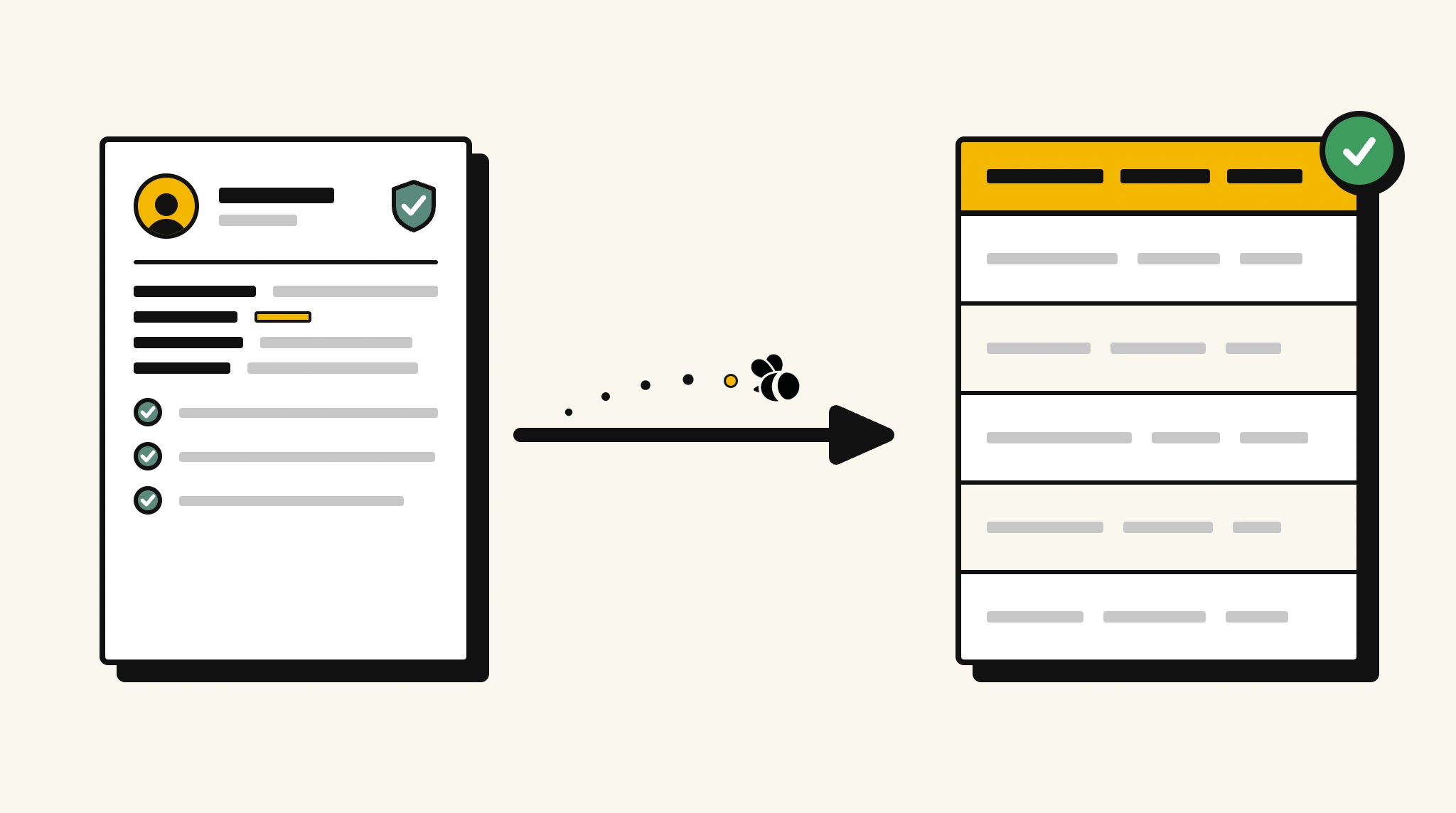
Stop manually reviewing background check reports
Reading through multi-section background check reports to log results into your HRIS takes time your team needs for actual hiring decisions.
❌ Before ParserBee
- Open each background check report PDF and read through every section
- Manually note check results and overall status for each candidate
- Re-type findings into your HRIS or ATS
- Risk overlooking an adverse result buried in a long report
- Process reports from multiple screening agencies inconsistently
✅ After ParserBee
- Upload background check reports via browser or API
- Extract all check types, results, and overall status automatically
- Get clean structured data loaded into your HRIS or ATS
- Instantly surface adverse or pending results without manual review
- Process reports from any screening agency consistently
How ParserBee Parses Background Check Reports
Three steps from document to structured data, no setup or training required.
Upload the Document
Upload a PDF, PNG, JPG, or WebP file. Multi-page documents are processed as a single job.
AI Extracts All Fields
ParserBee identifies and extracts every field automatically, no training or configuration required.
Get Structured Data
Download as JSON or CSV, or use the API to push data directly into your systems on upload.
Fields Extracted from Background Check Reports
This extraction template comes pre-built with these fields. Add, remove, or rename any field before saving.
Sample Extracted Output
Upload a background check report and ParserBee returns a structured table like this, automatically.
| Field | Extracted Value |
|---|---|
| Candidate Name | Alex Rivera |
| Report Date | 14 Nov 2025 |
| Report Reference | BGC-2025-44821 |
| Agency Name | Verified Screening Ltd |
| Overall Status | Clear |
Individual checks, extracted as a list
| Check Type | Status | Details |
|---|---|---|
| Criminal History | Clear | No records found |
| Employment Verification | Clear | 2 employers verified |
| Education Verification | Clear | Degree confirmed with MIT |
| Credit Check | Clear | No adverse findings |
Every field is pulled directly from the document. You define what to extract, ParserBee does the reading.
Export Background Check Report Data to Excel, CSV or Google Sheets
No developer needed to convert background check reports to Excel. Upload a whole batch in ParserBee's Data Lab, review every extracted row in a live spreadsheet, then download everything as CSV, print to PDF, or send it straight to a new Google Sheet in one click.
Prefer automation? The REST API returns clean JSON for every background check report, ready for Zapier, Make, n8n, or your own system.
Who Uses This Parser
Frequently Asked Questions
What data is extracted from a background check report?
Candidate name, report date and reference number, agency name, each individual check type with its status and details, and the overall status.
Can it identify an adverse result automatically?
Yes. The status field for each check and the overall status field are extracted as structured values. Your system can flag any adverse or pending result automatically.
Does it work with reports from different screening agencies?
Yes. ParserBee adapts to any report format regardless of agency. No custom setup is needed for each provider.
Can I process reports for multiple candidates at once?
Yes. Use the API to process a batch of background check reports in a single automated workflow.
How is candidate data privacy handled?
ParserBee processes documents via encrypted connections. Refer to the privacy policy at parserbee.com for full data handling details.
Related Document Parsers
Start extracting background check data today
Free to try. No credit card required. Works on your first upload.
Create free account