Extract Data from Performance Reviews Automatically
Upload performance review forms and get employee ratings, goals, strengths, and feedback extracted as structured data ready for your HR analytics.
Used by HR teams, people operations, and organizational development teams worldwide.
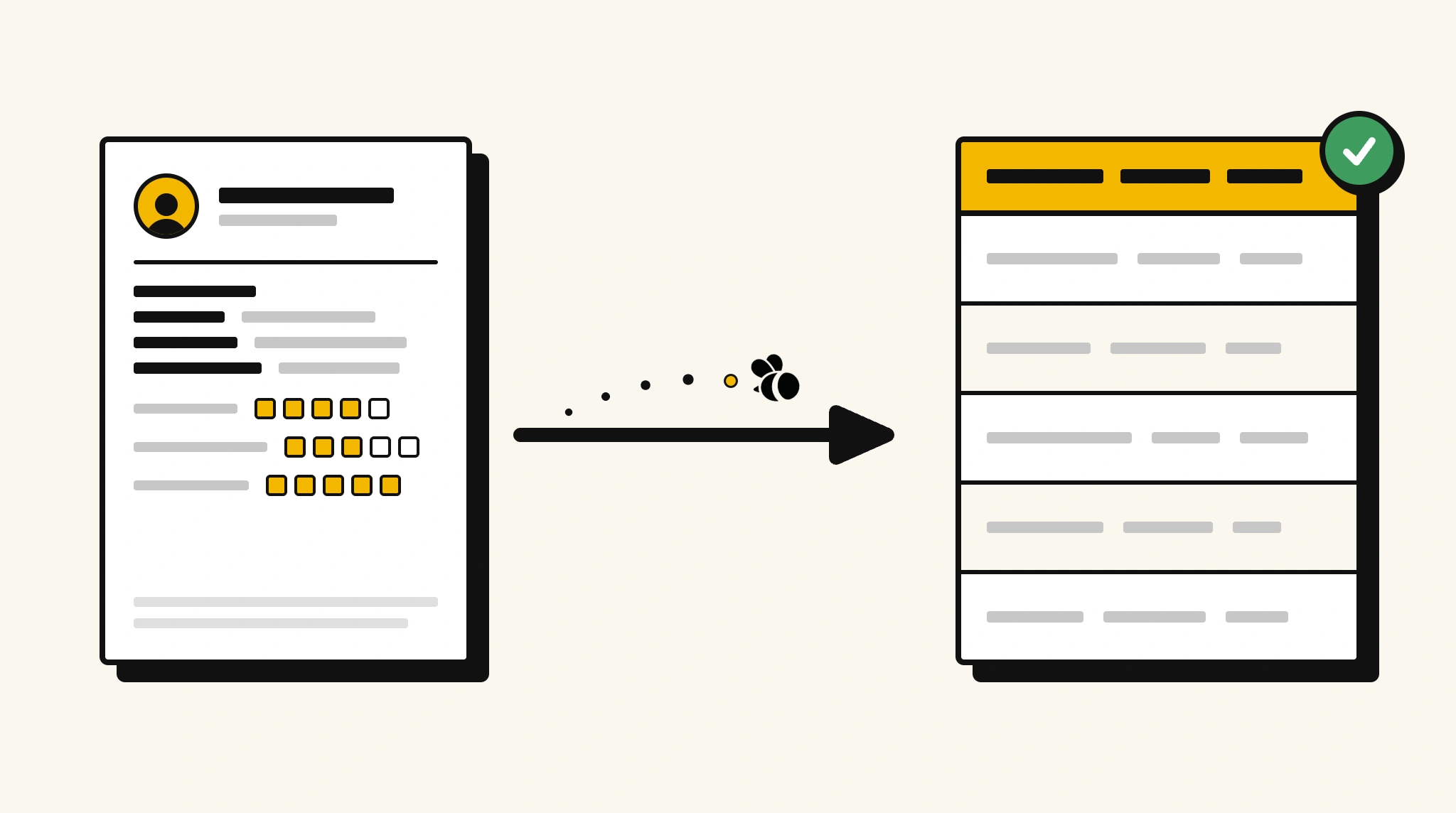
Stop manually compiling performance review data
Aggregating ratings and feedback from hundreds of performance review forms is tedious and makes cross-team analysis nearly impossible.
❌ Before ParserBee
- Open each review form to read ratings and comments manually
- Re-type scores and goals into spreadsheets for analysis
- Struggle to compare performance trends across teams
- Miss key feedback buried in long-form comments
- Spend days consolidating reviews instead of acting on insights
✅ After ParserBee
- Upload review forms via browser or API
- Extract ratings, goals, and feedback automatically
- Get structured performance data ready for analysis
- Compare ratings across teams and time periods easily
- Act on insights faster with clean consolidated data
How ParserBee Parses Performance Reviews
Three steps from document to structured data, no setup or training required.
Upload the Document
Upload a PDF, PNG, JPG, or WebP file. Multi-page documents are processed as a single job.
AI Extracts All Fields
ParserBee identifies and extracts every field automatically, no training or configuration required.
Get Structured Data
Download as JSON or CSV, or use the API to push data directly into your systems on upload.
Fields Extracted from Performance Reviews
This extraction template comes pre-built with these fields. Add, remove, or rename any field before saving.
Sample Extracted Output
Upload a performance review and ParserBee returns a structured table like this, automatically.
| Field | Extracted Value |
|---|---|
| Employee Name | Lisa Park |
| Employee ID | EMP-4821 |
| Job Title | Marketing Manager |
| Department | Marketing |
| Review Period | Jan 2025 to Dec 2025 |
| Reviewer | Tom Harrington, VP Marketing |
| Overall Rating | 4.2 / 5.0 |
| Strengths | Strategic thinking, stakeholder communication |
| Areas for Improvement | Data-driven decision making |
Performance categories, extracted as a list
| Category | Rating | Comments |
|---|---|---|
| Communication | 4.5 | Excellent clarity in cross-functional meetings |
| Productivity | 4.0 | Consistently meets deadlines |
| Leadership | 4.2 | Mentors junior team members effectively |
Every field is pulled directly from the document. You define what to extract, ParserBee does the reading.
Export Performance Review Data to Excel, CSV or Google Sheets
No developer needed to convert performance reviews to Excel. Upload a whole batch in ParserBee's Data Lab, review every extracted row in a live spreadsheet, then download everything as CSV, print to PDF, or send it straight to a new Google Sheet in one click.
Prefer automation? The REST API returns clean JSON for every performance review, ready for Zapier, Make, n8n, or your own system.
Who Uses This Parser
Frequently Asked Questions
What data is extracted from a performance review?
Employee name, ID, job title, department, review period, reviewer name, overall rating, individual category ratings with comments, strengths, areas for improvement, goals for next period, and employee comments.
Can it extract ratings from different scoring scales?
Yes. The rating field captures whatever scale is used on the form, whether it is 1-5, 1-10, letter grades, or descriptive labels.
Does it work with multi-page review forms?
Yes. ParserBee processes multi-page documents and extracts fields from all pages.
Can I analyze trends from multiple reviews at once?
Yes. Use the API to extract data from multiple reviews in bulk and feed it into your analytics tool or HRIS for trend analysis.
What if the review uses a different form template than our previous ones?
You can create multiple ParserBee templates to match each form version. The correct template is applied when you upload the document.
Related Document Parsers
Start extracting performance review data today
Free to try. No credit card required. Works on your first upload.
Create free account