Extract Data from Employment Contracts Automatically
Upload an employment contract PDF and get all key terms, salary, notice periods, and conditions extracted and structured without manual review.
Used by HR teams, legal operations, and workforce management teams worldwide.
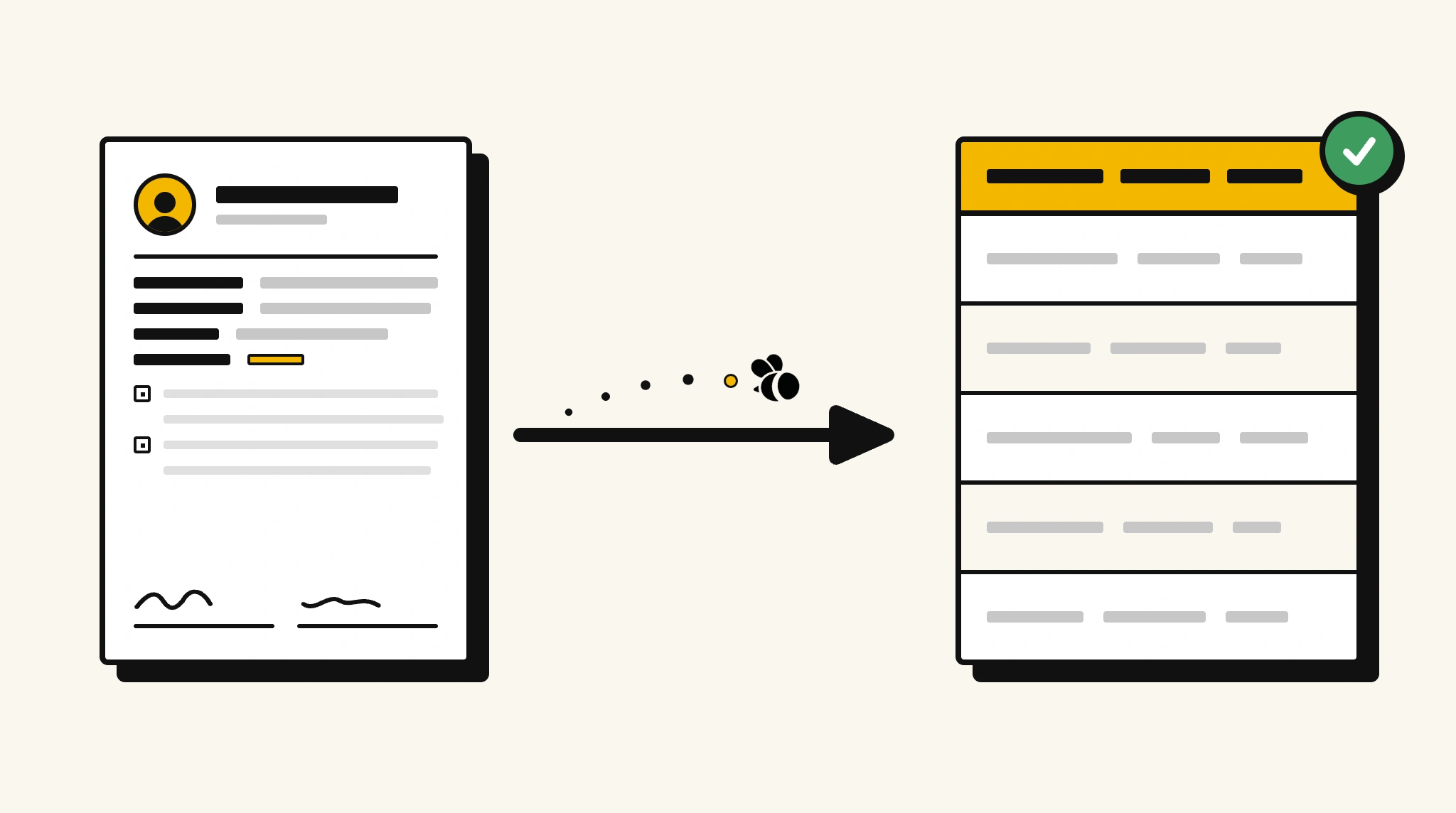
Stop manually reviewing employment contracts for key terms
Reading through contracts to extract salary, notice periods, and start dates for every new employee is slow and easy to get wrong.
❌ Before ParserBee
- Manually read each employment contract to find key terms
- Re-type salary, notice period, and start date into your HRIS
- Risk missing important clauses buried in contract language
- Process contracts from different templates inconsistently
- Track contract terms in spreadsheets separate from your HR system
✅ After ParserBee
- Upload contracts via browser or API
- Extract all key terms automatically in seconds
- Get salary, notice period, and probation captured consistently
- Feed data directly into your HRIS or contract management system
- Compare contract terms across your workforce with structured data
How ParserBee Parses Employment Contracts
Three steps from document to structured data, no setup or training required.
Upload the Document
Upload a PDF, PNG, JPG, or WebP file. Multi-page documents are processed as a single job.
AI Extracts All Fields
ParserBee identifies and extracts every field automatically, no training or configuration required.
Get Structured Data
Download as JSON or CSV, or use the API to push data directly into your systems on upload.
Fields Extracted from Employment Contracts
This extraction template comes pre-built with these fields. Add, remove, or rename any field before saving.
Sample Extracted Output
Upload a employment contract and ParserBee returns a structured table like this, automatically.
| Field | Extracted Value |
|---|---|
| Employee Name | Marcus Johnson |
| Employer | Apex Technologies Ltd |
| Job Title | Senior Engineer |
| Start Date | 15 Jan 2026 |
| Contract Type | Permanent |
| Salary | £72,000 |
| Pay Frequency | Monthly |
| Working Hours | 40 hours/week |
| Probation Period | 6 months |
| Notice Period | 3 months |
| Annual Leave | 25 days |
Every field is pulled directly from the document. You define what to extract, ParserBee does the reading.
Export Employment Contract Data to Excel, CSV or Google Sheets
No developer needed to convert employment contracts to Excel. Upload a whole batch in ParserBee's Data Lab, review every extracted row in a live spreadsheet, then download everything as CSV, print to PDF, or send it straight to a new Google Sheet in one click.
Prefer automation? The REST API returns clean JSON for every employment contract, ready for Zapier, Make, n8n, or your own system.
Who Uses This Parser
Frequently Asked Questions
What data is extracted from an employment contract?
Employee and employer names, job title, start date, contract type, salary, pay frequency, working hours, probation period, notice period, annual leave entitlement, governing law, and effective date.
Does it work with fixed-term and casual contracts as well as permanent ones?
Yes. The template works for any contract type. The contract type field captures whether it is permanent, fixed-term, casual, or another type.
Can it extract clauses from contracts written in complex legal language?
Yes. ParserBee reads natural language and extracts the field values it finds, even from formal legal contract documents.
What if the contract does not mention all the listed fields?
Fields not present in the document are returned as empty values. You can make any field optional in the template editor.
Can I compare employment terms across multiple contracts?
Yes. Extract data from multiple contracts and use the API or export to build a comparison table of salaries, notice periods, and other terms.
Related Document Parsers
Start extracting employment contract data today
Free to try. No credit card required. Works on your first upload.
Create free account