Extract Data from Packing Lists Automatically
Upload any packing list and get shipper, consignee, all package contents, weights, and dimensions extracted as structured data in seconds.
Used by freight forwarders, importers, warehouse teams, and logistics platforms worldwide.
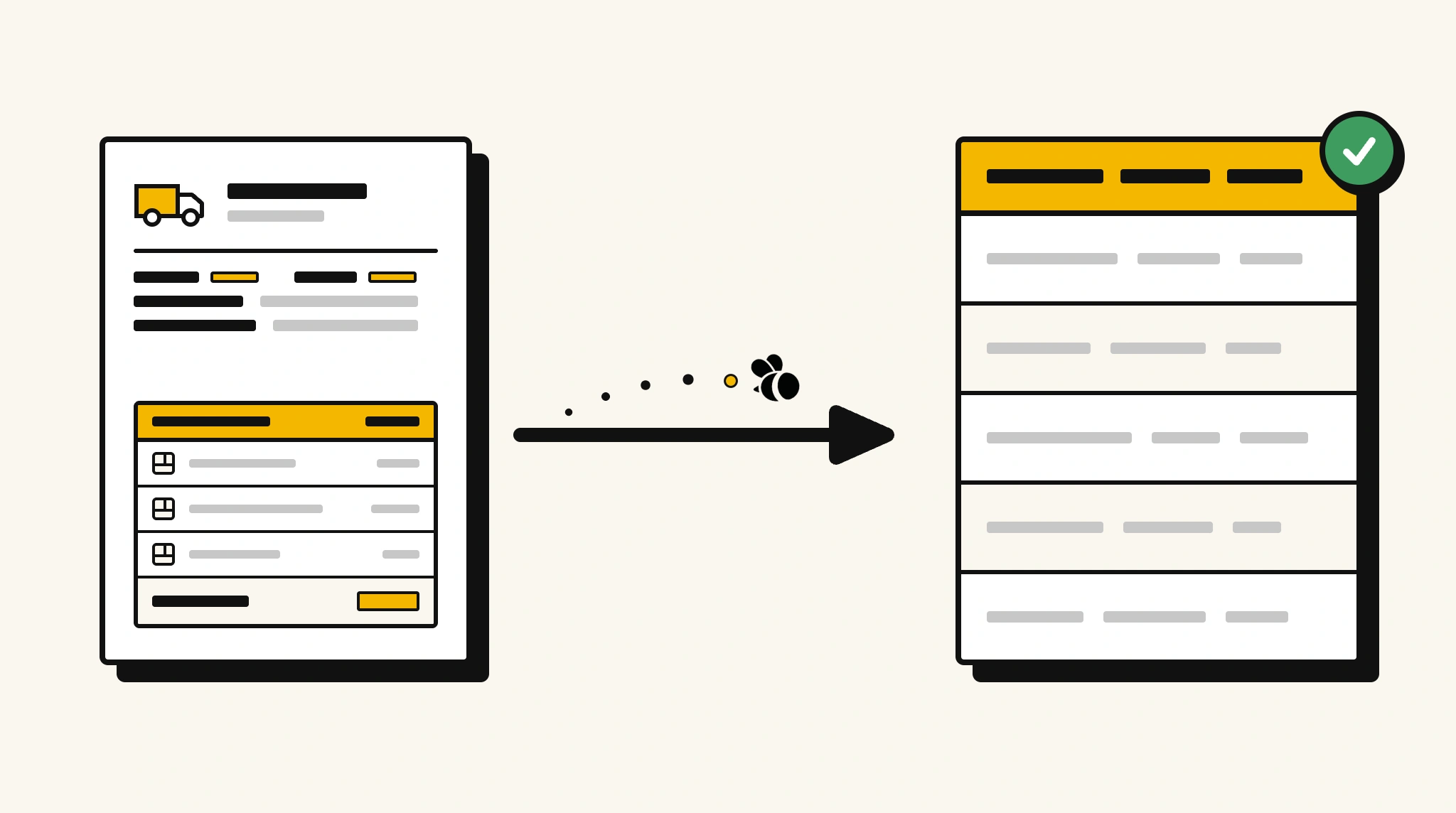
Stop manually processing packing lists for goods receipt and customs
Keying package contents, weights, and dimensions from packing lists into warehouse and customs systems is slow and creates discrepancies that delay goods clearance.
❌ Before ParserBee
- Open each packing list PDF and read contents item by item
- Manually enter package details into your WMS or customs system
- Risk discrepancies between packing list and physical goods received
- Process multiple packing lists for large shipments individually
- Struggle to verify total weights against freight documents
✅ After ParserBee
- Upload packing lists via browser or API
- Extract all packages and contents as structured lists automatically
- Push data into your WMS for goods receipt matching
- Verify total weights against freight documents using extracted figures
- Process packing lists immediately when received, no manual backlog
How ParserBee Parses Packing Lists
Three steps from document to structured data, no setup or training required.
Upload the Document
Upload a PDF, PNG, JPG, or WebP file. Multi-page documents are processed as a single job.
AI Extracts All Fields
ParserBee identifies and extracts every field automatically, no training or configuration required.
Get Structured Data
Download as JSON or CSV, or use the API to push data directly into your systems on upload.
Fields Extracted from Packing Lists
This extraction template comes pre-built with these fields. Add, remove, or rename any field before saving.
Sample Extracted Output
Upload a packing list and ParserBee returns a structured table like this, automatically.
| Field | Extracted Value |
|---|---|
| Packing List Number | PL-2025-00392 |
| Shipment Date | 18 Nov 2025 |
| Shipper | Guangzhou Electronics Ltd |
| Consignee | TechDist Australia Pty Ltd |
| Destination | Port Botany, Sydney AU |
| Carrier | Pacific Sealines Ltd |
| Total Packages | 24 |
| Total Net Weight | 840 kg |
| Total Gross Weight | 920 kg |
Package contents, extracted as a list
| Box # | Contents | Qty | Net Weight | Gross Weight |
|---|---|---|---|---|
| 01 | Laptop Computer Model XP15 | 10 | 24.0 kg | 26.5 kg |
| 02 | USB-C Docking Station | 20 | 16.0 kg | 18.0 kg |
| 03 | Wireless Mouse & Keyboard Set | 50 | 10.0 kg | 11.5 kg |
Every field is pulled directly from the document. You define what to extract, ParserBee does the reading.
Export Packing List Data to Excel, CSV or Google Sheets
No developer needed to convert packing lists to Excel. Upload a whole batch in ParserBee's Data Lab, review every extracted row in a live spreadsheet, then download everything as CSV, print to PDF, or send it straight to a new Google Sheet in one click.
Prefer automation? The REST API returns clean JSON for every packing list, ready for Zapier, Make, n8n, or your own system. See all integrations.
Free Tool and Guide
Who Uses This Parser
Frequently Asked Questions
What data is extracted from a packing list?
Packing list number, shipment date, shipper, consignee, destination, carrier, all packages with number, description, quantity, net weight, gross weight, and dimensions, total packages, total net weight, and total gross weight.
Can it handle packing lists with many packages?
Yes. Packages are extracted as a repeating list regardless of how many rows the packing list contains.
Does it work with packing lists in different formats?
Yes. ParserBee adapts to packing list formats from any origin country or logistics provider.
How do I match extracted packing list data against a purchase order?
Extract contents and quantities, then compare against PO line items in your workflow to identify shortages or overages.
Can I process packing lists in batch for large shipments?
Yes. The batch API supports multi-document uploads for high-volume logistics operations.
Related Document Parsers
Start extracting packing list data automatically today
Free to try. No credit card required. Works on your first upload.
Create free account