Extract Data from Crop Yield Reports Automatically
Upload a crop yield report and get farm details, all crops with harvested quantities, yield per acre, and season summary extracted as structured data instantly.
Used by farmers, agricultural cooperatives, and agri-finance teams worldwide.
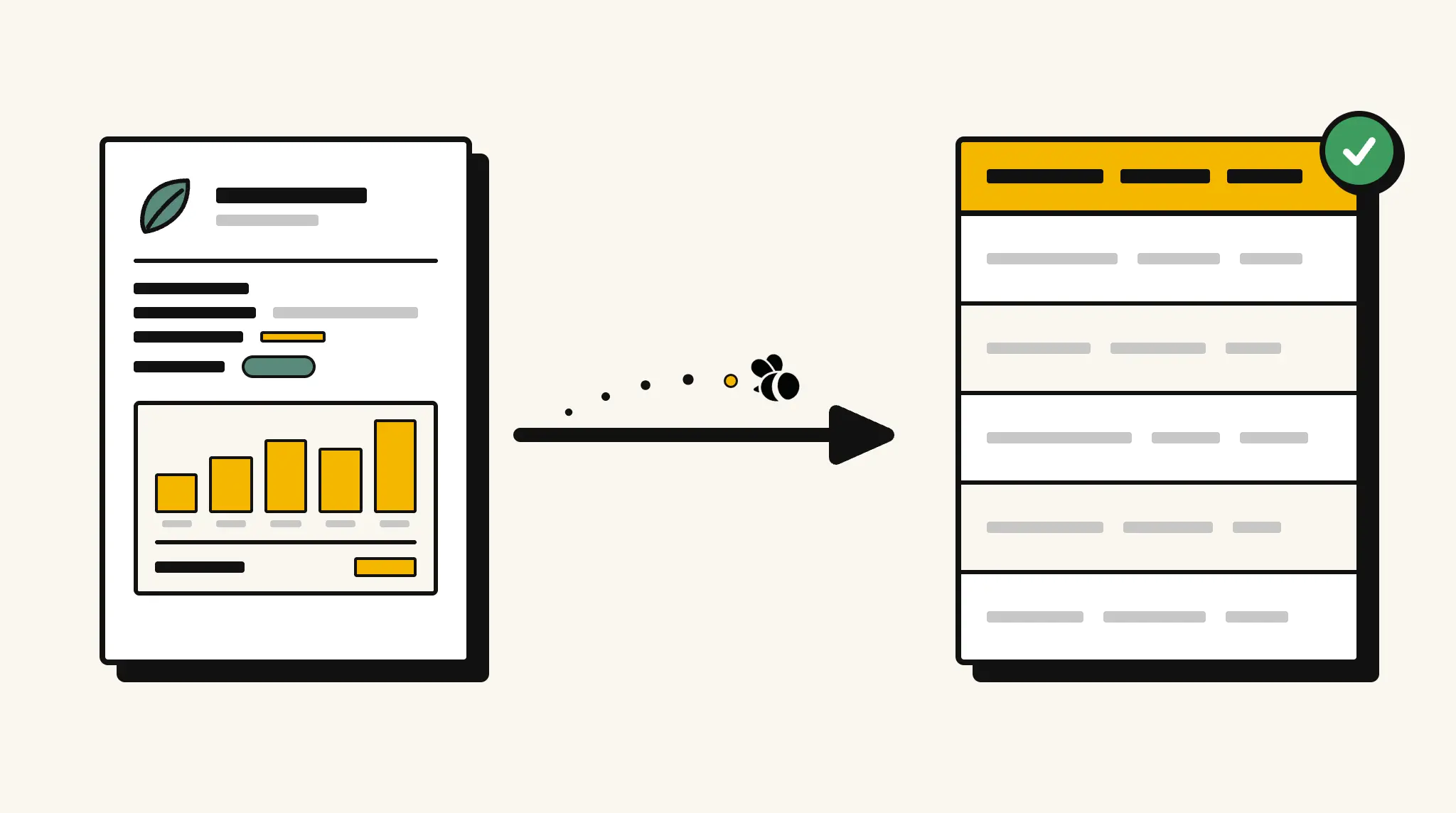
Stop manually recording harvest data from yield reports
Transcribing crop names, area planted, and harvested quantities from yield reports into your farm management records is time your team needs for planning next season.
❌ Before ParserBee
- Open each yield report and manually note crop quantities and area data
- Re-type harvest totals and yield per acre into your farm records
- Risk recording errors that distort yield comparisons across seasons
- Process reports from multiple crops and fields individually
- No fast way to compare yield performance across your farm or cooperative
✅ After ParserBee
- Upload yield reports via browser or API
- Extract all crop yield data automatically
- Get structured records for every crop and field
- Compare yield per acre across seasons from structured data
- Feed data into your farm management or agri-finance system
How ParserBee Parses Crop Yield Reports
Three steps from document to structured data, no setup or training required.
Upload the Document
Upload a PDF, PNG, JPG, or WebP file. Multi-page documents are processed as a single job.
AI Extracts All Fields
ParserBee identifies and extracts every field automatically, no training or configuration required.
Get Structured Data
Download as JSON or CSV, or use the API to push data directly into your systems on upload.
Fields Extracted from Crop Yield Reports
This extraction template comes pre-built with these fields. Add, remove, or rename any field before saving.
Sample Extracted Output
Upload a crop yield report and ParserBee returns a structured table like this, automatically.
| Field | Extracted Value |
|---|---|
| Farm Name | Meadow View Farm |
| Farmer Name | Robert Hargreaves |
| Report Date | 30 Nov 2025 |
| Season | Harvest 2025 |
| Irrigation Source | Borewell and rainwater |
| Fertilizers Used | NPK compound fertilizer, urea top dressing |
| Overall Comments | Above-average wheat yield. Barley affected by late drought. Consider irrigation expansion for south fields. |
Crop yield data, extracted as a list
| Crop | Area Planted | Area Unit | Total Harvest | Harvest Unit | Yield/Acre |
|---|---|---|---|---|---|
| Winter Wheat | 120 | Acres | 384 | Tons | 3.2 |
| Spring Barley | 80 | Acres | 192 | Tons | 2.4 |
| Oilseed Rape | 45 | Acres | 81 | Tons | 1.8 |
Every field is pulled directly from the document. You define what to extract, ParserBee does the reading.
Export Crop Yield Report Data to Excel, CSV or Google Sheets
No developer needed to convert crop yield reports to Excel. Upload a whole batch in ParserBee's Data Lab, review every extracted row in a live spreadsheet, then download everything as CSV, print to PDF, or send it straight to a new Google Sheet in one click.
Prefer automation? The REST API returns clean JSON for every crop yield report, ready for Zapier, Make, n8n, or your own system.
Who Uses This Parser
Frequently Asked Questions
What data is extracted from a crop yield report?
Farm name, farmer name, report date, season, per-crop data including crop name, area planted, area unit, total harvest, harvest unit, and yield per acre, plus irrigation source, fertilizers used, and overall comments.
Can it handle reports covering multiple crops?
Yes. Crops are extracted as a repeating list. Every crop entry in the report is captured with its area and yield data.
Does it work with reports using different area and weight units?
Yes. Area unit and harvest unit fields capture whatever units are used in the report (acres, hectares, tons, quintals, bushels, etc.).
Can I compare yields across seasons?
Yes. Extract yield data from reports across multiple seasons and aggregate by crop and field in your farm management system.
Can I use this for crop insurance assessments?
Yes. Extract harvested quantities and yield per acre as structured data for use in insurance claim calculations.
Related Document Parsers
Start extracting crop yield data today
Free to try. No credit card required. Works on your first upload.
Create free account