Extract Data from Soil Test Reports Automatically
Upload a soil test report and get pH, nutrient levels, organic matter, soil texture, and fertilizer recommendations extracted as structured data in seconds.
Used by farmers, agronomists, and agricultural advisory services worldwide.
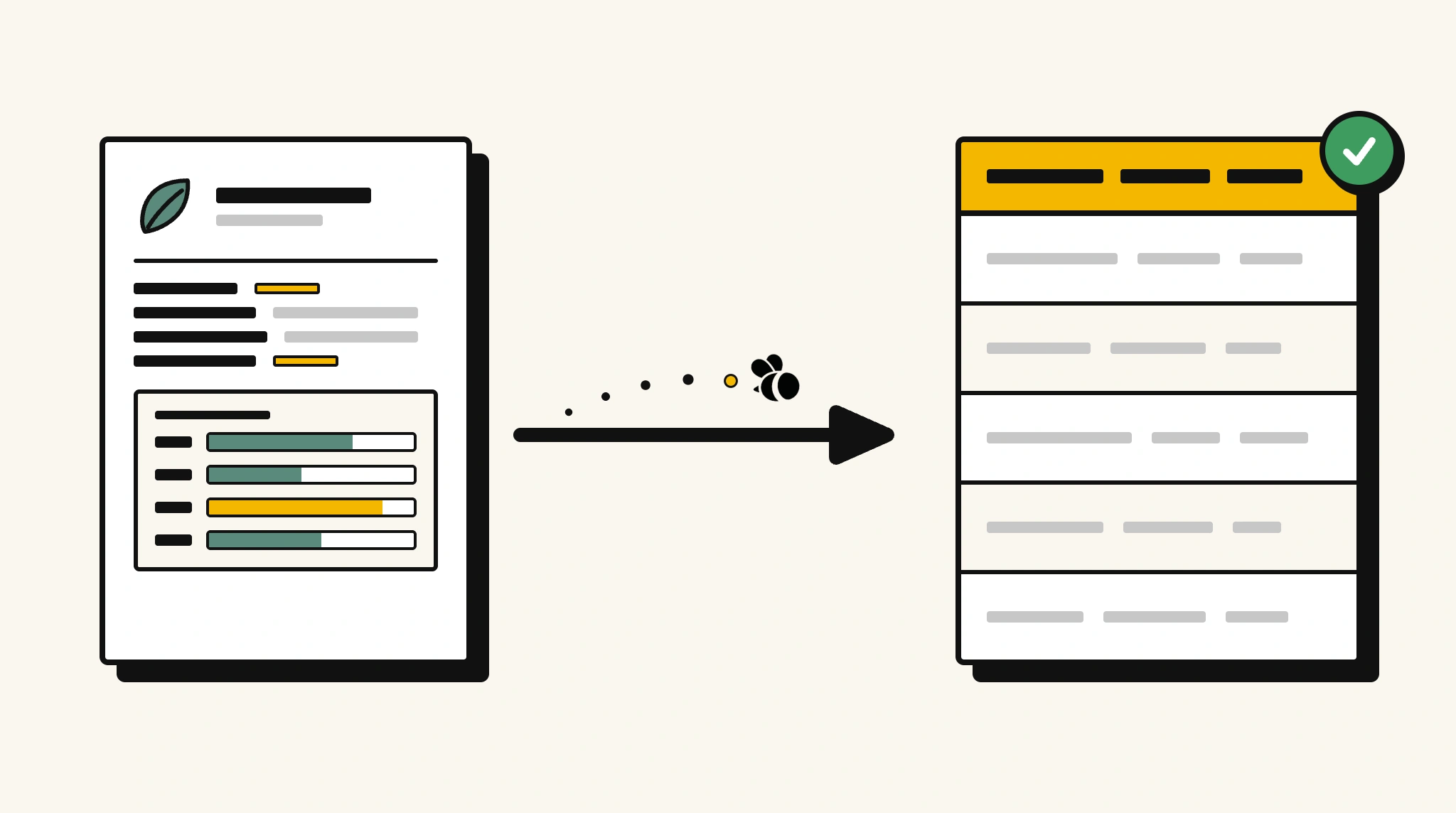
Stop manually recording soil test results
Re-typing pH, nitrogen, phosphorus, and potassium readings from soil test reports into your farm management system delays fertilizer planning decisions.
❌ Before ParserBee
- Open each soil test report and manually note key readings
- Re-type pH, N, P, K values and recommendations into your farm records
- Risk misreading nutrient levels that affect crop yield decisions
- Process reports from multiple field samples individually
- No structured view of soil health trends across your farm
✅ After ParserBee
- Upload soil test reports via browser or API
- Extract all nutrient levels, pH, and recommendations automatically
- Get clean structured data for every field sample
- Compare soil health across fields from structured data
- Act on fertilizer recommendations faster with organized data
How ParserBee Parses Soil Test Reports
Three steps from document to structured data, no setup or training required.
Upload the Document
Upload a PDF, PNG, JPG, or WebP file. Multi-page documents are processed as a single job.
AI Extracts All Fields
ParserBee identifies and extracts every field automatically, no training or configuration required.
Get Structured Data
Download as JSON or CSV, or use the API to push data directly into your systems on upload.
Fields Extracted from Soil Test Reports
This extraction template comes pre-built with these fields. Add, remove, or rename any field before saving.
Sample Extracted Output
Upload a soil test report and ParserBee returns a structured table like this, automatically.
| Field | Extracted Value |
|---|---|
| Sample ID | ST-2025-FIELD-04 |
| Farmer Name | John Wheatley |
| Farm Location | North Field, 52.3412N, 1.4823W |
| Sample Date | 05 Nov 2025 |
| Report Date | 10 Nov 2025 |
| Lab Name | AgriSoil Testing Ltd |
| Soil pH | 6.4 |
| Organic Matter | 3.2% |
| Nitrogen | Medium |
| Phosphorus | Low |
| Potassium | High |
| Soil Texture | Sandy Loam |
| Recommendations | Apply 40kg/ha phosphate fertilizer before spring planting. Maintain current nitrogen management. |
Every field is pulled directly from the document. You define what to extract, ParserBee does the reading.
Export Soil Test Report Data to Excel, CSV or Google Sheets
No developer needed to convert soil test reports to Excel. Upload a whole batch in ParserBee's Data Lab, review every extracted row in a live spreadsheet, then download everything as CSV, print to PDF, or send it straight to a new Google Sheet in one click.
Prefer automation? The REST API returns clean JSON for every soil test report, ready for Zapier, Make, n8n, or your own system.
Who Uses This Parser
Frequently Asked Questions
What data is extracted from a soil test report?
Sample ID, farmer and farm location, sample and report dates, lab name, soil pH, organic matter percentage, nitrogen, phosphorus, potassium, calcium, and magnesium content, soil texture classification, and fertilizer or amendment recommendations.
Can it extract nutrient levels from reports using different units?
Yes. The nutrient fields capture the values and units as shown in the report. Standardize units in your downstream application if needed.
Does it work with soil test reports from different laboratories?
Yes. ParserBee adapts to any lab report format. The same template works regardless of the testing laboratory.
Can I track soil health trends across multiple seasons?
Yes. Extract data from reports across multiple seasons and aggregate it by field in your farm management system.
Can I process multiple field sample reports at once?
Yes. Use the API to process batches of soil test reports from multiple fields in a single workflow.
Related Document Parsers
Start extracting soil test data today
Free to try. No credit card required. Works on your first upload.
Create free account