Extract Data from Travel Itineraries Automatically
Upload a travel itinerary PDF and get all flights, hotels, car rentals, booking references, and dates extracted as structured data in seconds.
Used by corporate travel managers, expense teams, and travel management companies worldwide.
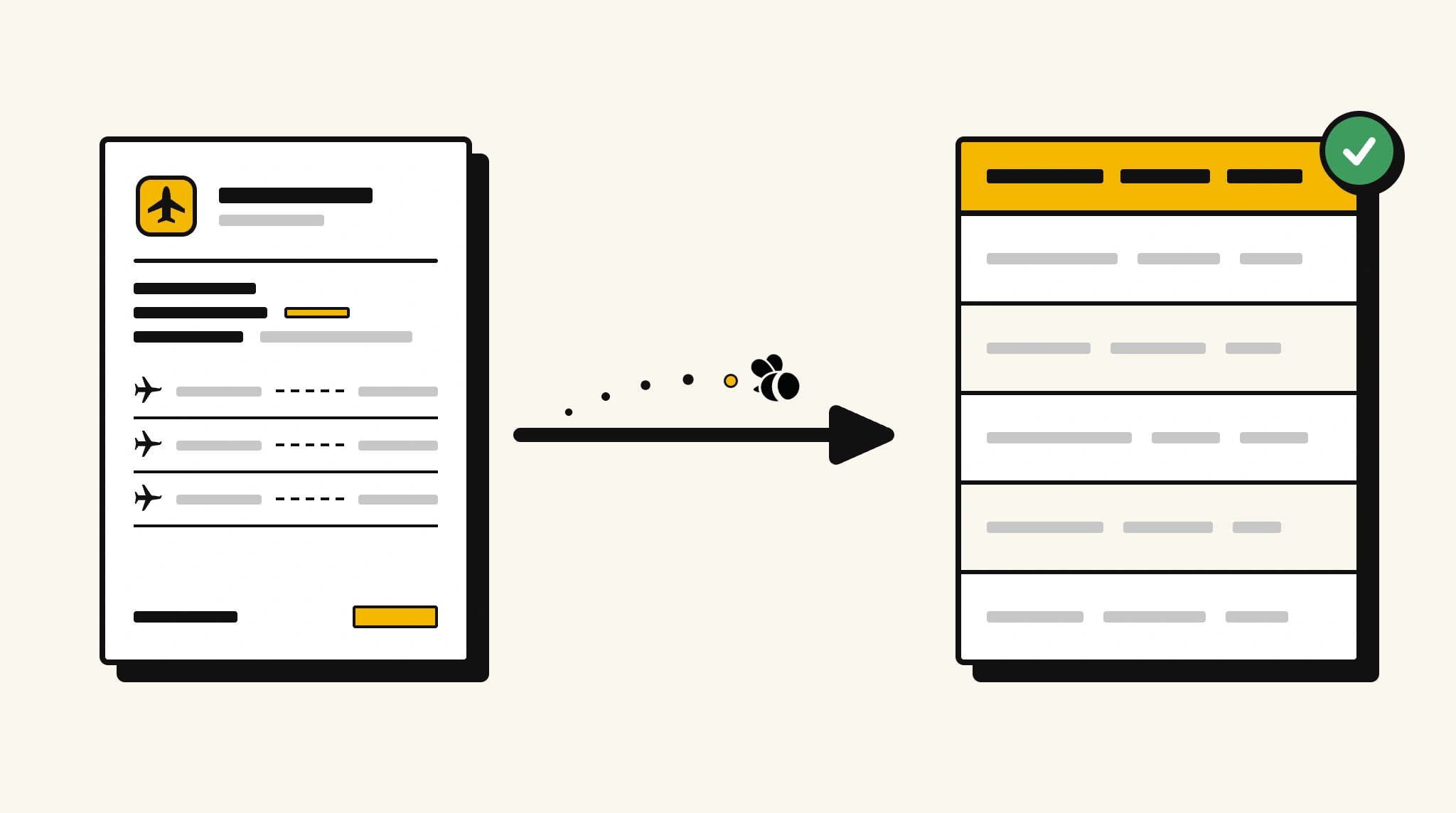
Stop manually logging trip details from travel itineraries
Pulling individual flight numbers, hotel check-ins, and booking references from multi-segment travel itineraries for expense or duty-of-care systems takes longer than it should.
❌ Before ParserBee
- Open multi-page itinerary PDFs and locate each booking manually
- Re-type flight numbers, hotel names, and dates into your travel system
- Miss a car rental or connecting flight buried in a long itinerary
- Process itineraries from different travel agencies inconsistently
- Have no automated way to track traveler whereabouts from booking data
✅ After ParserBee
- Upload itineraries via browser or API
- Extract all flights, hotels, and car rentals automatically
- Get every booking reference and date captured in structured form
- Feed data to your travel management or duty-of-care system
- Process itineraries from any agency or booking platform
How ParserBee Parses Travel Itinerarys
Three steps from document to structured data, no setup or training required.
Upload the Document
Upload a PDF, PNG, JPG, or WebP file. Multi-page documents are processed as a single job.
AI Extracts All Fields
ParserBee identifies and extracts every field automatically, no training or configuration required.
Get Structured Data
Download as JSON or CSV, or use the API to push data directly into your systems on upload.
Fields Extracted from Travel Itinerarys
This extraction template comes pre-built with these fields. Add, remove, or rename any field before saving.
Sample Extracted Output
Upload a travel itinerary and ParserBee returns a structured table like this, automatically.
| Field | Extracted Value |
|---|---|
| Traveler Name | Nina Blackwell |
| Booking Reference | TRV-2025-44892 |
| Travel Agency | World Business Travel |
| Total Trip Cost | $3,480.00 |
Flights, extracted as a list
| Flight | Route | Departure | Arrival | Class | PNR |
|---|---|---|---|---|---|
| BA216 | LHR to JFK | 17 Nov 2025 09:30 | 17 Nov 2025 12:45 | Business | BA-XK7P9R |
| BA217 | JFK to LHR | 21 Nov 2025 18:00 | 21 Nov 2025 06:15+1 | Business | BA-XK7P9R |
Every field is pulled directly from the document. You define what to extract, ParserBee does the reading.
Export Travel Itinerary Data to Excel, CSV or Google Sheets
No developer needed to convert travel itinerarys to Excel. Upload a whole batch in ParserBee's Data Lab, review every extracted row in a live spreadsheet, then download everything as CSV, print to PDF, or send it straight to a new Google Sheet in one click.
Prefer automation? The REST API returns clean JSON for every travel itinerary, ready for Zapier, Make, n8n, or your own system.
Who Uses This Parser
Frequently Asked Questions
What data is extracted from a travel itinerary?
Traveler name, booking reference, travel agency, all flight segments with flight number, airline, route, departure and arrival times, class, and confirmation code, all hotel bookings with name, check-in and check-out dates, and confirmation number, all car rentals with company, pickup and drop-off locations, dates, and confirmation number, and total trip cost.
Can it handle multi-destination itineraries with many segments?
Yes. Flights, hotels, and car rentals are each extracted as separate repeating lists. Every segment is captured regardless of trip complexity.
Does it work with itineraries from different travel agencies?
Yes. ParserBee adapts to any itinerary format regardless of agency or booking platform.
Can I feed extracted itinerary data to a duty-of-care platform?
Yes. Use the API to send structured flight and hotel data to your duty-of-care system for traveler tracking.
Can it extract data from email itinerary confirmations saved as PDFs?
Yes. Email confirmations saved as PDFs work the same as printed itinerary documents.
Related Document Parsers
Start extracting travel itinerary data today
Free to try. No credit card required. Works on your first upload.
Create free account