Extract Data from Boarding Passes Automatically
Upload a boarding pass PDF or image and get passenger name, flight number, route, seat, gate, and booking reference extracted as structured data instantly.
Used by travel managers, expense teams, and corporate travel departments worldwide.
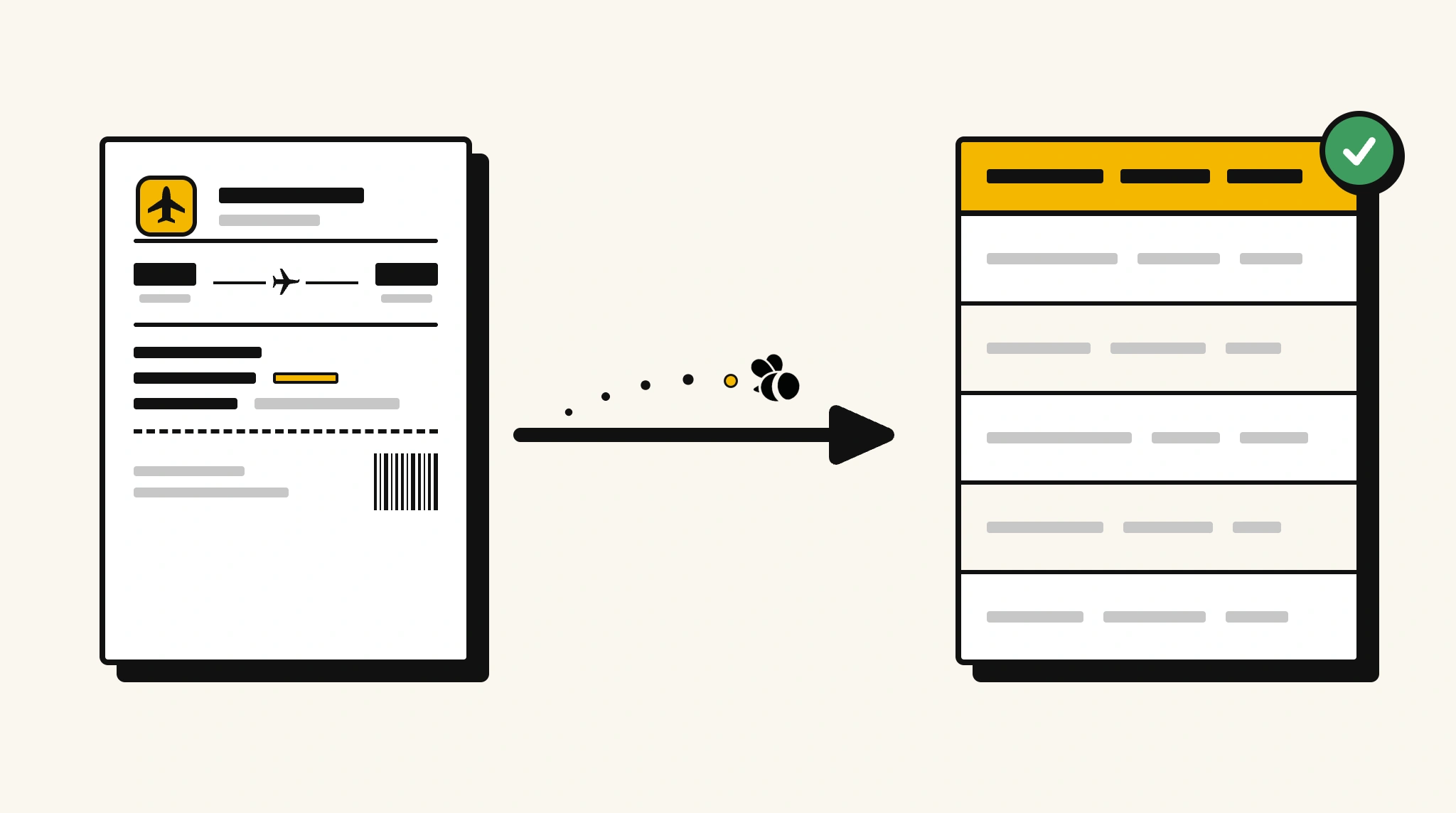
Stop manually logging travel data from boarding passes
Re-entering flight details from boarding passes into expense reports or travel management systems after every trip is unnecessary work that adds up fast for frequent travelers.
❌ Before ParserBee
- Open each boarding pass PDF or photo and read through it manually
- Re-type flight number, route, and seat into expense or travel reports
- Miss departure times or gate changes buried in boarding pass details
- Process boarding passes from multiple trips inconsistently
- Reconcile travel records with flight bookings manually
✅ After ParserBee
- Upload boarding passes via browser or API
- Extract all flight details automatically in seconds
- Get clean travel data for expense reports and travel analytics
- Verify actual flights taken against booked itineraries
- Process boarding passes from any airline consistently
How ParserBee Parses Boarding Passs
Three steps from document to structured data, no setup or training required.
Upload the Document
Upload a PDF, PNG, JPG, or WebP file. Multi-page documents are processed as a single job.
AI Extracts All Fields
ParserBee identifies and extracts every field automatically, no training or configuration required.
Get Structured Data
Download as JSON or CSV, or use the API to push data directly into your systems on upload.
Fields Extracted from Boarding Passs
This extraction template comes pre-built with these fields. Add, remove, or rename any field before saving.
Sample Extracted Output
Upload a boarding pass and ParserBee returns a structured table like this, automatically.
| Field | Extracted Value |
|---|---|
| Passenger Name | Rachel Kim |
| Flight Number | QF412 |
| Airline | Qantas |
| Origin Airport | SYD, Sydney Kingsford Smith |
| Destination Airport | MEL, Melbourne Tullamarine |
| Departure Date | 16 Nov 2025 |
| Departure Time | 07:45 |
| Boarding Time | 07:20 |
| Gate | B22 |
| Seat Number | 14C |
| Class | Economy |
| Booking Reference | QF-XK7P9R |
| Baggage Allowance | 23kg |
Every field is pulled directly from the document. You define what to extract, ParserBee does the reading.
Export Boarding Pass Data to Excel, CSV or Google Sheets
No developer needed to convert boarding passs to Excel. Upload a whole batch in ParserBee's Data Lab, review every extracted row in a live spreadsheet, then download everything as CSV, print to PDF, or send it straight to a new Google Sheet in one click.
Prefer automation? The REST API returns clean JSON for every boarding pass, ready for Zapier, Make, n8n, or your own system.
Who Uses This Parser
Frequently Asked Questions
What data is extracted from a boarding pass?
Passenger name, flight number, airline, origin and destination airport codes, departure date and time, boarding time, gate number, seat number, travel class, booking reference (PNR), and baggage allowance.
Does it work with mobile boarding passes saved as images or PDFs?
Yes. Both digital boarding passes saved as PDFs and screenshots or images of mobile boarding passes are supported.
Can it extract data from boarding passes in different languages?
ParserBee processes English-language documents. IATA standard boarding passes use internationally consistent fields that are readable regardless of airline.
Can I process boarding passes for multiple travelers in a trip?
Yes. Each boarding pass is processed individually. Upload each one separately to get structured data per traveler and flight segment.
Can extracted boarding pass data populate an expense report automatically?
Yes. Use the API to map extracted flight details to your expense management system fields.
Related Document Parsers
Start extracting boarding pass data today
Free to try. No credit card required. Works on your first upload.
Create free account