Extract Data from Return Merchandise Authorizations Automatically
Upload an RMA document and get return details, item list, return reasons, and authorization status extracted as structured data in seconds.
Used by e-commerce operations teams, customer service departments, and reverse logistics teams worldwide.
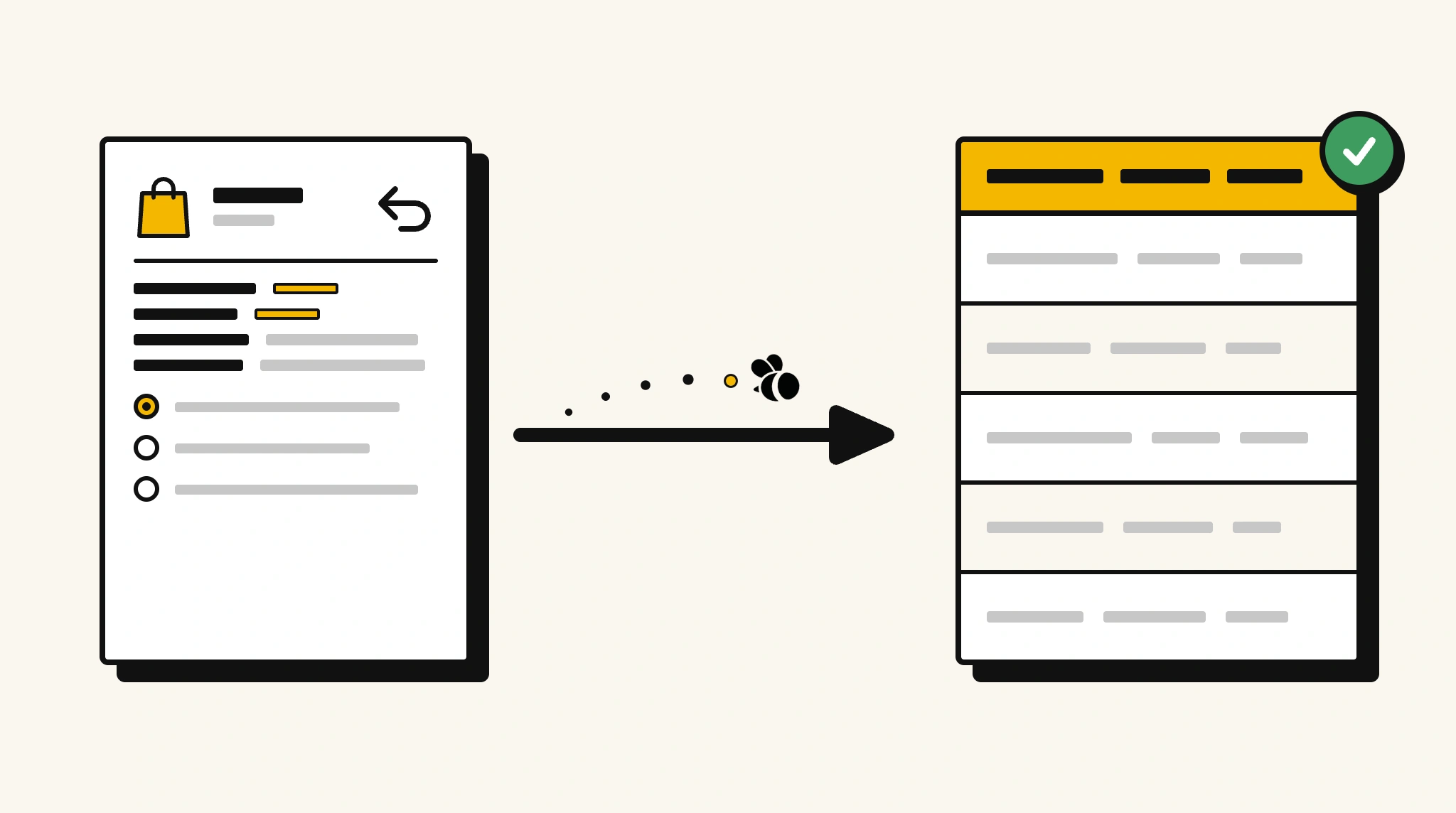
Stop manually processing RMA paperwork
Re-entering return authorization details from RMA forms into your OMS or returns management system delays refunds and wastes customer service time.
❌ Before ParserBee
- Open each RMA form and read through return details manually
- Re-type customer details and return items into your returns system
- Risk processing the wrong item or quantity due to transcription errors
- Process RMA forms from multiple channels inconsistently
- Delay refund or exchange processing because data entry is the bottleneck
✅ After ParserBee
- Upload RMA documents via browser or API
- Extract customer, items, reasons, and status automatically
- Get clean returns data loaded into your OMS or WMS
- Process returns from any channel consistently and quickly
- Accelerate refund timelines with faster data capture
How ParserBee Parses Return Merchandise Authorizations
Three steps from document to structured data, no setup or training required.
Upload the Document
Upload a PDF, PNG, JPG, or WebP file. Multi-page documents are processed as a single job.
AI Extracts All Fields
ParserBee identifies and extracts every field automatically, no training or configuration required.
Get Structured Data
Download as JSON or CSV, or use the API to push data directly into your systems on upload.
Fields Extracted from Return Merchandise Authorizations
This extraction template comes pre-built with these fields. Add, remove, or rename any field before saving.
Sample Extracted Output
Upload a return merchandise authorization and ParserBee returns a structured table like this, automatically.
| Field | Extracted Value |
|---|---|
| RMA Number | RMA-2025-00441 |
| RMA Date | 15 Nov 2025 |
| Customer Name | Sophie Martin |
| Customer Email | [email protected] |
| Original Order | ORD-2025-88341 |
| Preferred Resolution | Refund |
| Approval Status | Approved |
| Return Instructions | Drop off at any PostNord location using the pre-paid label enclosed |
Return items, extracted as a list
| Product | SKU | Qty | Reason for Return |
|---|---|---|---|
| Wireless Headphones Pro | WHP-001-BLK | 1 | Defective, no sound in right ear |
| USB-C Charging Cable | CBL-USBC-2M | 1 | Wrong item received |
Every field is pulled directly from the document. You define what to extract, ParserBee does the reading.
Export Return Merchandise Authorization Data to Excel, CSV or Google Sheets
No developer needed to convert return merchandise authorizations to Excel. Upload a whole batch in ParserBee's Data Lab, review every extracted row in a live spreadsheet, then download everything as CSV, print to PDF, or send it straight to a new Google Sheet in one click.
Prefer automation? The REST API returns clean JSON for every return merchandise authorization, ready for Zapier, Make, n8n, or your own system.
Who Uses This Parser
Frequently Asked Questions
What data is extracted from an RMA?
RMA number and date, customer name and email, original order number, all return items with product name, SKU, quantity, and return reason, preferred resolution, approval status, and return shipping instructions.
Can it extract the reasons for each returned item?
Yes. Return reason is extracted per item as part of the return items list, so you can analyze return reasons by product or SKU.
Does it work with RMAs from different e-commerce platforms?
Yes. ParserBee adapts to any RMA document format regardless of platform.
Can I feed extracted RMA data into my WMS or OMS?
Yes. Use the API to map extracted fields to your warehouse or order management system.
Can I use it to analyze return rate trends?
Yes. Extract data from all RMAs and aggregate by product, SKU, or return reason in your analytics tool.
Related Document Parsers
Start automating RMA data extraction today
Free to try. No credit card required. Works on your first upload.
Create free account