Extract Data from Medical Records Automatically
Upload a medical record and get patient details, diagnosis, medications, vital signs, and treatment notes extracted as structured data ready for your clinical systems.
Used by healthcare providers, clinical informatics teams, and health data analysts worldwide.
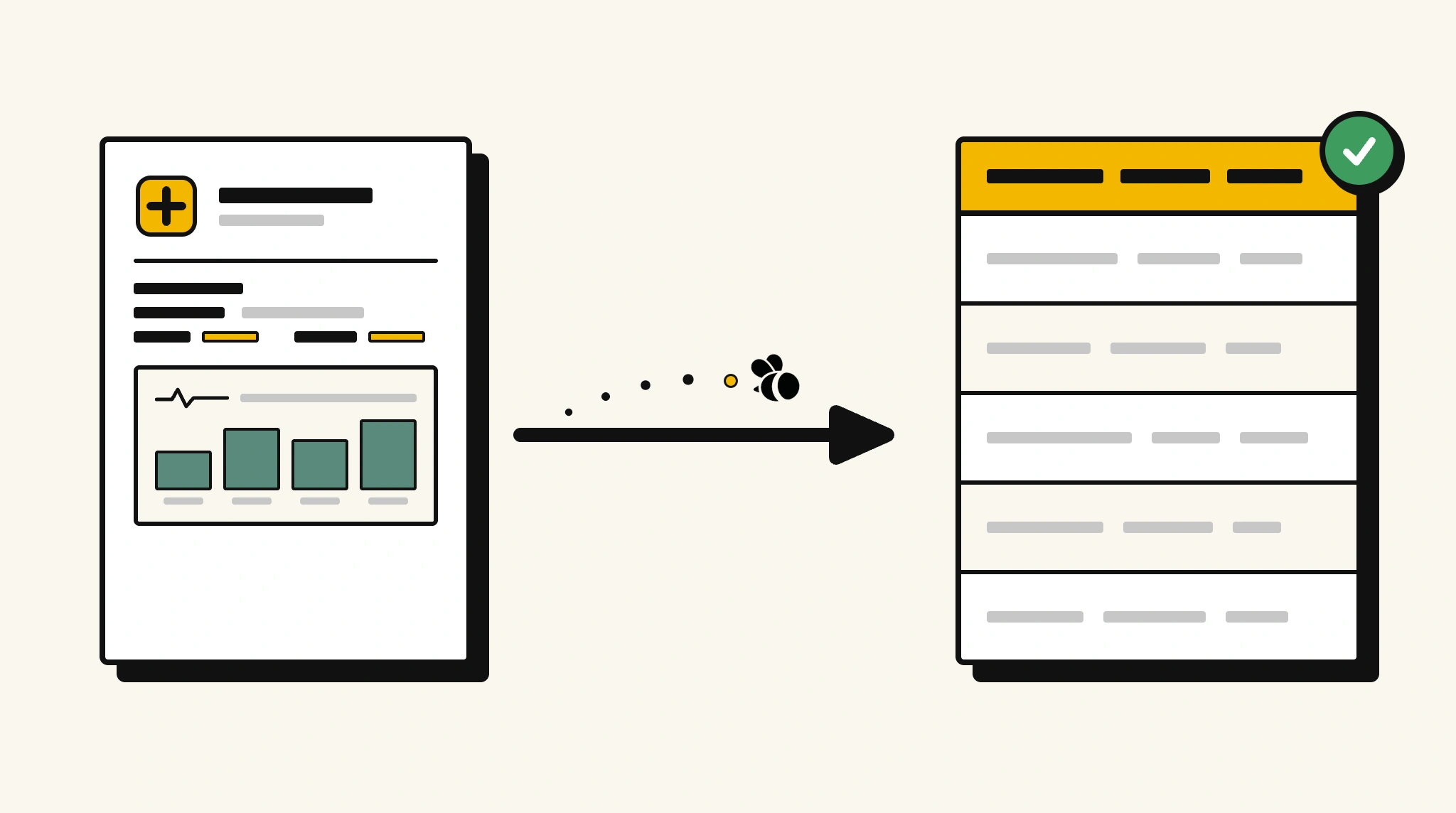
Stop manually reviewing medical records for key clinical data
Pulling structured clinical data from narrative medical records for analysis, reporting, or care coordination is time-intensive without automation.
❌ Before ParserBee
- Read through each medical record to find diagnosis and medications
- Re-type clinical findings into your EHR or reporting system
- Risk missing secondary diagnoses or follow-up instructions
- Process records from multiple clinicians and facilities inconsistently
- Spend hours preparing data for clinical audits or research
✅ After ParserBee
- Upload medical records via browser or API
- Extract diagnosis, medications, and treatment notes automatically
- Get consistent structured data across all record formats
- Feed data directly into your clinical system or analytics platform
- Complete record reviews in seconds not hours
How ParserBee Parses Medical Records
Three steps from document to structured data, no setup or training required.
Upload the Document
Upload a PDF, PNG, JPG, or WebP file. Multi-page documents are processed as a single job.
AI Extracts All Fields
ParserBee identifies and extracts every field automatically, no training or configuration required.
Get Structured Data
Download as JSON or CSV, or use the API to push data directly into your systems on upload.
Fields Extracted from Medical Records
This extraction template comes pre-built with these fields. Add, remove, or rename any field before saving.
Sample Extracted Output
Upload a medical record and ParserBee returns a structured table like this, automatically.
| Field | Extracted Value |
|---|---|
| Patient Name | Robert Kim |
| Patient ID | MRN-44821 |
| Visit Date | 15 Nov 2025 |
| Physician | Dr. Susan Park |
| Facility | Riverside Medical Center |
| Chief Complaint | Chest pain on exertion |
| Diagnosis | Stable angina pectoris |
| Diagnosis Code | I20.9 |
| Vital Signs | BP 138/88, HR 76, Temp 98.6F, Weight 84kg |
| Follow-Up Date | 15 Dec 2025 |
Medications, extracted as a list
| Drug Name | Dosage | Frequency | Duration |
|---|---|---|---|
| Aspirin | 100mg | Once daily | Ongoing |
| Atorvastatin | 40mg | Once daily at night | Ongoing |
| GTN Spray | 400mcg | As needed for chest pain | Ongoing |
Every field is pulled directly from the document. You define what to extract, ParserBee does the reading.
Export Medical Record Data to Excel, CSV or Google Sheets
No developer needed to convert medical records to Excel. Upload a whole batch in ParserBee's Data Lab, review every extracted row in a live spreadsheet, then download everything as CSV, print to PDF, or send it straight to a new Google Sheet in one click.
Prefer automation? The REST API returns clean JSON for every medical record, ready for Zapier, Make, n8n, or your own system.
Who Uses This Parser
Frequently Asked Questions
What data is extracted from a medical record?
Patient name, ID, date of birth, visit date, physician, facility, chief complaint, vital signs, diagnosis, diagnosis code, all medications with dosage and frequency, treatment notes, and follow-up date.
Can it extract multiple diagnoses from a single record?
Yes. The diagnosis field captures primary and secondary diagnoses. Add a secondary diagnoses field to your template to capture them separately.
Does it work with clinical notes written by different physicians in different styles?
Yes. ParserBee reads natural language clinical text and extracts the fields you define regardless of writing style or format.
Can I use extracted data for clinical audits?
Yes. Extract structured data from large record sets and aggregate it for audit reporting without manual chart review.
Does it work with scanned paper medical records?
Yes. Upload a scanned record image and ParserBee reads it using AI OCR. Legibility affects accuracy.
Related Document Parsers
Start extracting medical record data today
Free to try. No credit card required. Works on your first upload.
Create free account