Extract Data from Patient Intake Forms Automatically
Upload a patient intake form and get demographics, medical history, insurance details, and chief complaint extracted as structured data instantly.
Used by medical practices, clinics, and health system administrators worldwide.
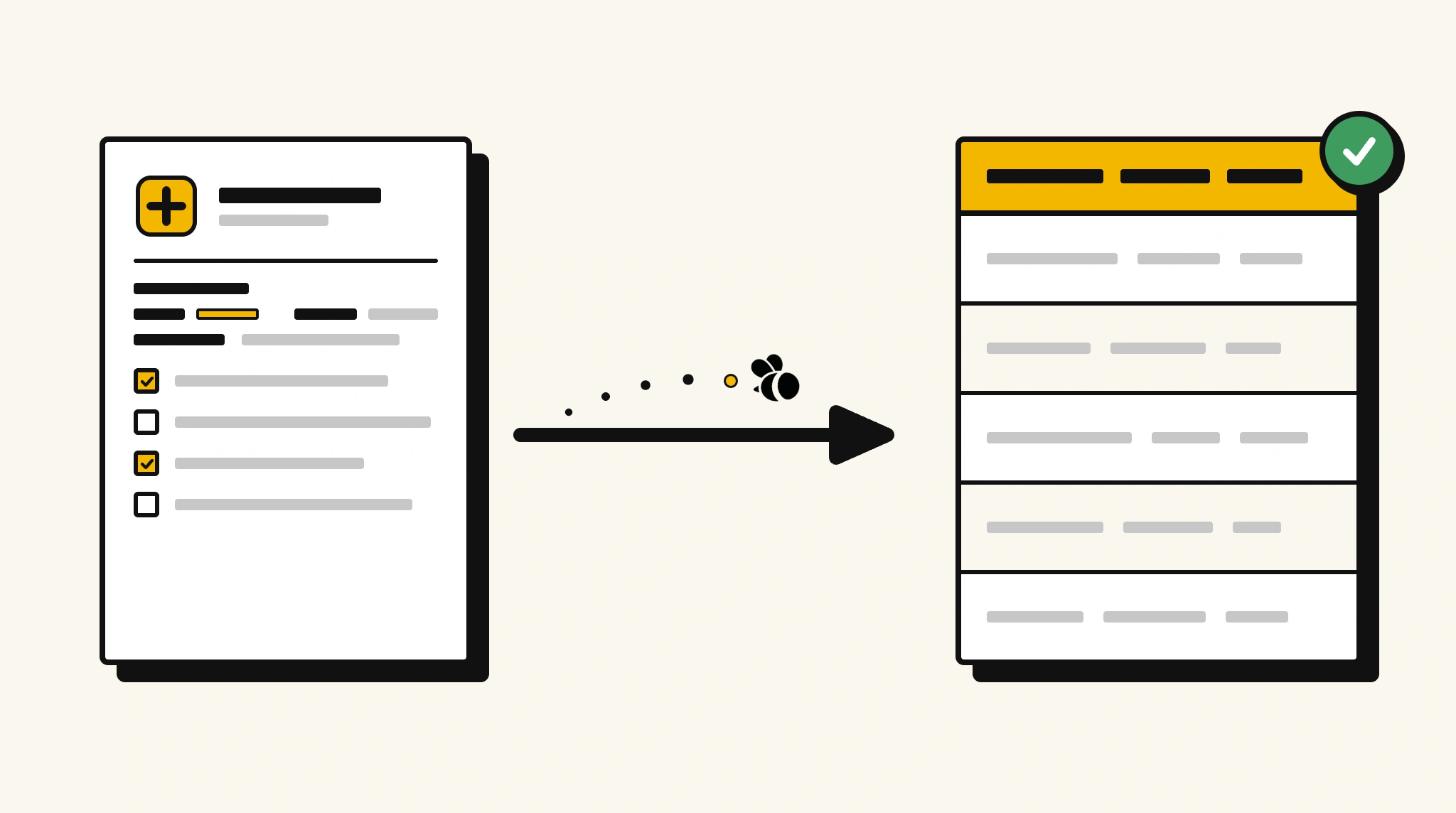
Stop re-entering patient intake data manually
Transcribing patient details from paper intake forms into your EHR before every appointment delays care and introduces errors.
❌ Before ParserBee
- Collect paper intake forms and read through each one manually
- Re-type patient demographics and medical history into your EHR
- Risk missing allergy or medication information
- Process each new patient form individually
- Delay appointments while admin staff enter data
✅ After ParserBee
- Upload intake forms via browser or API
- Extract all patient fields automatically in seconds
- Capture allergies, medications, and history consistently
- Feed data directly into your EHR or practice management system
- See patients faster with pre-populated records
How ParserBee Parses Patient Intake Forms
Three steps from document to structured data, no setup or training required.
Upload the Document
Upload a PDF, PNG, JPG, or WebP file. Multi-page documents are processed as a single job.
AI Extracts All Fields
ParserBee identifies and extracts every field automatically, no training or configuration required.
Get Structured Data
Download as JSON or CSV, or use the API to push data directly into your systems on upload.
Fields Extracted from Patient Intake Forms
This extraction template comes pre-built with these fields. Add, remove, or rename any field before saving.
Sample Extracted Output
Upload a patient intake form and ParserBee returns a structured table like this, automatically.
| Field | Extracted Value |
|---|---|
| Patient Name | Maria Santos |
| Date of Birth | 14 Mar 1982 |
| Gender | Female |
| Phone | +1 408 555 0177 |
| Insurance Provider | BlueCross BlueShield |
| Policy Number | BCB-998234-02 |
| Primary Physician | Dr. Karen Liu |
| Chief Complaint | Persistent headaches for 2 weeks |
| Known Allergies | Penicillin, rash |
| Current Medications | Lisinopril 10mg daily |
Every field is pulled directly from the document. You define what to extract, ParserBee does the reading.
Export Patient Intake Form Data to Excel, CSV or Google Sheets
No developer needed to convert patient intake forms to Excel. Upload a whole batch in ParserBee's Data Lab, review every extracted row in a live spreadsheet, then download everything as CSV, print to PDF, or send it straight to a new Google Sheet in one click.
Prefer automation? The REST API returns clean JSON for every patient intake form, ready for Zapier, Make, n8n, or your own system.
Who Uses This Parser
Frequently Asked Questions
What data is extracted from a patient intake form?
Patient name, date of birth, gender, phone, email, address, emergency contact, insurance provider and policy number, primary physician, chief complaint, current medications, known allergies, and medical history.
Does it work with handwritten paper intake forms?
Yes. ParserBee uses AI OCR to read handwritten forms. Printed or typed forms produce the most accurate results.
Can I use it to pre-populate my EHR?
Yes. Use the API to receive structured data and map it to your EHR fields. Most EHR platforms support data import via API or HL7 interface.
Does it capture the full medications list?
Yes. The current medications field captures all medications listed on the intake form as a single structured field.
Is patient data handled securely?
ParserBee processes data over encrypted connections. Contact [email protected] for details on HIPAA-aligned configurations.
Related Document Parsers
Start automating patient intake data extraction today
Free to try. No credit card required. Works on your first upload.
Create free account