Extract Data from Timesheets Automatically
Upload a timesheet PDF or scanned form and get employee hours, project codes, and totals extracted as structured data ready for payroll and billing.
Used by payroll teams, project managers, and finance departments worldwide.
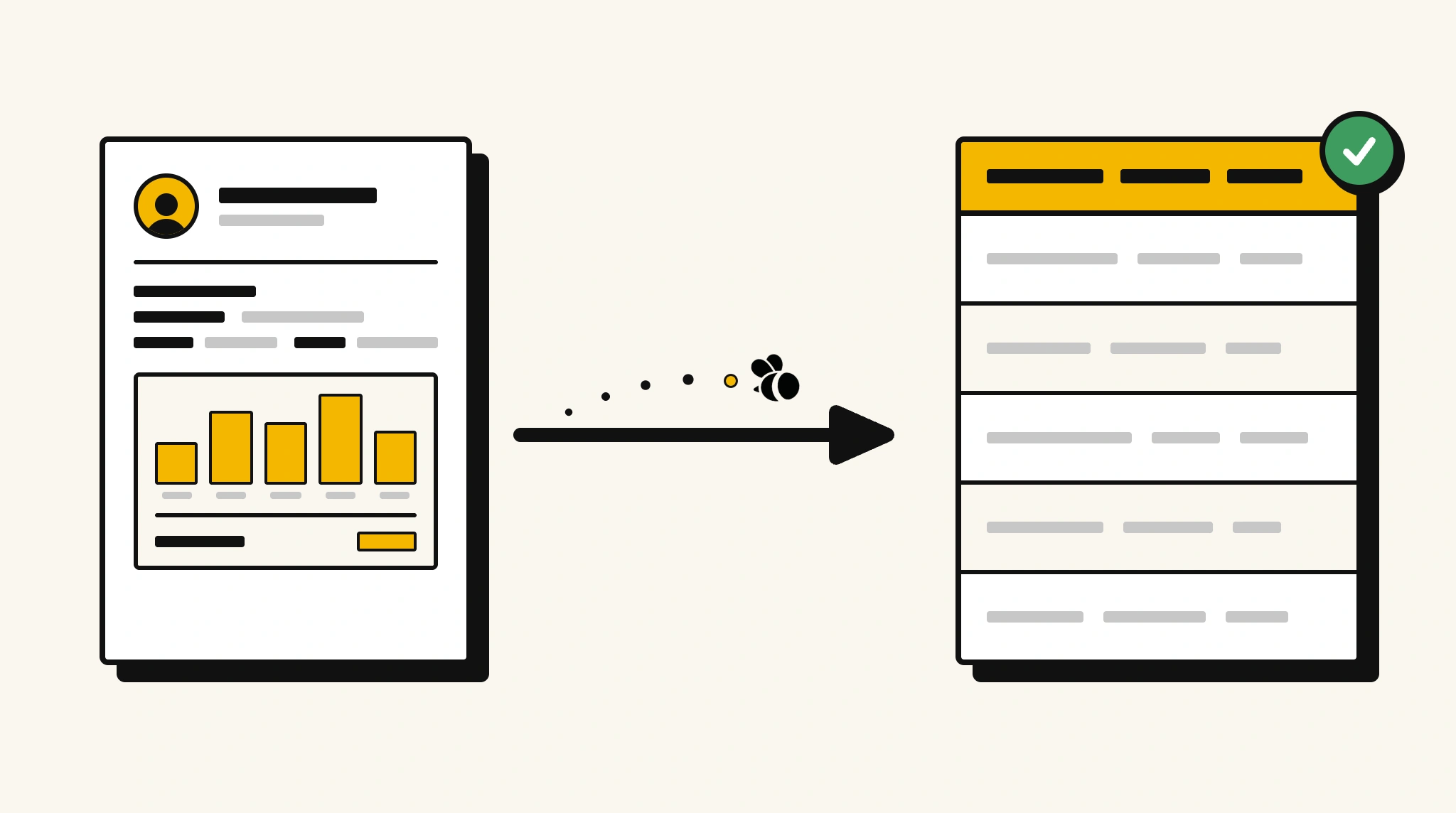
Stop manually entering timesheet data into payroll
Re-keying hours, project codes, and overtime from paper or PDF timesheets into payroll software is one of the most avoidable manual tasks in HR.
❌ Before ParserBee
- Collect paper or PDF timesheets and open each one manually
- Re-type daily hours and project codes into payroll software
- Risk calculation errors on regular vs overtime hours
- Chase managers for approvals held up by manual processes
- Reconcile hours against project budgets individually
✅ After ParserBee
- Upload timesheets via browser or API
- Extract daily entries, project codes, and totals automatically
- Get clean structured data ready for payroll processing
- Verify hours against project allocations automatically
- Process a week's worth of timesheets in minutes not hours
How ParserBee Parses Timesheets
Three steps from document to structured data, no setup or training required.
Upload the Document
Upload a PDF, PNG, JPG, or WebP file. Multi-page documents are processed as a single job.
AI Extracts All Fields
ParserBee identifies and extracts every field automatically, no training or configuration required.
Get Structured Data
Download as JSON or CSV, or use the API to push data directly into your systems on upload.
Fields Extracted from Timesheets
This extraction template comes pre-built with these fields. Add, remove, or rename any field before saving.
Sample Extracted Output
Upload a timesheet and ParserBee returns a structured table like this, automatically.
| Field | Extracted Value |
|---|---|
| Employee Name | David Chen |
| Employee ID | EMP-3302 |
| Week Start | 10 Nov 2025 |
| Week End | 14 Nov 2025 |
| Total Regular Hours | 38.5 |
| Total Overtime Hours | 3.0 |
| Total Hours | 41.5 |
| Manager Approval | Sandra Lee |
Daily entries, extracted as a list
| Date | Project Code | Regular Hrs | Overtime Hrs |
|---|---|---|---|
| 10 Nov 2025 | PRJ-ALPHA | 8.0 | 0 |
| 11 Nov 2025 | PRJ-ALPHA | 7.5 | 1.5 |
| 12 Nov 2025 | PRJ-BETA | 8.0 | 0 |
| 13 Nov 2025 | PRJ-BETA | 7.5 | 1.5 |
| 14 Nov 2025 | PRJ-ALPHA | 7.5 | 0 |
Every field is pulled directly from the document. You define what to extract, ParserBee does the reading.
Export Timesheet Data to Excel, CSV or Google Sheets
No developer needed to convert timesheets to Excel. Upload a whole batch in ParserBee's Data Lab, review every extracted row in a live spreadsheet, then download everything as CSV, print to PDF, or send it straight to a new Google Sheet in one click.
Prefer automation? The REST API returns clean JSON for every timesheet, ready for Zapier, Make, n8n, or your own system.
Who Uses This Parser
Frequently Asked Questions
What data is extracted from a timesheet?
Employee name, ID, week start and end dates, each daily entry with date, project code, regular hours, overtime hours, and description, plus total regular hours, overtime hours, and total hours.
Can it handle timesheets with multiple project codes per day?
Yes. Add additional rows to the entries list in your template to capture multiple project entries per day.
Does it work with handwritten or printed timesheets?
Yes. ParserBee reads both printed and handwritten timesheets using AI OCR. Printed timesheets produce the most accurate results.
Can I use this to feed payroll software directly?
Yes. Extracted timesheet data is returned via the API and can be mapped to payroll software fields using a direct integration or Zapier.
How are overtime hours handled?
Overtime hours are extracted as a separate field in each daily entry. Your payroll logic can apply the appropriate rate to the extracted overtime value.
Related Document Parsers
Start automating timesheet data extraction today
Free to try. No credit card required. Works on your first upload.
Create free account