Extract Data from Job Application Forms Automatically
Upload a job application PDF or scanned form and get applicant details, work history, and position information extracted and structured instantly.
Used by HR departments, recruiters, and operations teams worldwide.
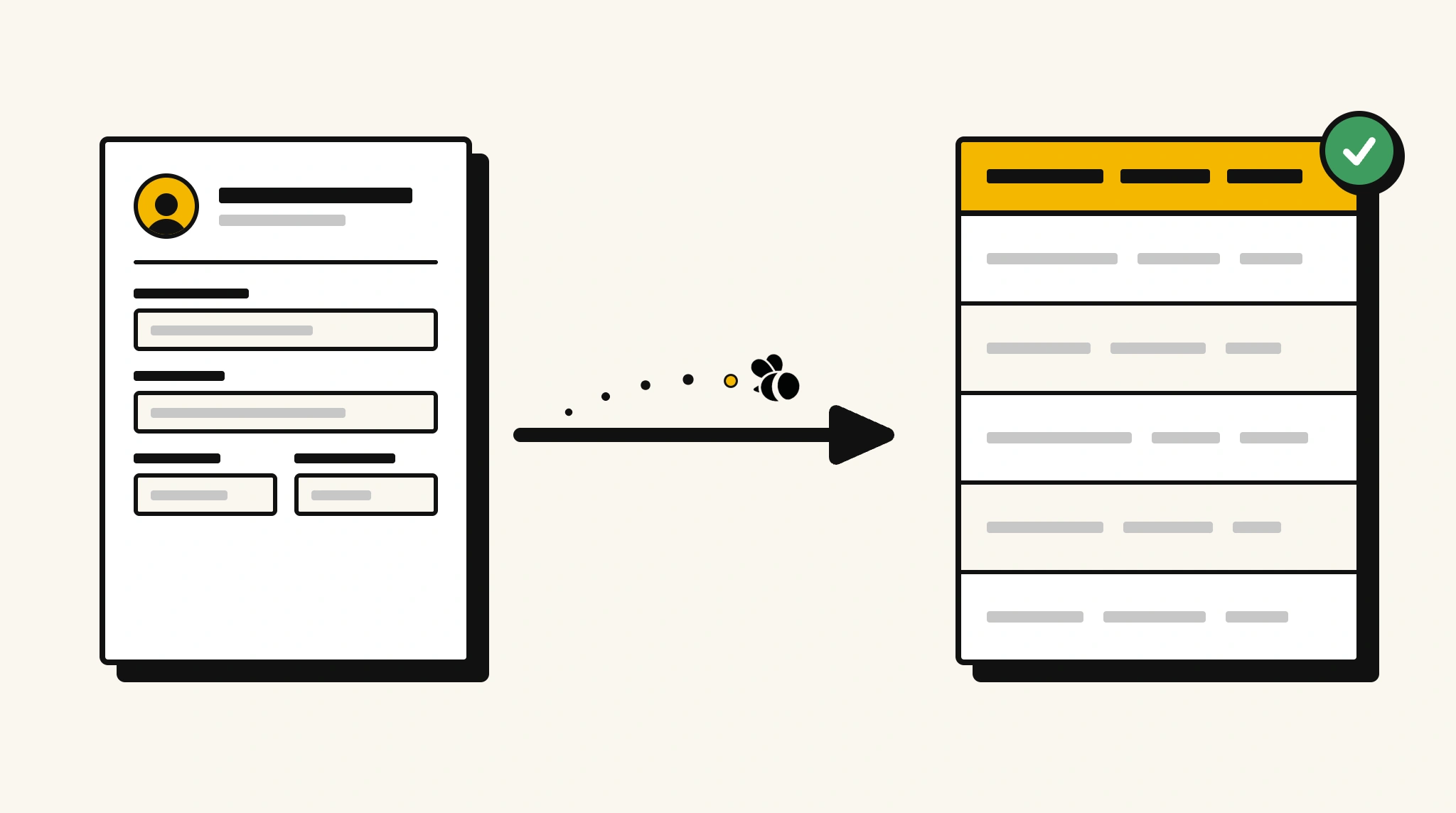
Stop entering job application data by hand
Manually keying applicant details from paper or PDF forms into your systems is slow and error-prone at any scale.
❌ Before ParserBee
- Open each job application form individually
- Re-type applicant name, contact, and employment history
- Risk data entry errors on key applicant fields
- Process each form in isolation with no consistency
- Spend hours on data entry instead of candidate review
✅ After ParserBee
- Upload applications via browser or API
- Extract all applicant fields automatically
- Get consistent structured data for every application
- Feed data directly into your HR or ATS system
- Process large application batches without extra headcount
How ParserBee Parses Job Application Forms
Three steps from document to structured data, no setup or training required.
Upload the Document
Upload a PDF, PNG, JPG, or WebP file. Multi-page documents are processed as a single job.
AI Extracts All Fields
ParserBee identifies and extracts every field automatically, no training or configuration required.
Get Structured Data
Download as JSON or CSV, or use the API to push data directly into your systems on upload.
Fields Extracted from Job Application Forms
This extraction template comes pre-built with these fields. Add, remove, or rename any field before saving.
Sample Extracted Output
Upload a job application form and ParserBee returns a structured table like this, automatically.
| Field | Extracted Value |
|---|---|
| Applicant Name | James Okafor |
| [email protected] | |
| Phone | +44 7700 900123 |
| Position Applied | Senior Software Engineer |
| Application Date | 12 Nov 2025 |
| Available Start | 01 Jan 2026 |
| Employment Type | Full-time |
| Expected Salary | £75,000 |
Work history, extracted as a list
| Employer | Position | From | To |
|---|---|---|---|
| Globex Ltd | Software Engineer | Mar 2021 | Present |
| DataCo | Junior Developer | Jun 2018 | Feb 2021 |
Every field is pulled directly from the document. You define what to extract, ParserBee does the reading.
Export Job Application Form Data to Excel, CSV or Google Sheets
No developer needed to convert job application forms to Excel. Upload a whole batch in ParserBee's Data Lab, review every extracted row in a live spreadsheet, then download everything as CSV, print to PDF, or send it straight to a new Google Sheet in one click.
Prefer automation? The REST API returns clean JSON for every job application form, ready for Zapier, Make, n8n, or your own system.
Who Uses This Parser
Frequently Asked Questions
Does it work with paper application forms that have been scanned?
Yes. ParserBee uses AI OCR that reads scanned documents just like digital PDFs. Upload a scanned form and get structured data back.
Can it extract multi-page application forms?
Yes. Multi-page forms are processed as a single document. Fields are extracted across all pages automatically.
What if applicants leave fields blank?
Blank or unanswered fields are returned as empty values in the output. Your downstream system can handle missing data as needed.
Can I customize the fields extracted from our company's application form?
Yes. The template is fully editable. Add or remove fields to match your specific application form layout before saving.
How do I send extracted data to our HR system?
Use the REST API to receive structured JSON data and map it to your HR or ATS system. Zapier and Make integrations are also available.
Related Document Parsers
Start automating job application data extraction today
Free to try. No credit card required. Works on your first upload.
Create free account