Extract Data from Receipts Automatically
Upload any receipt, printed, handwritten, or digital, and get store name, items, amounts, and payment method extracted as structured data instantly.
Used by expense management teams, finance departments, and accounting software developers worldwide.
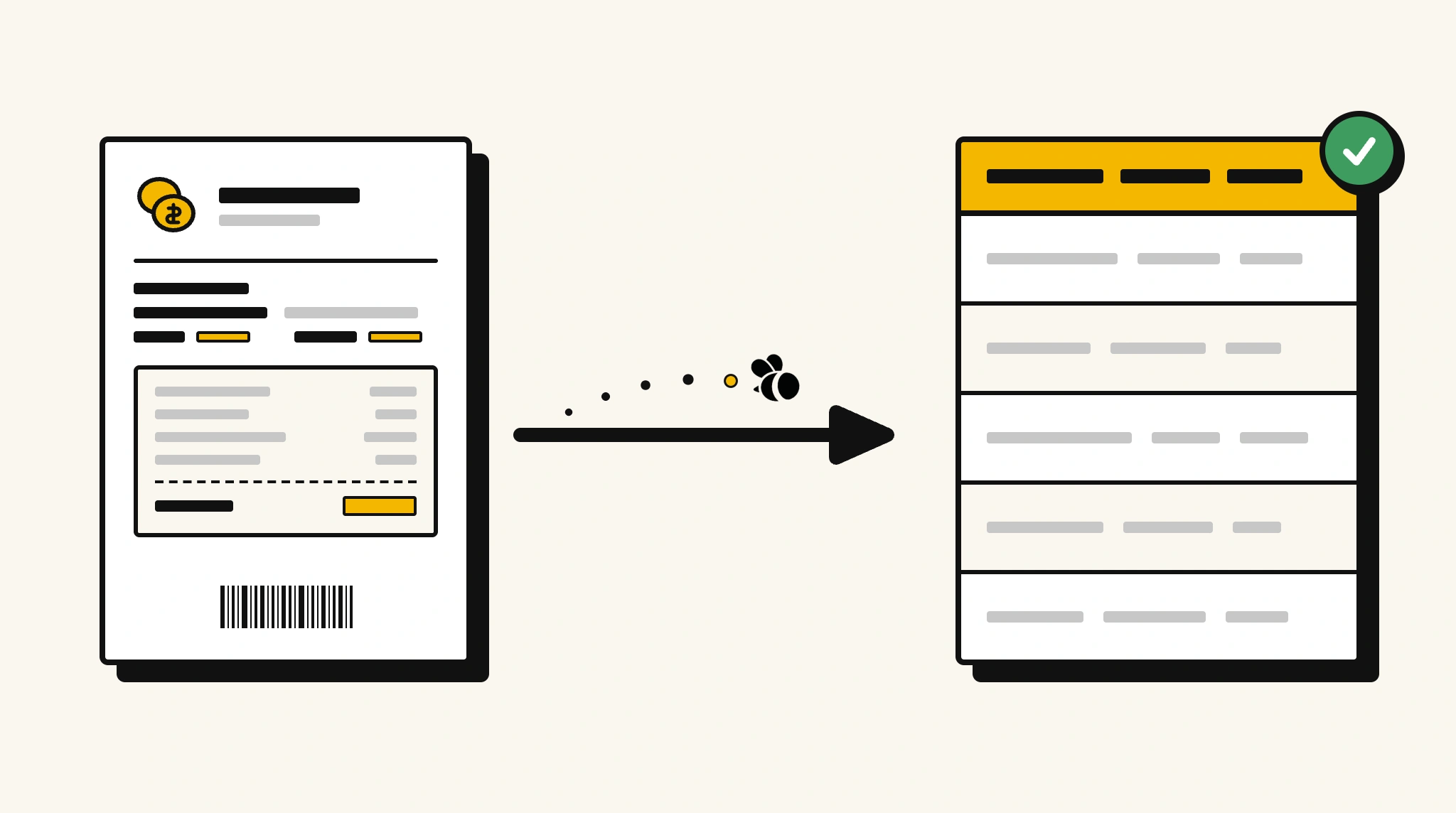
Stop manually logging receipt details for expense reimbursement
Employees submit receipts in all formats and staff spend hours keying the data into expense systems, a slow process that delays reimbursements and creates errors.
❌ Before ParserBee
- Collect paper receipts from employees
- Manually read and key each receipt into your expense system
- Risk errors on amounts and merchant names
- Chase employees for missing receipt details
- Process expenses in batches at end of month
✅ After ParserBee
- Employees photograph and upload receipts instantly
- All items, amounts, and merchant details extracted automatically
- Data pushed directly into your expense management system
- Flag receipts with missing fields for follow-up immediately
- Process expense claims as they arrive, no batching needed
How ParserBee Parses Receipts
Three steps from document to structured data, no setup or training required.
Upload the Document
Upload a PDF, PNG, JPG, or WebP file. Multi-page documents are processed as a single job.
AI Extracts All Fields
ParserBee identifies and extracts every field automatically, no training or configuration required.
Get Structured Data
Download as JSON or CSV, or use the API to push data directly into your systems on upload.
Fields Extracted from Receipts
This extraction template comes pre-built with these fields. Add, remove, or rename any field before saving.
Sample Extracted Output
Upload a receipt and ParserBee returns a structured table like this, automatically.
| Field | Extracted Value |
|---|---|
| Store Name | Metro Office Supplies |
| Receipt Date | 15 Nov 2025 10:42 AM |
| Receipt Number | RCP-00291 |
| Subtotal | $87.50 |
| Tax | $8.75 |
| Total Amount | $96.25 |
| Payment Method | Visa Credit Card |
| Cashier | James K. |
Items purchased, extracted as a list
| Item | Qty | Unit Price | Total |
|---|---|---|---|
| A4 Paper Ream | 2 | $12.50 | $25.00 |
| Stapler | 1 | $18.00 | $18.00 |
| Ballpoint Pens (Box) | 3 | $14.83 | $44.50 |
Every field is pulled directly from the document. You define what to extract, ParserBee does the reading.
Export Receipt Data to Excel, CSV or Google Sheets
No developer needed to convert receipts to Excel. Upload a whole batch in ParserBee's Data Lab, review every extracted row in a live spreadsheet, then download everything as CSV, print to PDF, or send it straight to a new Google Sheet in one click.
Prefer automation? The REST API returns clean JSON for every receipt, ready for Zapier, Make, n8n, or your own system.
Who Uses This Parser
Frequently Asked Questions
Does it work with handwritten receipts?
Yes. ParserBee OCR is trained on handwritten financial documents including receipts from small merchants and market vendors.
Can it extract individual line items from a receipt?
Yes. Items are extracted as a repeating list with item name, quantity, unit price, and total for each line.
What if the receipt is a photo rather than a PDF?
Photos in JPG, PNG, and WebP format are fully supported. The image is processed the same way as a scanned PDF.
Can I extract data from receipts in multiple currencies?
Yes. The currency is extracted as shown on the receipt. You can add a currency conversion step in your downstream workflow.
Does it handle receipts that span multiple pages?
Yes. Multi-page receipts are processed as a single document and items are extracted across all pages.
Related Document Parsers
Start extracting receipt data automatically today
Free to try. No credit card required. Works on your first upload.
Create free account