Extract Data from Grant Applications Automatically
Upload a grant application and get organization details, project title, funding requested, objectives, and beneficiaries extracted as structured data in seconds.
Used by grant-making foundations, government funding bodies, and non-profit administrators worldwide.
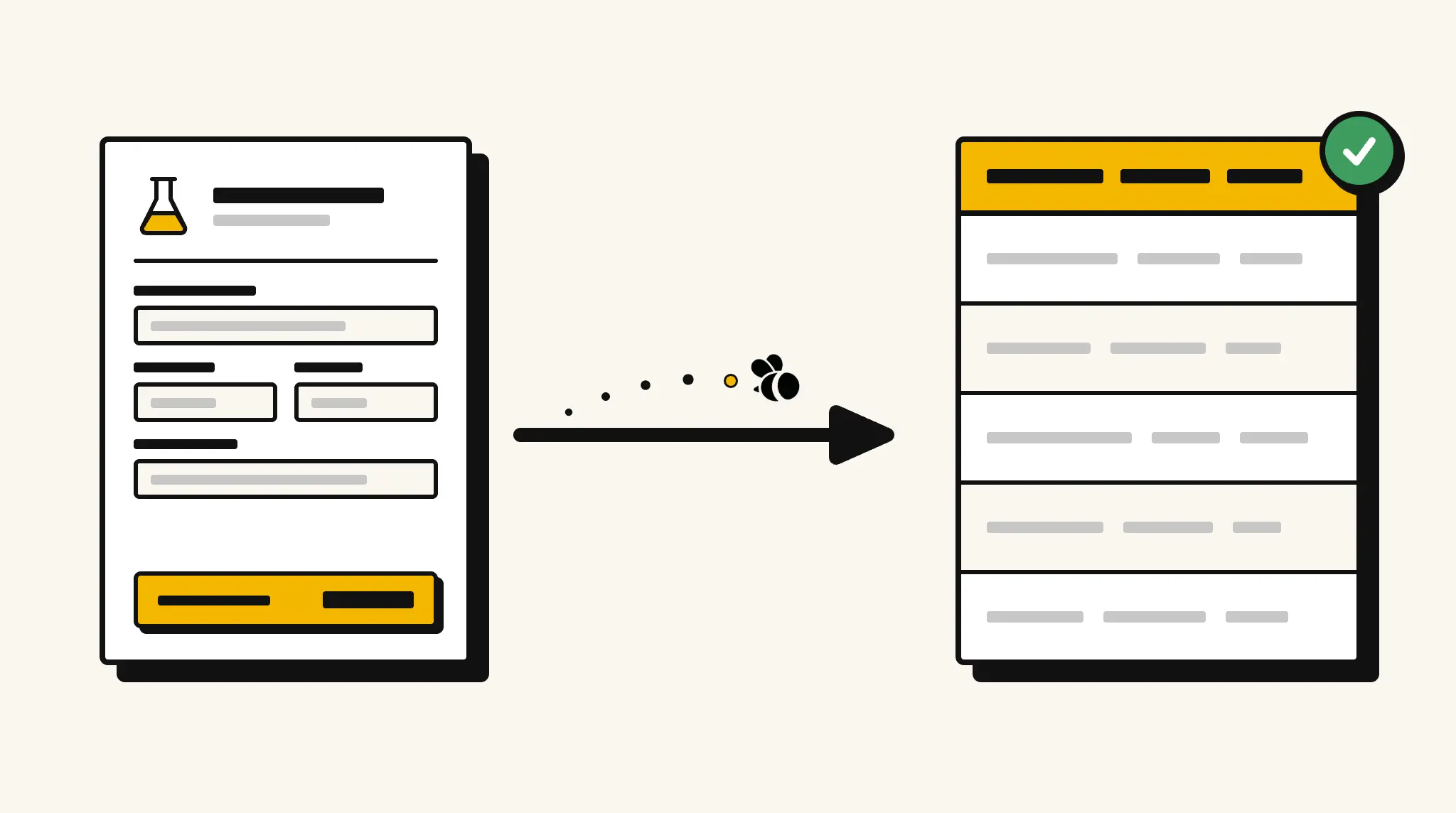
Stop manually reviewing grant applications for key details
Reading through lengthy grant applications to log project titles, funding amounts, and organization details before the review process takes time that grant administrators need for evaluation.
❌ Before ParserBee
- Open each application PDF and manually record key project details
- Re-type organization name, funding requested, and project title into your grants system
- Miss objectives or beneficiary information spread across long application narratives
- Process applications in different formats from different organizations inconsistently
- Delay review cycles because data entry precedes every assessment
✅ After ParserBee
- Upload grant applications via browser or API
- Extract all key fields automatically before the review begins
- Get structured application data loaded into your grants management system
- Compare funding requests and project scope across applications easily
- Focus reviewer time on evaluation instead of data entry
How ParserBee Parses Grant Applications
Three steps from document to structured data, no setup or training required.
Upload the Document
Upload a PDF, PNG, JPG, or WebP file. Multi-page documents are processed as a single job.
AI Extracts All Fields
ParserBee identifies and extracts every field automatically, no training or configuration required.
Get Structured Data
Download as JSON or CSV, or use the API to push data directly into your systems on upload.
Fields Extracted from Grant Applications
This extraction template comes pre-built with these fields. Add, remove, or rename any field before saving.
Sample Extracted Output
Upload a grant application and ParserBee returns a structured table like this, automatically.
| Field | Extracted Value |
|---|---|
| Organization Name | Community Health Foundation |
| Applicant Name | Dr. Alice Mensah |
| Grant Program | Public Health Innovation Fund 2025 |
| Project Title | Mobile Health Screening for Rural Communities |
| Funding Requested | $125,000 |
| Project Start | 01 Mar 2026 |
| Project End | 28 Feb 2028 |
| Submission Date | 15 Nov 2025 |
| Target Beneficiaries | Rural communities in three counties with limited healthcare access |
| Mission | Improving health equity through community-based programs |
Every field is pulled directly from the document. You define what to extract, ParserBee does the reading.
Export Grant Application Data to Excel, CSV or Google Sheets
No developer needed to convert grant applications to Excel. Upload a whole batch in ParserBee's Data Lab, review every extracted row in a live spreadsheet, then download everything as CSV, print to PDF, or send it straight to a new Google Sheet in one click.
Prefer automation? The REST API returns clean JSON for every grant application, ready for Zapier, Make, n8n, or your own system.
Who Uses This Parser
Frequently Asked Questions
What data is extracted from a grant application?
Organization name, applicant name and email, grant program, project title, project description, funding amount requested, project start and end dates, objectives, target beneficiaries, organization mission, and submission date.
Does it work with grant applications from different funders?
Yes. ParserBee adapts to any grant application format regardless of the funding body or form template.
Can it extract the project objectives section?
Yes. The projectObjectives field captures the stated objectives or goals from the application narrative.
Can I process large volumes of applications during an open funding cycle?
Yes. Use the API to process multiple applications in a batch workflow during peak intake periods.
Can I compare funding amounts requested across all applications?
Yes. Extract all applications and sort or filter by the fundingAmountRequested field in your grants management system or spreadsheet.
Related Document Parsers
Start automating grant application data extraction today
Free to try. No credit card required. Works on your first upload.
Create free account