Extract Data from Court Filings Automatically
Upload any court filing or legal document and get case number, parties, court name, filing date, and document type extracted as structured data in seconds.
Used by law firms, legal operations teams, and court administration departments worldwide.
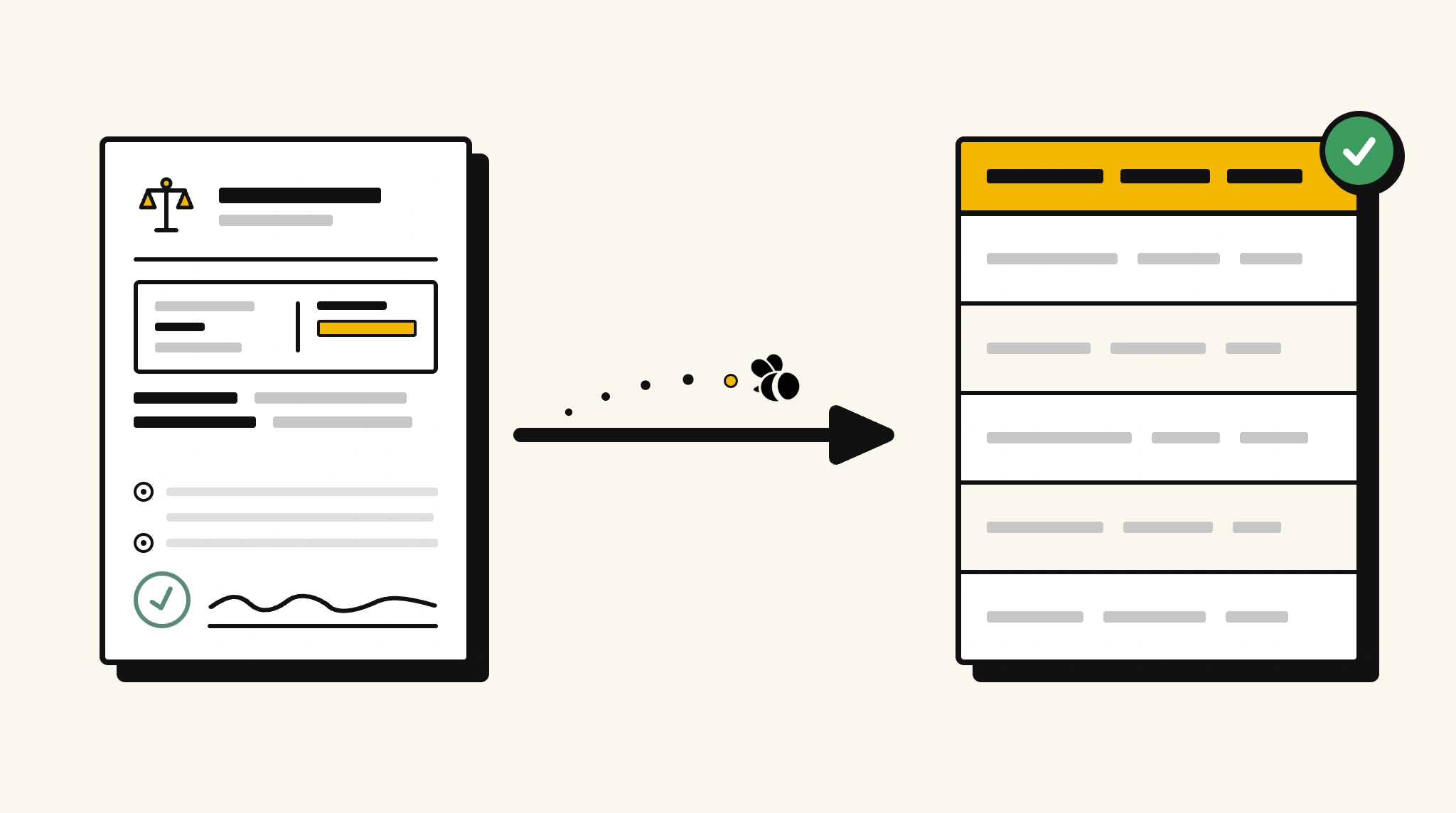
Stop manually indexing court filings and case documents
Reading through case filings to log case numbers, parties, and hearing dates into legal management systems is time-consuming and creates a backlog for litigation teams.
❌ Before ParserBee
- Open each court filing PDF and manually read case details
- Re-enter case number, parties, and court into your legal system
- Miss upcoming hearing dates buried in lengthy documents
- Index documents inconsistently across different clerks
- Spend hours on document management instead of case strategy
✅ After ParserBee
- Upload court filings via browser or API
- Extract case number, parties, court, and dates automatically
- Feed structured data directly into your legal matter management system
- Flag upcoming hearing dates for calendar entries
- Build a searchable indexed case document database automatically
How ParserBee Parses Court Filings
Three steps from document to structured data, no setup or training required.
Upload the Document
Upload a PDF, PNG, JPG, or WebP file. Multi-page documents are processed as a single job.
AI Extracts All Fields
ParserBee identifies and extracts every field automatically, no training or configuration required.
Get Structured Data
Download as JSON or CSV, or use the API to push data directly into your systems on upload.
Fields Extracted from Court Filings
This extraction template comes pre-built with these fields. Add, remove, or rename any field before saving.
Sample Extracted Output
Upload a court filing and ParserBee returns a structured table like this, automatically.
| Field | Extracted Value |
|---|---|
| Case Number | 2025-CV-00847 |
| Court | United States District Court, S.D.N.Y. |
| Case Type | Civil |
| Plaintiff | Apex Holdings Inc |
| Defendant | Meridian Supply Group LLC |
| Filing Date | 14 Nov 2025 |
| Document Title | Plaintiff Motion for Summary Judgment |
| Plaintiff Attorney | Hamilton & Reed LLP |
| Judge | Hon. Patricia K. Morrison |
Every field is pulled directly from the document. You define what to extract, ParserBee does the reading.
Export Court Filing Data to Excel, CSV or Google Sheets
No developer needed to convert court filings to Excel. Upload a whole batch in ParserBee's Data Lab, review every extracted row in a live spreadsheet, then download everything as CSV, print to PDF, or send it straight to a new Google Sheet in one click.
Prefer automation? The REST API returns clean JSON for every court filing, ready for Zapier, Make, n8n, or your own system.
Who Uses This Parser
Frequently Asked Questions
What data is extracted from a court filing?
Case number, court name, case type, plaintiff and defendant names, filing date, document title, plaintiff and defendant attorneys, judge name, and next hearing date.
Does it work with different types of court documents?
Yes. It works with complaints, motions, orders, judgments, and other court filing types. The document title field identifies the filing type.
Can it handle multi-page court documents?
Yes. Multi-page filings are processed as a single document and metadata is extracted from wherever it appears.
How do I log extracted case data into my matter management system?
Use the REST API to push extracted JSON to your legal matter management or case tracking platform.
Can it extract hearing dates from court orders?
Yes. The nextHearingDate field captures the next scheduled court date if it appears in the document.
Related Document Parsers
Start extracting court filing data automatically today
Free to try. No credit card required. Works on your first upload.
Create free account