Extract Data from Clinical Trial Reports Automatically
Upload a clinical trial report and get trial ID, phase, drug name, sample size, primary endpoint, results, and conclusions extracted as structured data in seconds.
Used by clinical research organizations, regulatory affairs teams, and medical affairs departments worldwide.
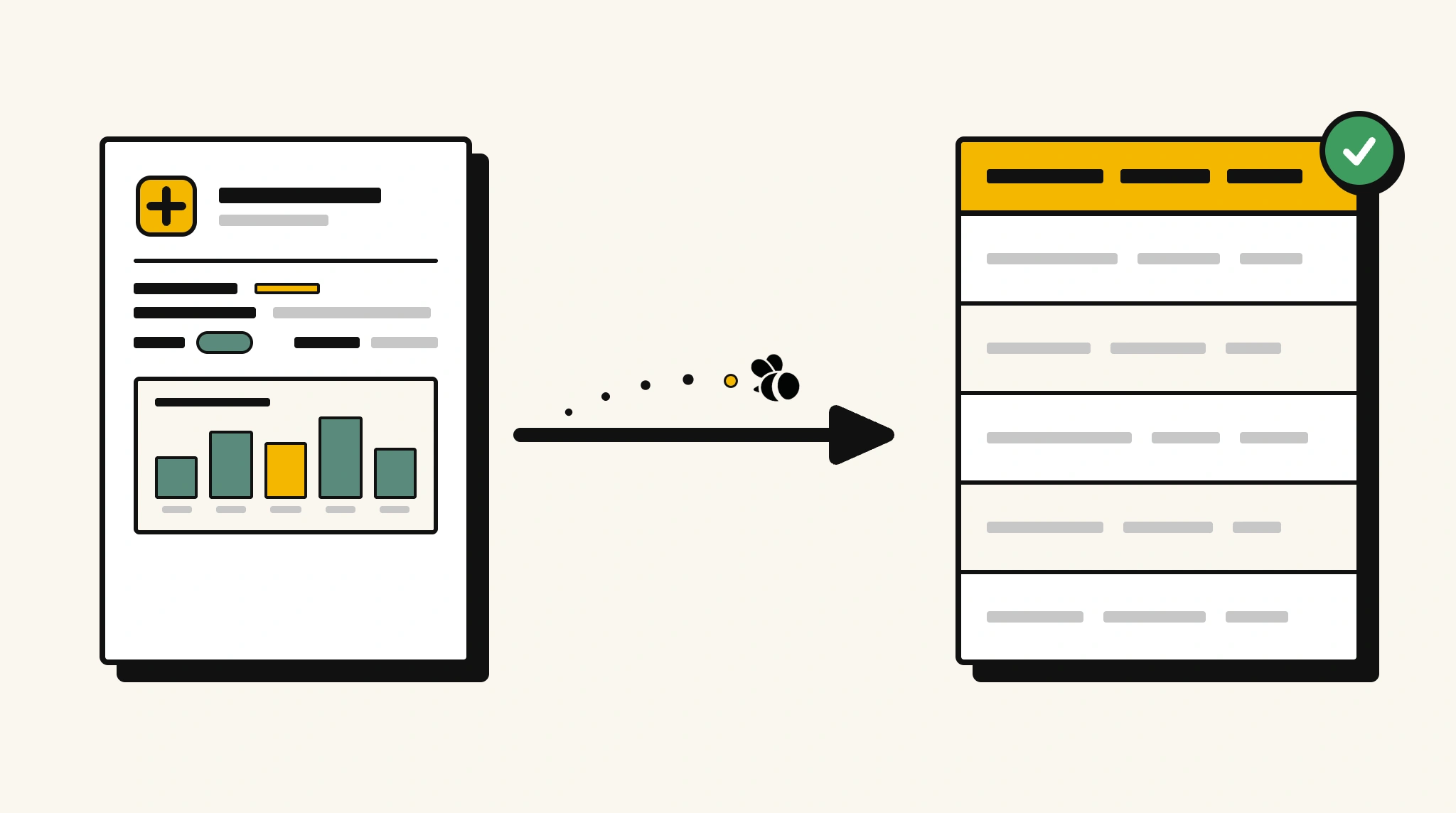
Stop manually searching clinical trial reports for key data
Locating trial ID, endpoint results, and safety data in lengthy trial reports for submissions or databases takes hours of careful document review.
❌ Before ParserBee
- Search through lengthy trial reports to find results and conclusions
- Copy trial ID, phase, and endpoint results into regulatory submissions manually
- Process multiple trial reports from different sponsors individually
- Risk missing adverse events buried in safety sections
- No structured database of trial outcomes across your portfolio
✅ After ParserBee
- Upload trial reports via browser or API
- Extract all key trial details and results automatically
- Capture adverse events and safety data consistently
- Build a searchable structured database of trial outcomes
- Process trial reports from any sponsor or therapeutic area
How ParserBee Parses Clinical Trial Reports
Three steps from document to structured data, no setup or training required.
Upload the Document
Upload a PDF, PNG, JPG, or WebP file. Multi-page documents are processed as a single job.
AI Extracts All Fields
ParserBee identifies and extracts every field automatically, no training or configuration required.
Get Structured Data
Download as JSON or CSV, or use the API to push data directly into your systems on upload.
Fields Extracted from Clinical Trial Reports
This extraction template comes pre-built with these fields. Add, remove, or rename any field before saving.
Sample Extracted Output
Upload a clinical trial report and ParserBee returns a structured table like this, automatically.
| Field | Extracted Value |
|---|---|
| Trial ID | NCT02948291 |
| Trial Title | Rivaxaban in Cardiovascular Event Prevention |
| Phase | Phase III |
| Drug / Intervention | Rivaxaban 20mg |
| Sponsor | Apex Pharma Inc |
| Principal Investigator | Prof. Michael Davies |
| Sample Size | 4,200 |
| Primary Endpoint | Reduction in cardiovascular events at 12 months |
| Primary Results | 31% relative risk reduction vs placebo (p<0.001) |
| Conclusion | Significant efficacy with acceptable safety profile |
Every field is pulled directly from the document. You define what to extract, ParserBee does the reading.
Export Clinical Trial Report Data to Excel, CSV or Google Sheets
No developer needed to convert clinical trial reports to Excel. Upload a whole batch in ParserBee's Data Lab, review every extracted row in a live spreadsheet, then download everything as CSV, print to PDF, or send it straight to a new Google Sheet in one click.
Prefer automation? The REST API returns clean JSON for every clinical trial report, ready for Zapier, Make, n8n, or your own system.
Who Uses This Parser
Frequently Asked Questions
What data is extracted from a clinical trial report?
Trial ID, title, phase, drug or intervention, sponsor, principal investigator, start and end dates, sample size, primary endpoint, results, adverse events, and overall conclusion.
Can it handle reports from different therapeutic areas?
Yes. The template works across any therapeutic area. Customize field descriptions to match the specific metrics important to your trial type.
Can I use this for regulatory submissions?
Yes. Extract structured data and feed it into your regulatory submission workflow via the API.
Does it extract adverse event details?
Yes. The adverse events field captures notable adverse events or side effects reported in the safety section of the report.
Can I process trial reports from multiple sponsors in the same workflow?
Yes. Use the API to process reports from multiple sponsors. The same template works regardless of sponsor format.
Related Document Parsers
Start building your clinical trial data pipeline today
Free to try. No credit card required. Works on your first upload.
Create free account